SoilTest PRO Auto Soils Consolidator (ASC)
25-0500
Original Instructions 18 9901X0275 Issue 2
Motor Drive and Home Position Setup
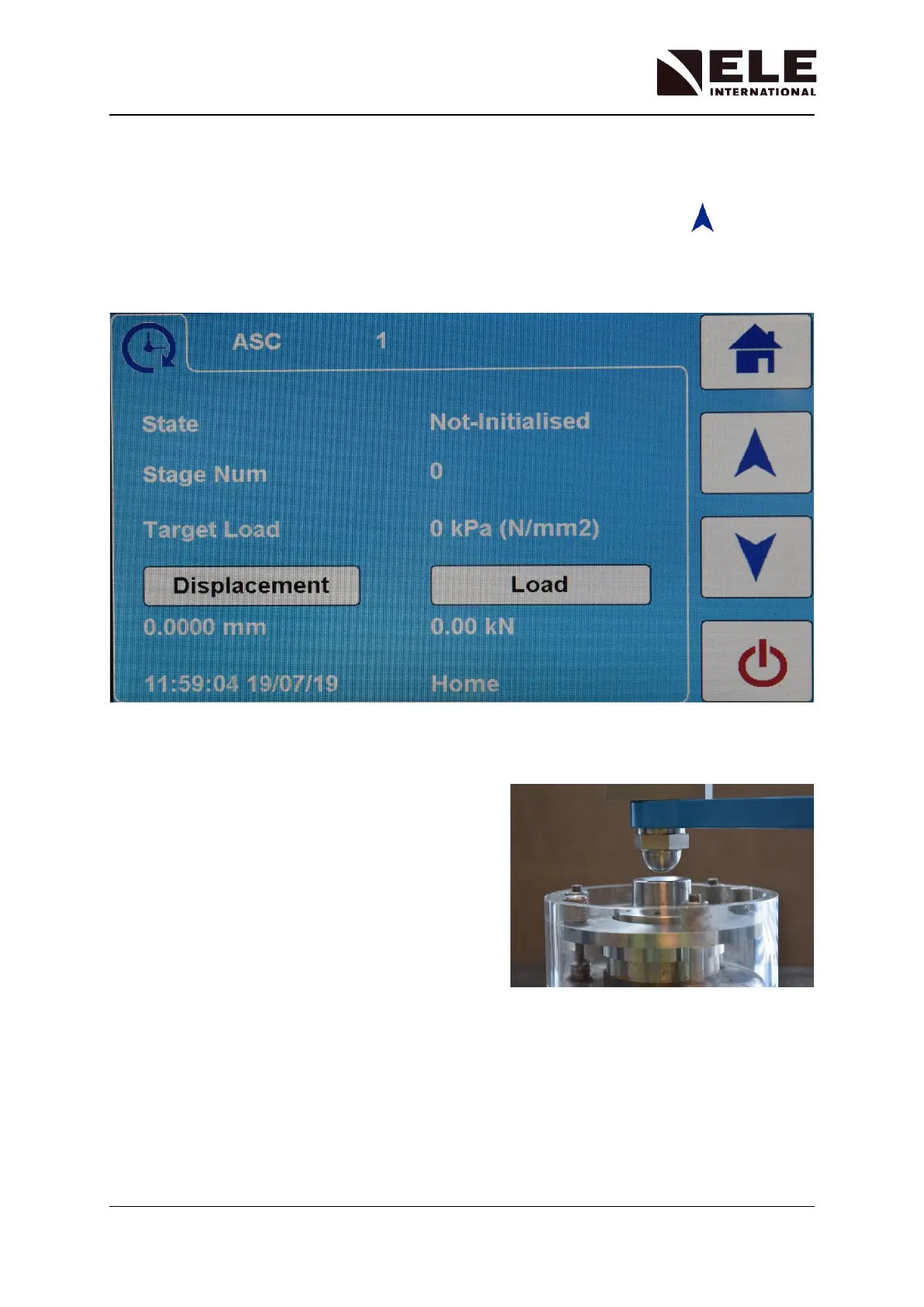
With the machine leveled the cross-head position can be checked or adjusted. Use the Test
Start Menu to control the height of the cross-head. Press the move up icon to move
the cross-head to its ‘HOME’ position.
During this process the display will show the ‘Status’ of the machine as ‘Unloading’. A pop-up
message will then show when the machine reaches its ‘Top Limit’ and then returns to the
‘HOME’ position.
Wait until the machine status shows it is at the ‘HOME’ position.
With the cell containing a stiff soil or its calibration
block, confirm there is sufficient headroom for the
cell to be inserted or removed from the frame with
about 1 mm (0.04”) clearance.
Check the cross-head is level and then lock in
position with the top threaded retainers.



 To Next Page