SoilTest PRO Auto Soils Consolidator (ASC)
25-0500
Original Instructions 22 9901X0275 Issue 2
Running a Test
To run a test, a soil sample should be prepared in the manner laid out in the respective test
standard.
The cell containing the sample is then centred on the top plate of the machine with the frame
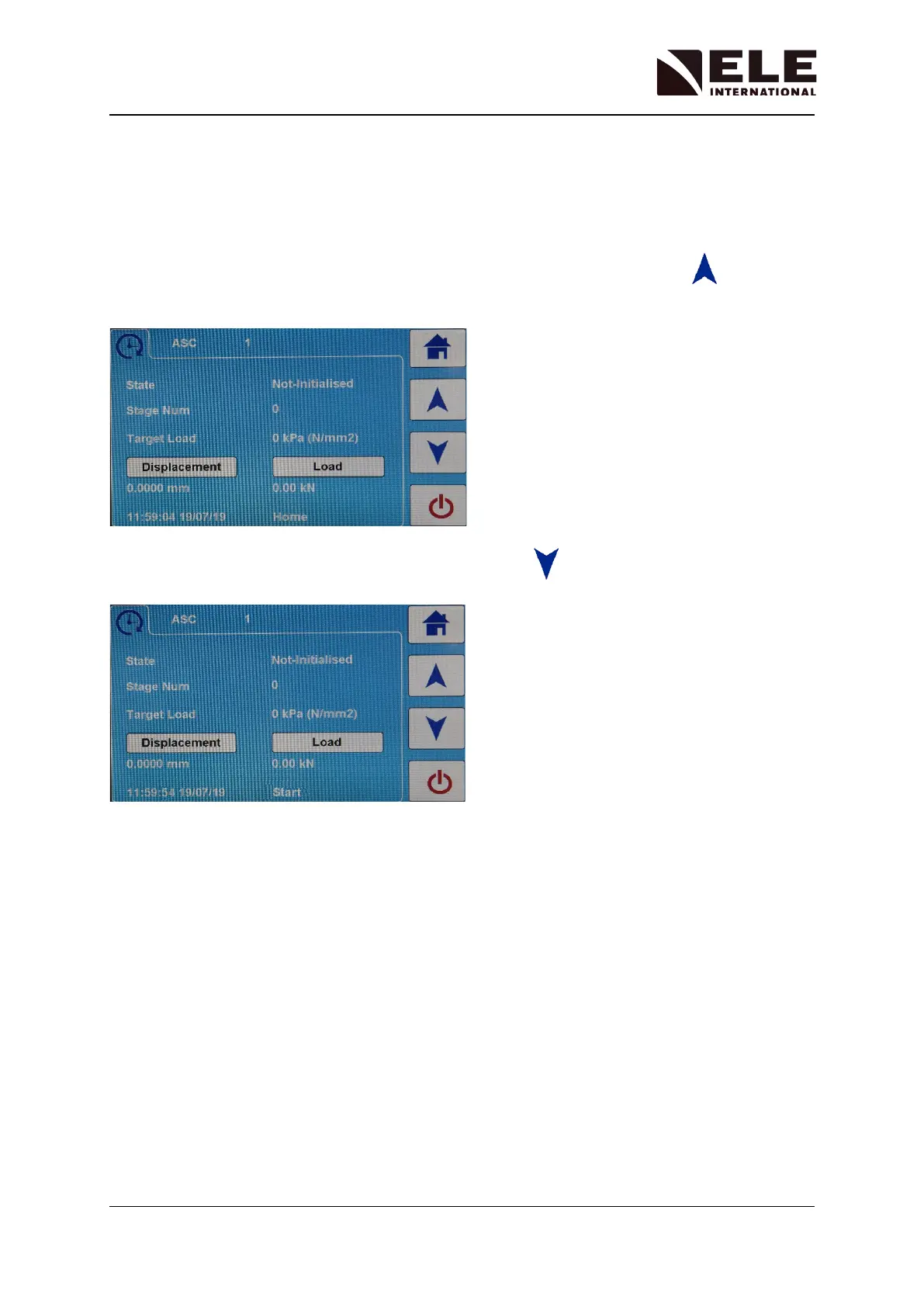
in its ‘HOME’ position. If the frame is not in this state press the frame up key
The machine will return to its top limit and then return to its ‘HOME’ position.
Then with the cell in place, press the frame down key until the frame reaches it’s
‘START’ position.
Adjust the LVDT measurement seat so the tip of the LVDT has definite contact, if this is not
already the case. Lock the LVDT seat in place with its lower knurled nut.
The machine is now in a position for the test to begin.
All further parameters for the test are received from the DS8 application running on a PC.



 To Next Page