30
CUT>. Tap a button a second time to alternate between its two
functions.
Tapping the {FILTER} knob changes the LCD button selection. Holding
the knob selects [NORM], a per-mode nominal passband.
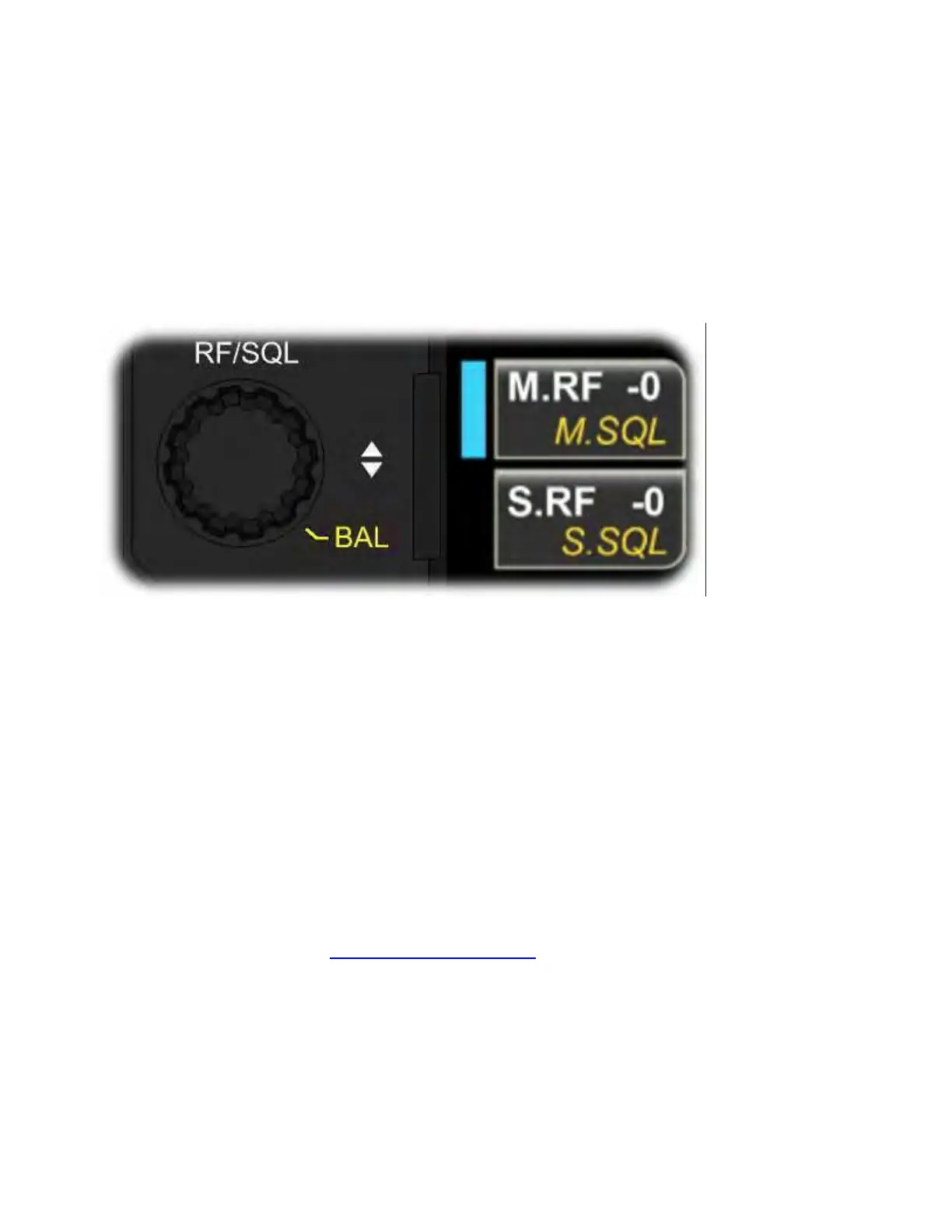
RF/SQL Knob
Rotate {RF/SQL} to adjust RF gain or squelch.
Tap the upper LCD button to adjust main receiver RF gain or squelch
(blue indicator). Tap the lower LCD button to adjust sub receiver RF
gain or squelch (green indicator). Tap a button a second time to
alternate between its two functions.
Tapping the {RF/SQL} knob changes the LCD button selection.
Holding the {RF/SQL} knob turns on [BAL], allowing the SUB AF
knob to set left/right balance (see AF Gain and Balance).



 To Next Page