31
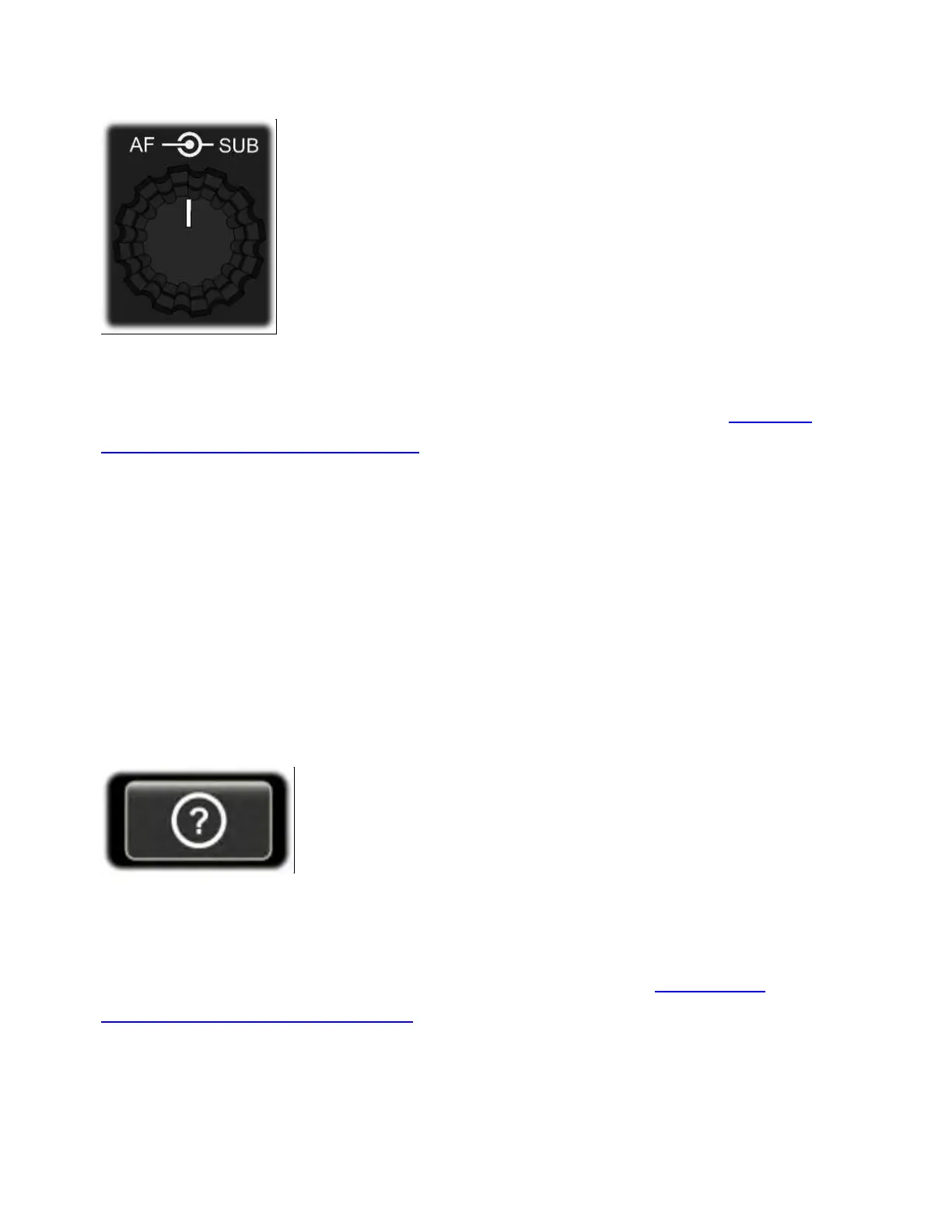
AF/SUB Knob (AF Gain)
The inner concentric knob, {AF}, sets main receiver AF gain. The outer
concentric knob, {SUB}, normally sets sub receiver AF gain. It can also
be configured to control left/right channel audio balance (see RF Gain,
Squelch, and Main/Sub Balance).
LCD AND ON-SCREEN CONTROLS
The LCD screen is divided into a number of elements as described
below. Many of these elements show the current state of settings
while also serving as touch controls.
Info Button ("?")
Tap <?> (lower left-hand corner of the screen) to launch the built-in
operating manual. You can then search for information on the current
operation being performed by tapping <LAST CTRL>, or use the table
of contents, or search by topic. For further details, see USING THE
BUILT-IN OPERATING MANUAL.



 To Next Page