16
3 ACCESS
After the command, the lock is unblocked for 1...10 s for the access of the
visitors.
// You cannot grant access without having a prior communication. .
2 CALL AND COMMUNICATION
Call duration: maximum 15 s (3 calls)
Communication duration: maximum 2 min.
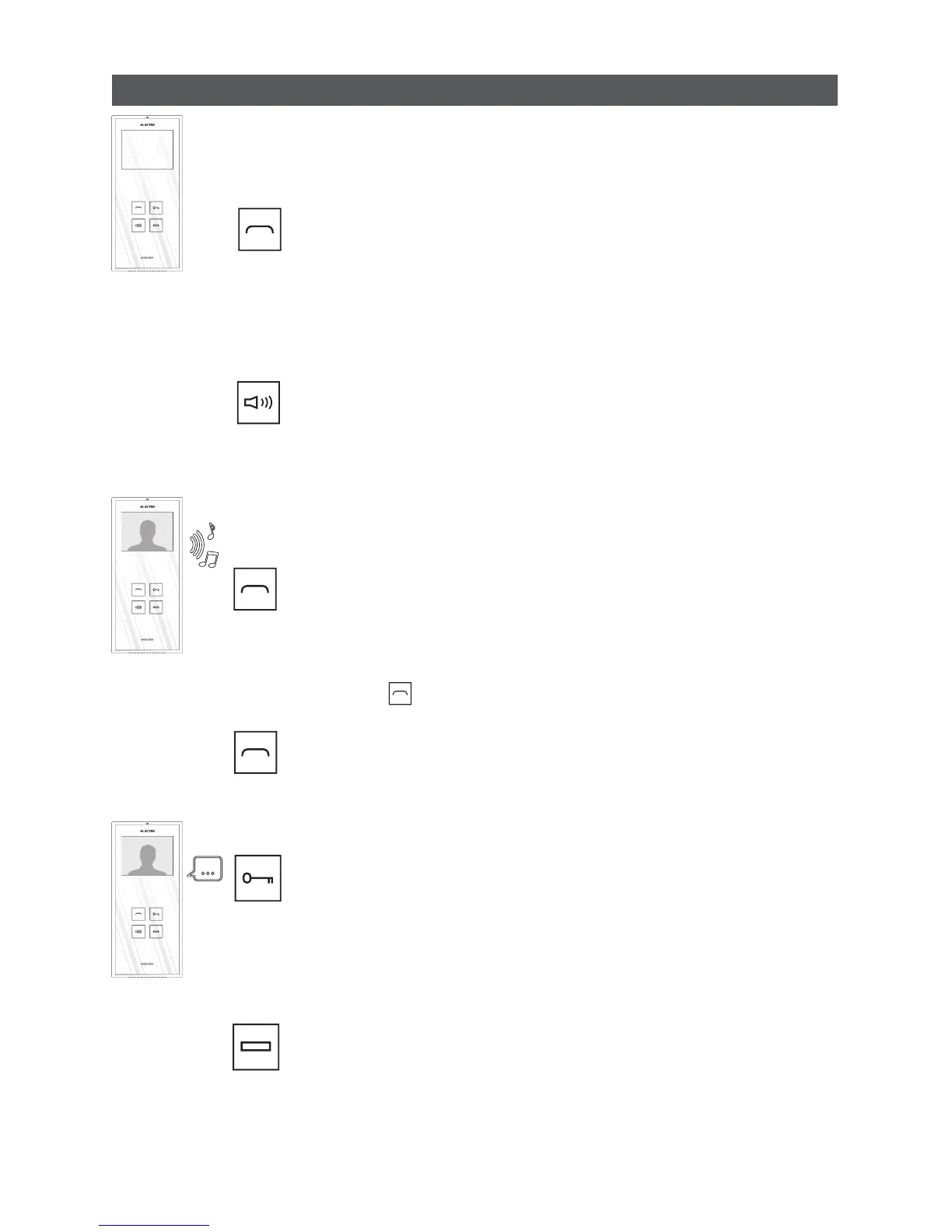
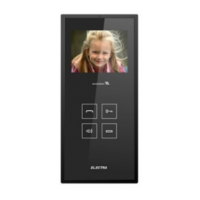
The LED of the key blinks and the display shows the image sent by the video
camera of the Outdoor panel. By touching the key, communication is initiated.
The LED does not blink anymore
Do not touch the key during communication.
END COMMUNICATION
NO ACCESS!
The second touch of the key ends communication without granting access and
the Terminal returns to stand-by mode.
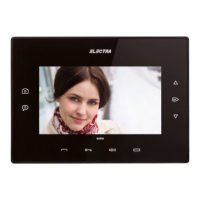
7.2 Use of the video Terminal
1 STAND-BY
The keyboard is not backlit.
At the first touch, the keyboard is backlit and the Terminal may receive the
following commands:
AUDIO – VIDEO MONITORING
+VIDEO CAMERA SELECTION
Monitoring duration: 10 s
By touching this key, you may see and listen to what goes on at the entrance, in
front of the Outdoor panel. Monitoring is not possible if another Terminal of the
system is being called or is during communication.
// If several video cameras are installed within the system, the successive stroke
of the key changes the camera through which the monitoring is done.
VOLUME ADJUSTMENT OR
“TERMINAL TURNED OFF”
By successive touches of this key, the 3 volume levels are passed through:
maximum (white LED), medium (red-white LED) and turned off (red LED). The red
LED will remain permanently turned on until the key is pressed again.
ANSWER THE CALL
ACCESS and
END COMMUNICATION!
No matter what the state of the Terminal is: monitoring, call or
communication, this key may action an automation connected to the
system: auto access or garage gate, lighting system etc.
4 COMMAND AUX
AUXILIARY COMMAND
Stand-by
Call
Communication


 To Next Page