17
EN
7.3 Use of the Outdoor panel
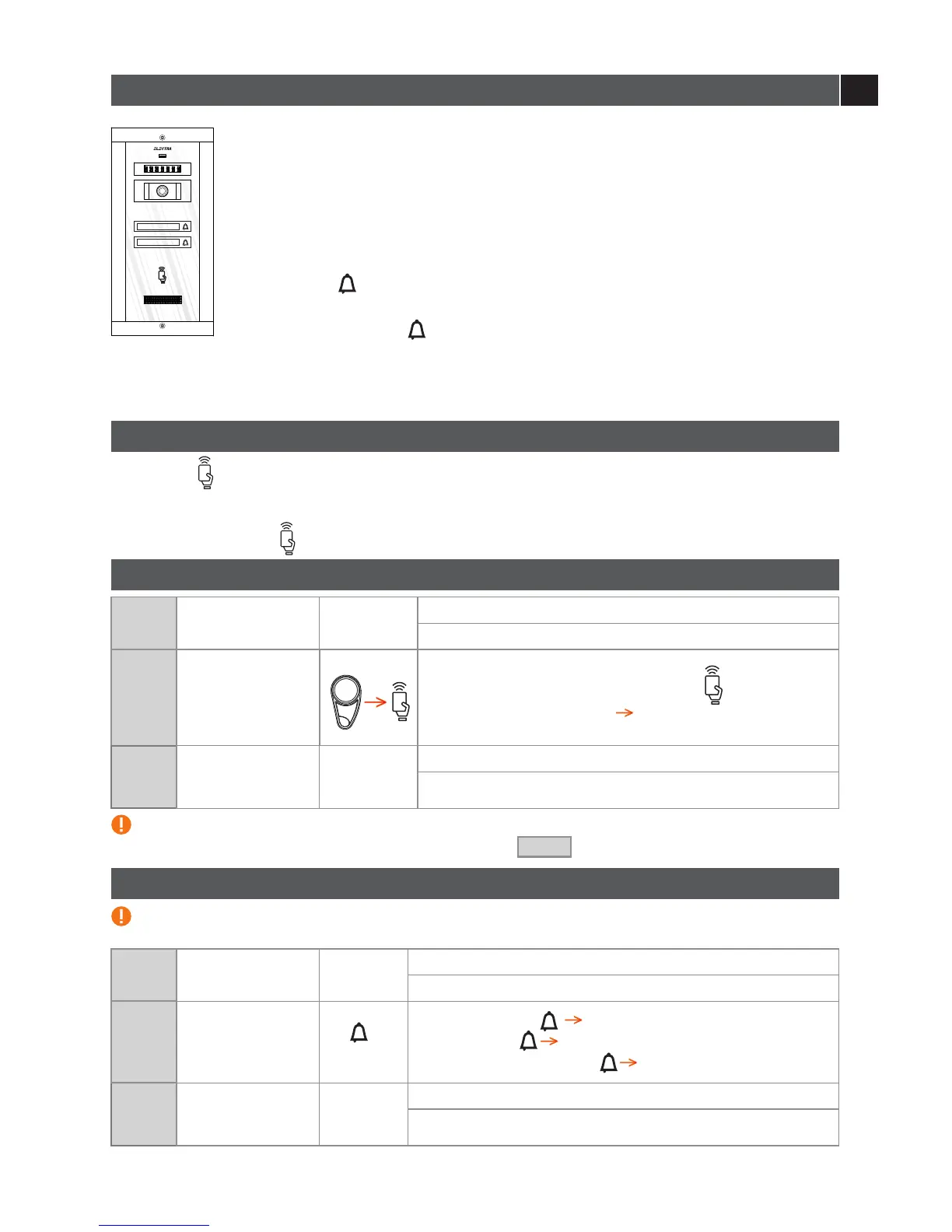
1 STAND-BY
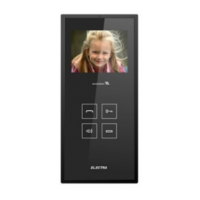
The key of the Outdoor panel and the inhabitant’s name are permanently backlit.
The intermittent RED led signals the presence of video monitoring.
2 CALL AND COMMUNICATION
Call duration: maximum 15 s ( 3 calls)
Communication duration: maximum 2 min.
Touch the key .
The call to the inhabitant is signaled acoustically. You may end the call by
pressing again the key . If the inhabitant answers, communication is initiated.
If access is granted, the panel emits an acoustic signal, and the lock remains
unblocked for maximum 10 seconds. If the inhabitant does not answer, after a
minute, the panel returns to stand-by mode.
The symbol indicates the RFID tag reading area.
7.4 Use of the Access tag
Step
1
Supply control unit
PROG
Long stroke of PROG.
The red LED is on.
The tags are already memorized. When used, the panel emits a recognition acoustic
signal and the symbol blinks green.
7.5 Programming additional tags
Touch with the tags, piece by piece, the symbol.
BEEEEEP
After each memorized tag [ ].
Outdoor panel
Step
2
Step
3
PROG
Press PROG.
The red LED is off, programming procedure is terminated.
Any error during programming is signaled with [ ] .
BEEEEEP
In this case, the procedure must be recommenced from Step 2 .
Supply control unit
7.6 Deleting all the programmed tags
Use this procedure only if you lost one or more of your tags. The remaining ones must be programmed
again.
First
Key
from
bottom up
Long press the key [ . The Panel enters programming.
BEEEEEP
]
7 short touches 2 x [
BEEP
].
BEEEEEP
Immediately one long press [ The tags are deleted.].
Step
3
PROG
Press PROG.
The red LED is off, programming procedure is terminated.
Supply control unit
Step
1
Supply control unit
PROG
Long stroke of PROG.
The red LED is on.
Outdoor panel
Step
2
Harry Johnston
Oliver Thompson


 To Next Page