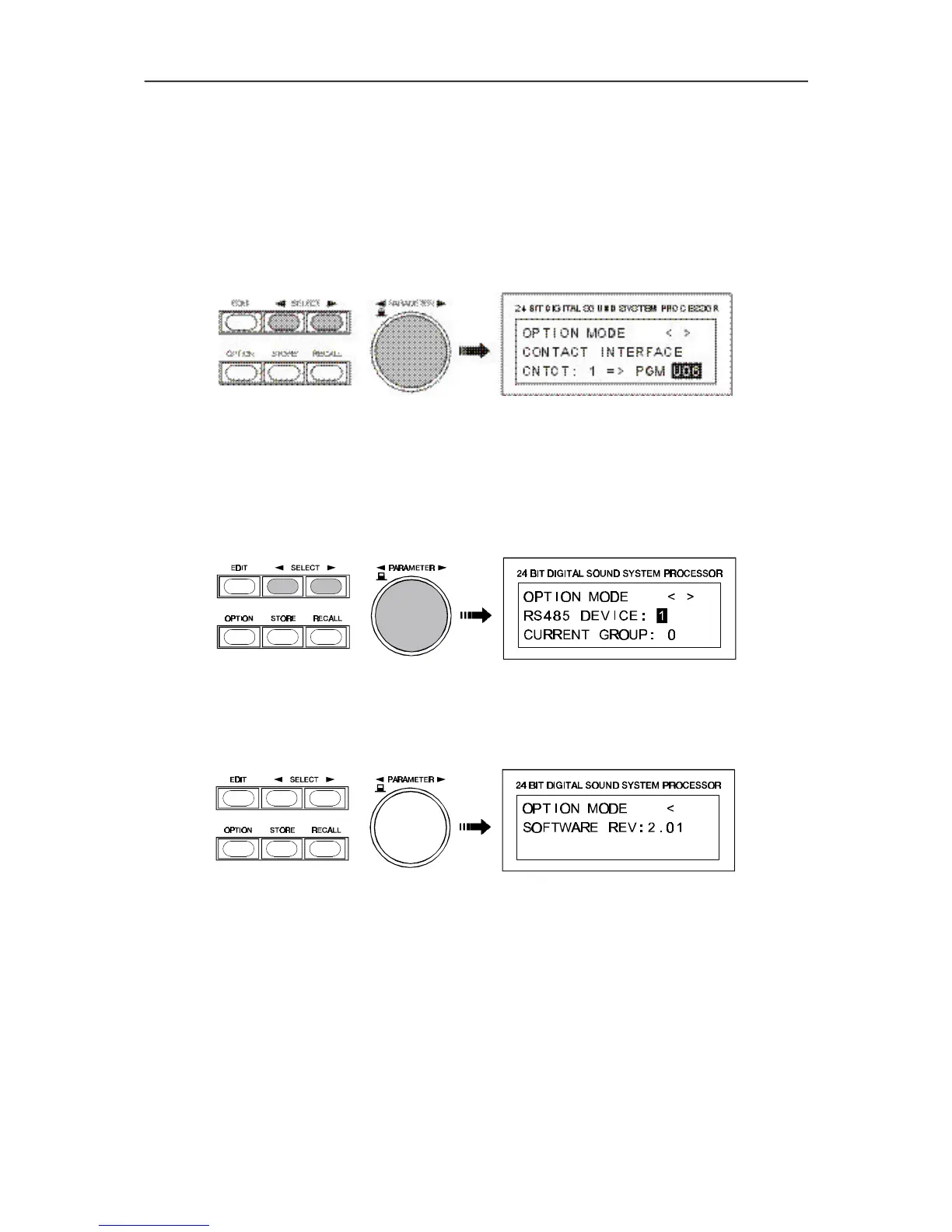
CNTCT: 1
Here you are able to select the control input (1 - 8) for programming.
PGM: U01
In this case, the selected control input is used for program change commands. You are able to select
user-programs U01 to U30 or factory-presets F01 to F50.
PGM: Mute
This setting allows to use the selected control input for Soft-Mute. Upon closing of the corresponding
contact, the Dx 38 outputs are muted - upon opening, the signal is “softly” switched on again. The “Mute”
parameter is listed at the end of the program chart, after F50.
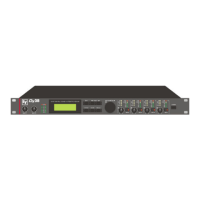
9.11 NRS 90247 RS-485 INTERFACE SETTINGS
Amongst other available options, retrofitting the NRS 90247, RS-485 interface in the Dx38 instead of the
RS-232 interface is possible as well. The RS-485 interface allows configuring, controlling and monitoring
up to 31 Dx38 from a PC. In that case, assigning individual RS-485 IDs to each Dx38 is necessary.
The Group-ID can only be edited via the PC-software. RS-485 IDs are set in the following menu.
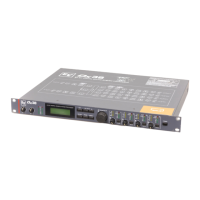
9.12 DISPLAY OF THE SOFTWARE REVISION NUMBER
The display shows the software revision of the Dx 38 host processor; e. g. Version 2.01.
OPTION
9-6


 To Next Page