4
01
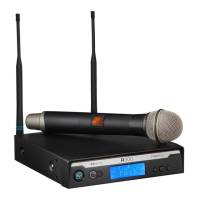
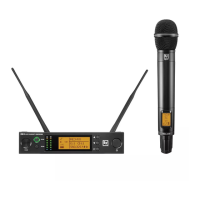
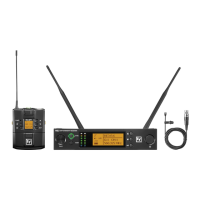
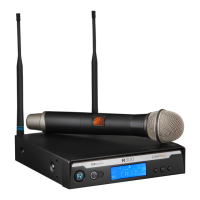
QUICK SETUP: RECEIVER
1. Donotconnectthereceivertoanyotherequipmentyet!
2. ConnectthetwoAntennastothereceiver.
3. Installthebladesintothepowersupply,plugitintothebackofthereceiver,
andintoanoutlet.
4. PressthePOWERswitch.Displaywilllightup.
5. Pressandholdthe buttonuntilCLEARSCANscrollsacrossthescreen.
6. WhenCLEARSCANstops,thereceiverwillbesettotheclearestchannel.
7. MutetheAudioMixerchannelwherethereceiverwillbepluggedin,orsetittominimum.
8. LeavethereceiverONandconnectittotheaudiosystemusingeithertheXLRconnectoror
¼-inch line level jack.
Receiver “Quick Set-up” is complete.




 To Next Page