12
- 12 -
To Recall the Radio Presets
1. Press the
button on the front panel to turn the radio ‘ON’.
2. Press the
button to select a preset. The current preset number will
appear on the display. Press the button again to cycle through all radio
presets.
There are 20 available presets.
10 for AM radio (P01 to P10) and 10 for FM radio (P01 to P10)
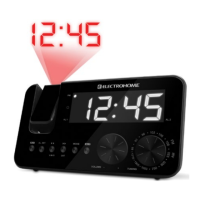
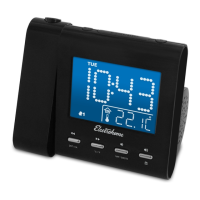
Projection Unit
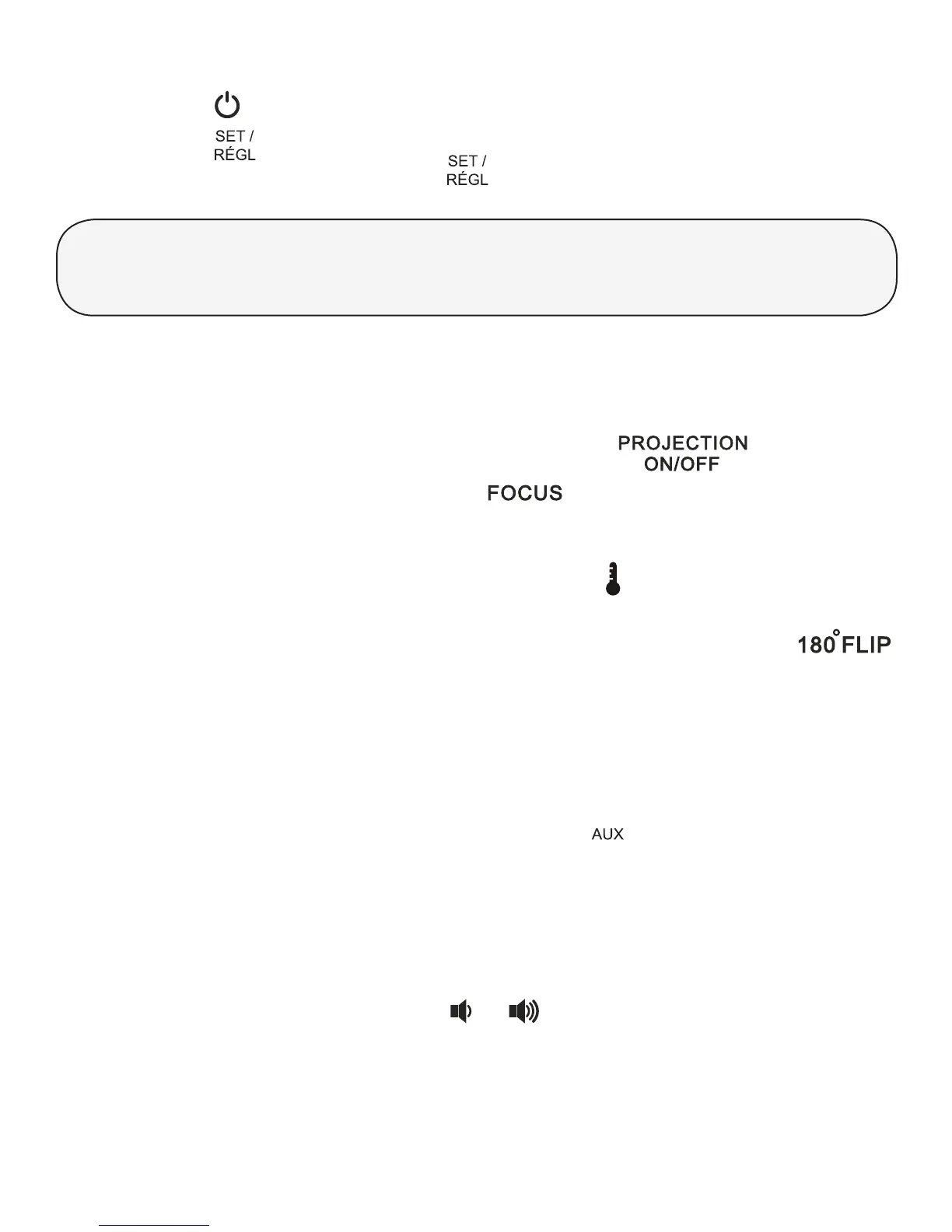
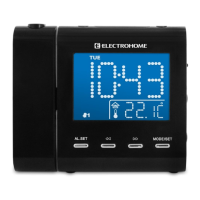
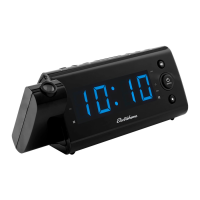
The Projection Unit will project the Time or the Temperature on a wall or
ceiling of a darkened room (maximum distance is 3-9 feet).
• To turn the projected image ON/OFF, press the
button.
• Turn the Focus Adjustment Wheel (
on the back of the projection
unit) until the projected time/temperature is clearly shown on the ceiling
or wall.
• To display the temperature, press and hold the
button on the back of the
projection unit.
• To ip the projected image (temperature or time) 180°, press the
button once.
AUX In
This clock radio is equipped with a convenient auxiliary input that allows you to
use your clock radio as a speaker for another audio device.
1. Connect a 3.5mm cable (not included) into the
connection on the back
of the clock radio and connect the other end of the cable to the audio out
connection of your external audio device.
2. Any device connected through the auxiliary input will override the radio
function when the radio is on.
3. Operate the external audio device as you normally would. You can control
the volume with the clock radio
or buttons.


 To Next Page