6
OPERATING INSTRUCTIONS
Connecting Power
The SelfSet
™
Clock Radio is equipped with an "auto time set" feature. When
power is connected, the clock display will ash '2' which is TIME ZONE 2
(Eastern time) and the default TIME ZONE setting.
To select TIME ZONE 2 (Eastern time) as your default time zone:
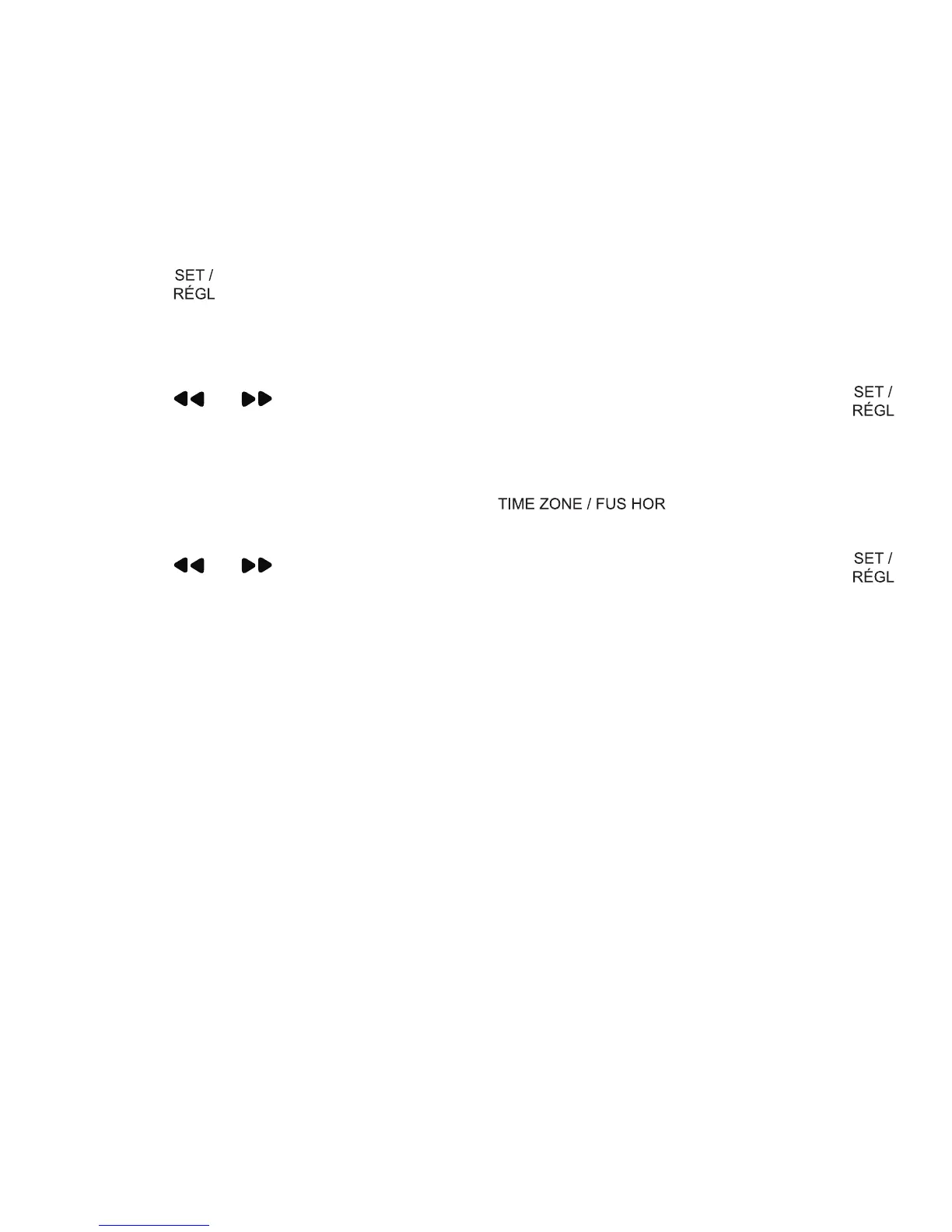
• Press
ONCE to conrm your selection.
• The correct time will be displayed, unless you are in another time zone.
To change your time zone upon setup:
• Press
or until your own time zone appears on the display; press
ONCE to conrm your selection.
To change your time zone after setup:
• With the radio off, press and hold the
button until the time
zone numbers ash.
• Press
or until your own time zone appears on the display; press
ONCE to conrm your selection.
There are 8 programmed times zones:
0 - Newfoundland time
1 - Atlantic time
2 - Eastern time (default)
3 - Central time
4 - Mountain time
5 - Pacic time
6 - Alaska time
7 - Hawaiian time
Battery Backup
This alarm clock is equipped with a battery backup feature. This feature will
restore your alarm clock settings in the event of a power outage. The 3V,
CR2032 Flat Lithium battery is pre-installed at the factory, however, should you
need to replace the battery, please read the following instructions.
Installing the Battery
1. Using a small Phillips Head screwdriver, loosen the screw from the battery
panel on the bottom of the unit.
2. Remove the battery compartment panel.
3. Remove/properly dispose of depleted battery and replace with new, 3V,
CR2032 Flat Lithium battery.
4. Close the battery compartment and put screw into place to secure battery panel.


 To Next Page