5
102 Model
Section A: Using Your Dishwasher
1 Door Latch
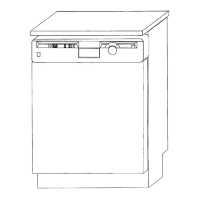
The latch is under the control panel at the top of the door.
• Lift the latch handle forward to open door.
Please note: The machine will not start until the door is properly closed and latched.
2Wash Program Selector
This knob controls the wash cycle
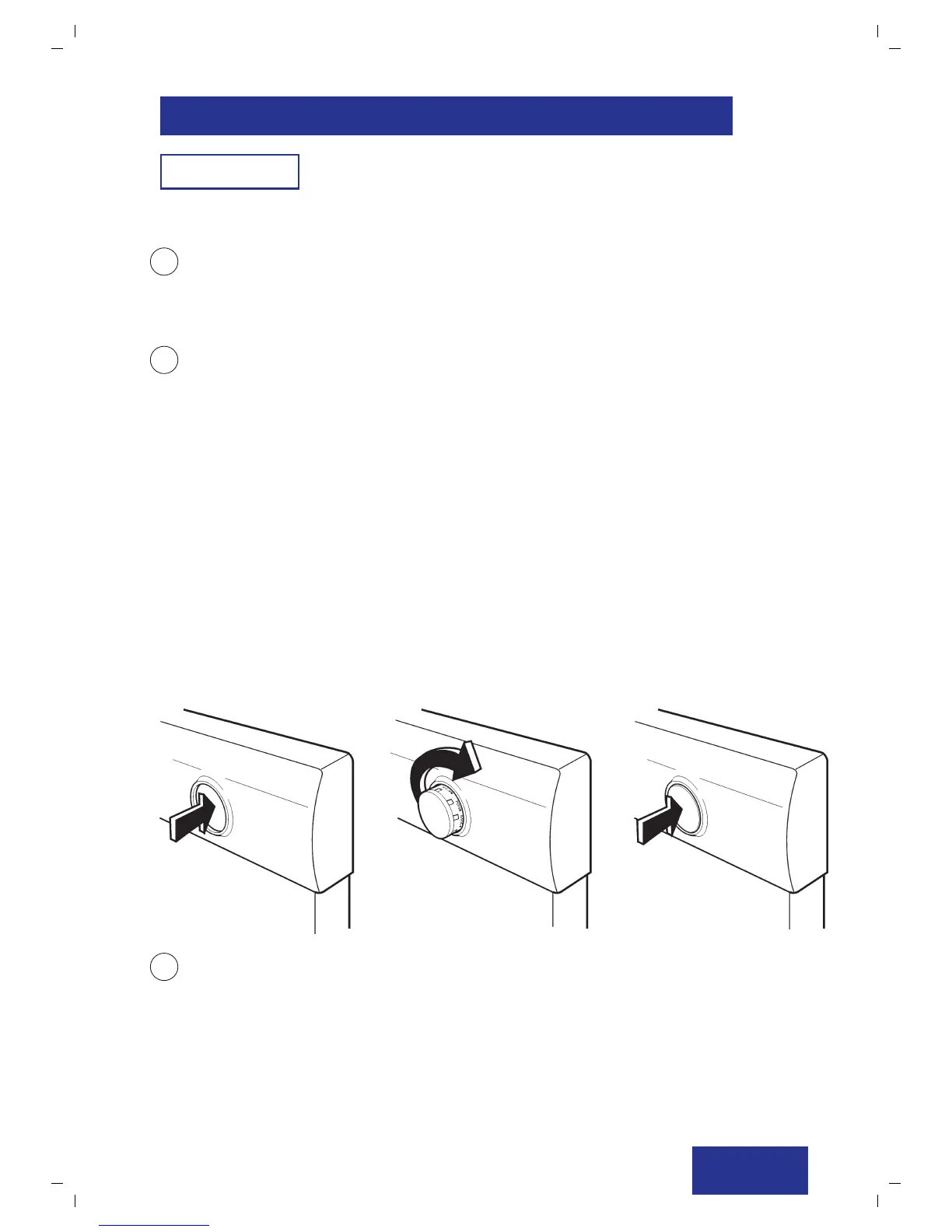
• Push knob in and let it “POP” out to show program selection.
• Rotate knob to select a program.
• Push knob in again after program has been selected
(See diagrams below)
Wash Programs
These are designated as on the diagram below:
• RINSE
• POTS WASH
• REGULAR WASH
• ECO WASH
3 Power On/Off button
• Push to start or interrupt a program.
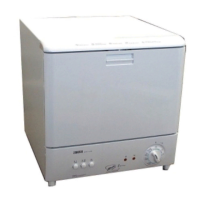
a. Control Panel




 To Next Page