50
Setting Your Preferences
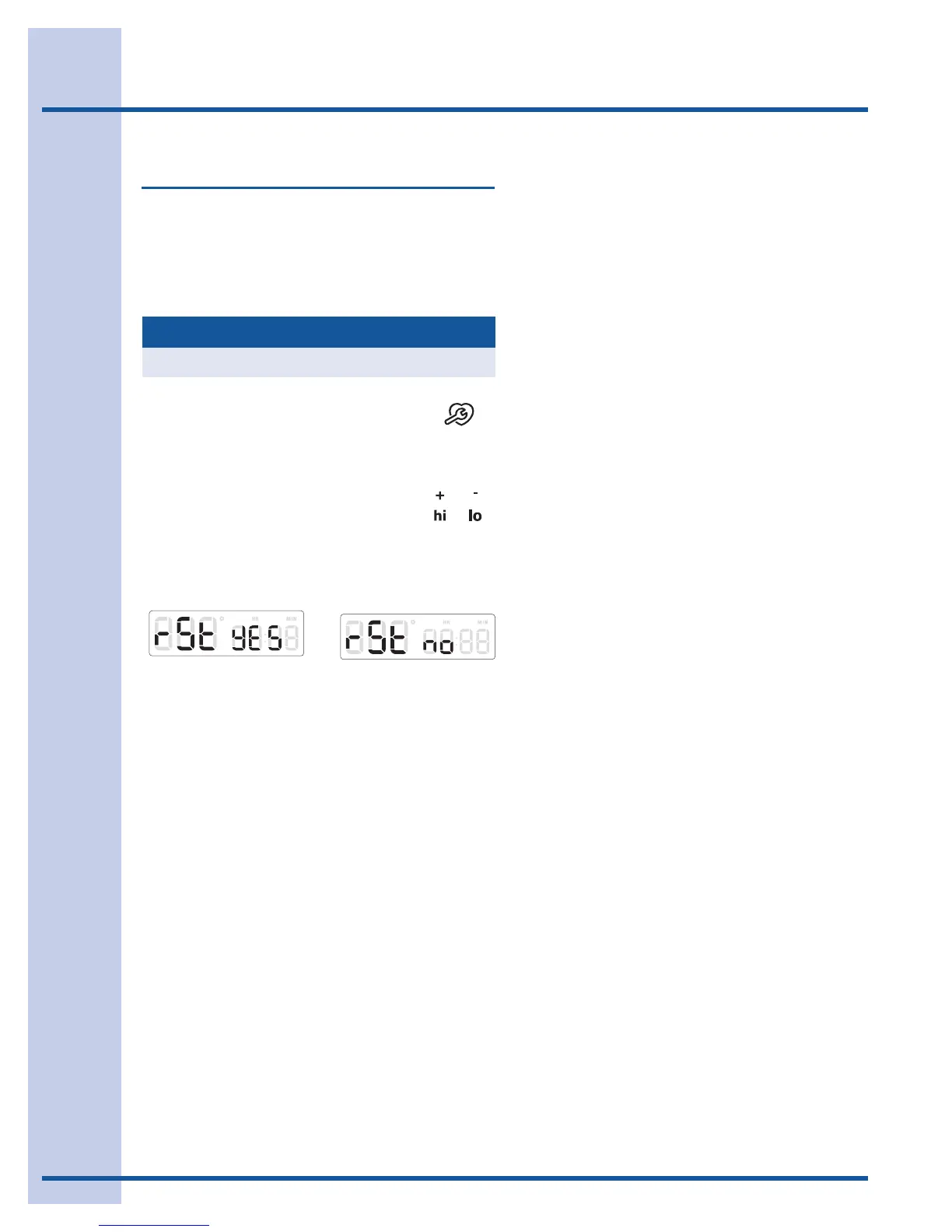
Factory default reset (RST)
You may choose to restore your factory settings.
This will erase all settings or favorites that you
have saved.
See the example below reset your control.
Example
1. Press and continue to press
USER PREF until you reach the
factory default reset mode.
-Fig. 1-
Example
Step Press
Fig. 1
3. Press CANCEL if you decide
not to reset.
Fig. 2
2. Use the +hi or -lo to toggle to
the yes option to reset -Fig. 1-.
or





 To Next Page