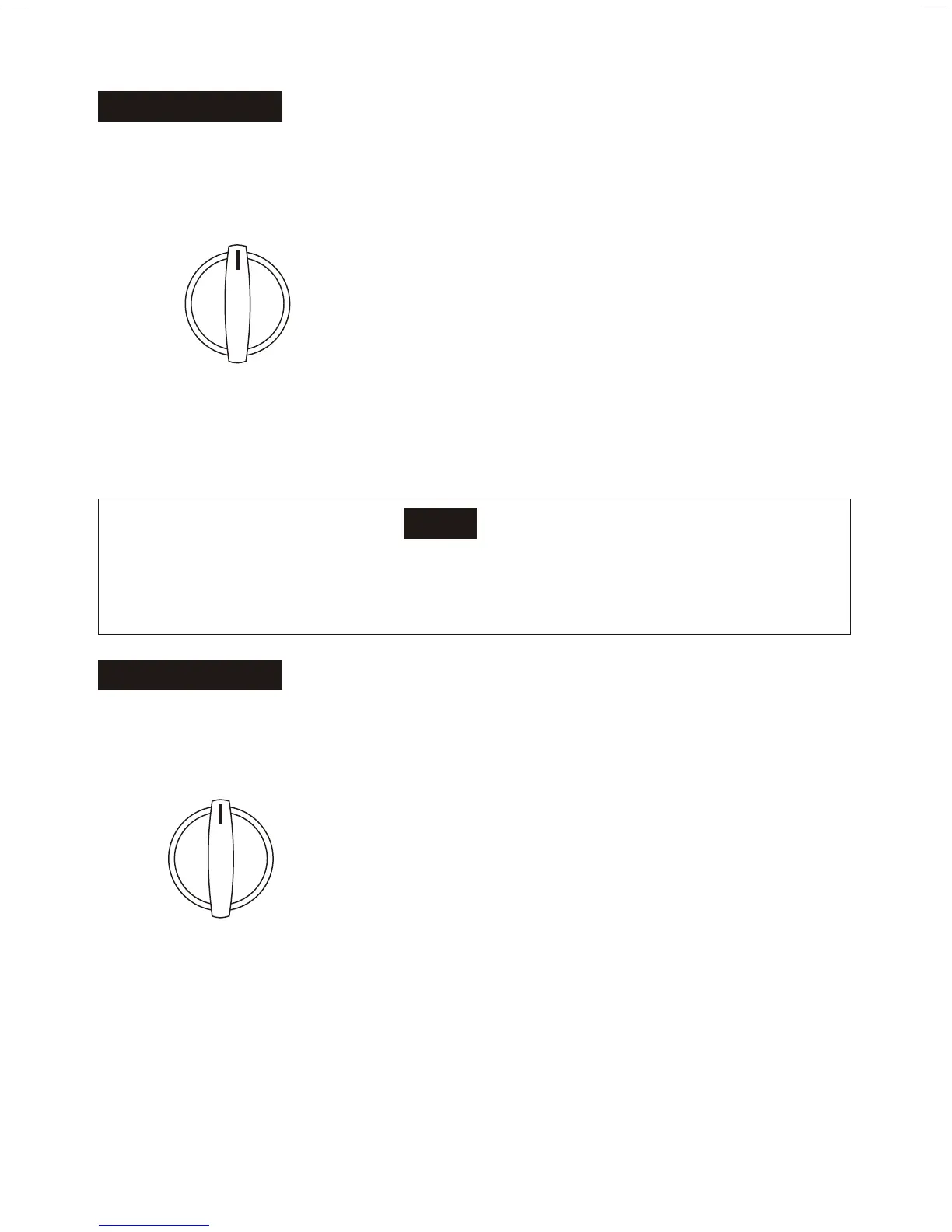
THERMOSTAT
Note
When turning the SELECTOR knob from "LOW COOL" to "HIGH COOL", keep
your speed as slow as possible. Do not change the operation mode between
"LOW COOL" and "HIGH COOL" too often.
The thermostat automatically starts and stops the
running of the compressor in the air conditioner in order
to control and maintain a comfortable room
temperature. When the room temperature reaches the
desired setting, cooling will automatically stop. When
the room temperature rises above, cooling resumes.
This results in efficient use of power and economical
cooling.
The operating method is as follows: turn along the
arrow, the temperature setting becomes lower. When
you feel it is too cool, rotate the knob to the original
direction. When you feel it is too hot, rotate the knob
to the "COOLER" direction.
5
SELECTOR
To set desired cooling temperature, simply rotate
the SELECTOR knob to the appropriate setting.
"HIGH FAN" will circulate the air at a maximum
speed without cooling.
"HIGH FAN" provides cooling automatically with
maximum air circulation.
"LOW COOL" provides cooling automatically with
minimum air circulation.
"OFF" will completely shut off the unit.
"MED COOL" provides cooling automatically with
middle air circulation.
"MED FAN" will circulate the air at a middle speed
without cooling.
SELECTOR
HIGH
COOL
LOW
FAN
HIGH
FAN
OFF
MED
COOL
LOW
COOL
THERMOSTAT
6
1
11
3
9
2
5
7
8
10
4



 To Next Page