WAIT THREE MINUTES BEFORE RESTARTING
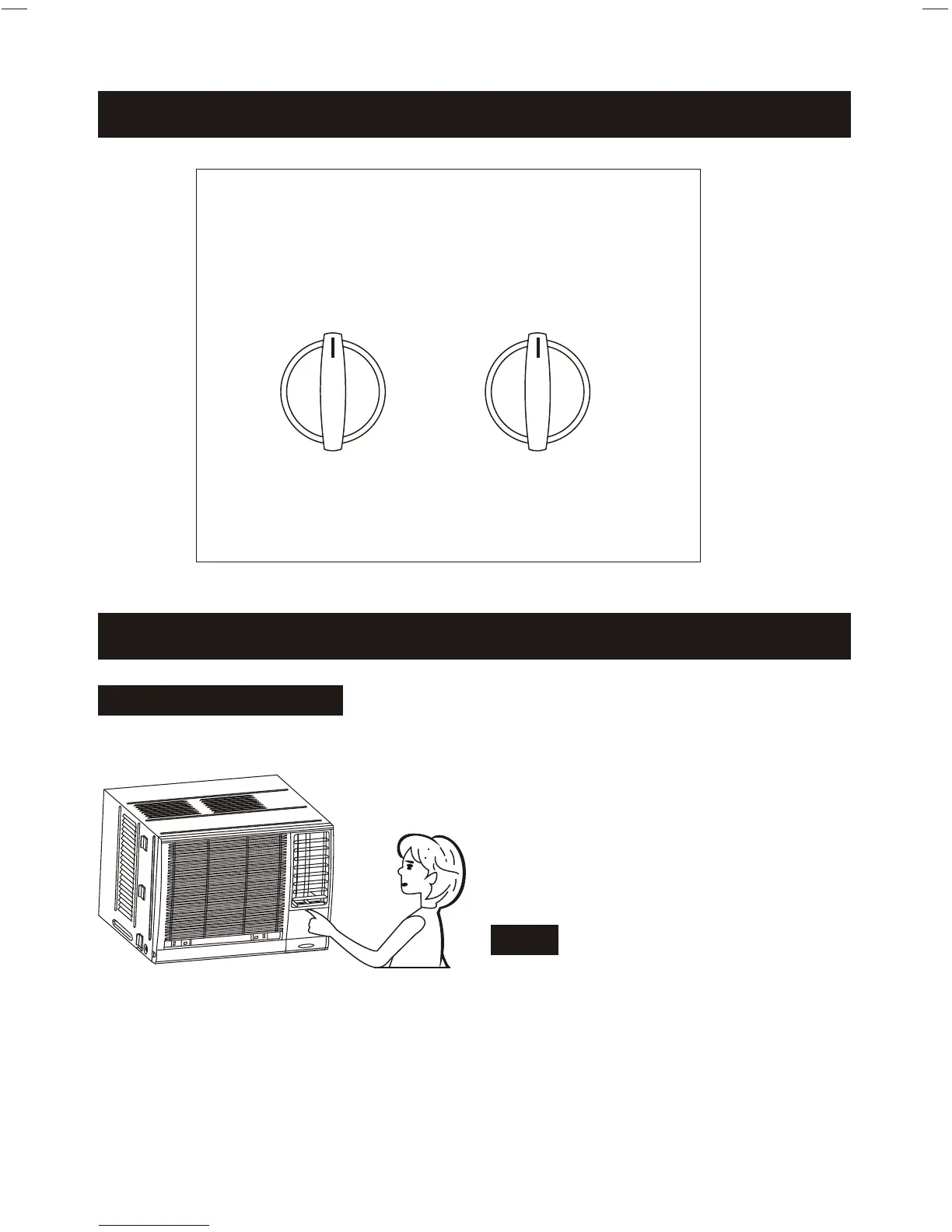
OPERATION PANEL(Cooling only type)
OPERATION INSTRUCTION
4
Fig. 2
Fig. 3
OPERATION PANEL
1. Pull the top of the operation cover to
open it.
2. Close the operation cover and press
the top until it snaps into the locked
position.
Note: Don't press or swing the opened
operation cover.
SELECTOR
HIGH
COOL
LOW
FAN
HIGH
FAN
OFF
MED
COOL
LOW
COOL
THERMOSTAT
6
1
11
3
9
2
5
7
8
10
4



 To Next Page