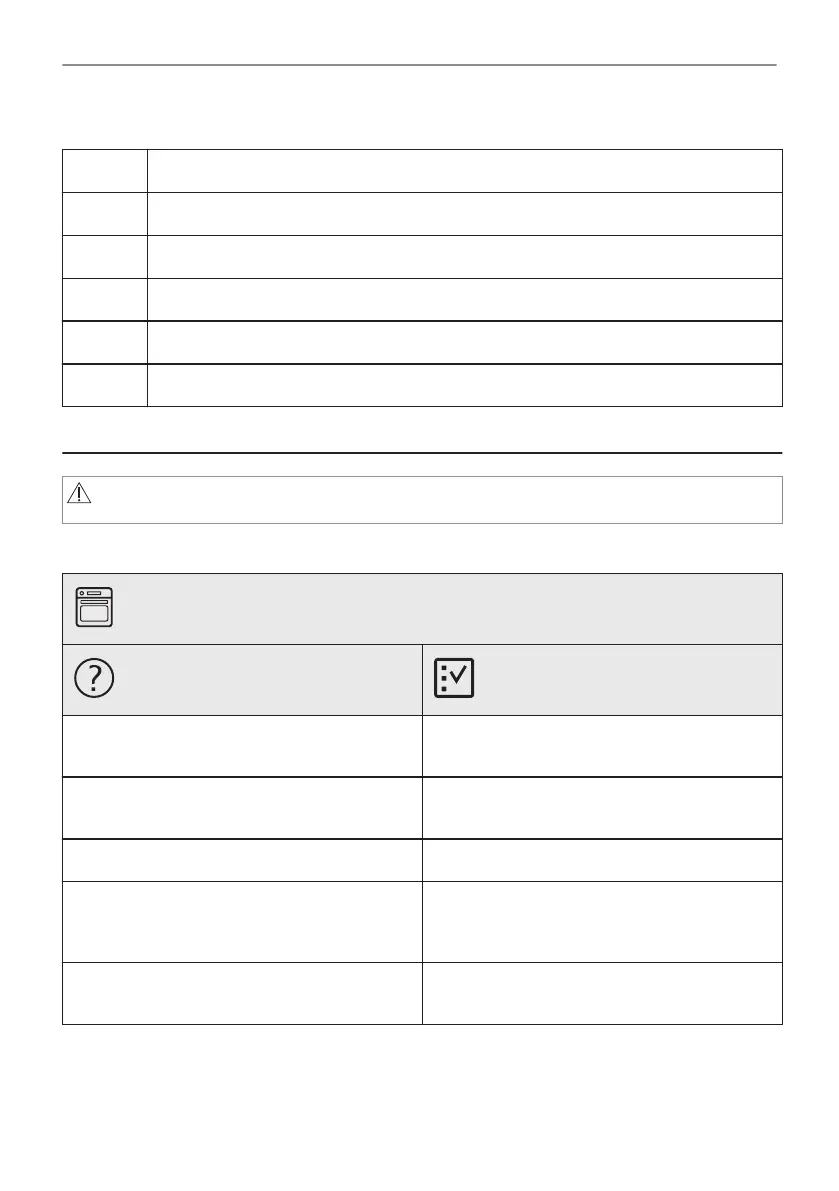
Side lamp
Step 1 Remove the left shelf support to get access to the lamp.
Step 2 Use a Torx 20 screwdriver to remove the cover.
Step 3 Remove and clean the metal frame and the seal.
Step 4 Replace the lamp with a suitable 300 °C heat-resistant lamp.
Step 5 Install the metal frame and the seal. Tighten the screws.
Step 6 Install the left shelf support.
12. TROUBLESHOOTING
WARNING!
Refer to Safety chapters.
12.1 What to do if...
The oven does not turn on or does not heat up
Possible cause
Remedy
The oven is not connected to an electrical sup‐
ply or it is connected incorrectly.
Check if the oven is correctly connected to the
electrical supply.
The clock is not set. Set the clock, for details refer to "Clock Func‐
tions" chapter, How to set: Clock functions.
The door is not closed correctly. Fully close the door.
The fuse is blown. Make sure the fuse is the cause of the prob‐
lem. If the problem recurs, contact a qualified
electrician.
The oven Child Lock is on. Refer to "Menu" chapter, Submenu for: Op‐
tions.
43/56
TROUBLESHOOTING




 To Next Page