EDW 7300
Q&CI Technical Support – RA
Chapter 3.3
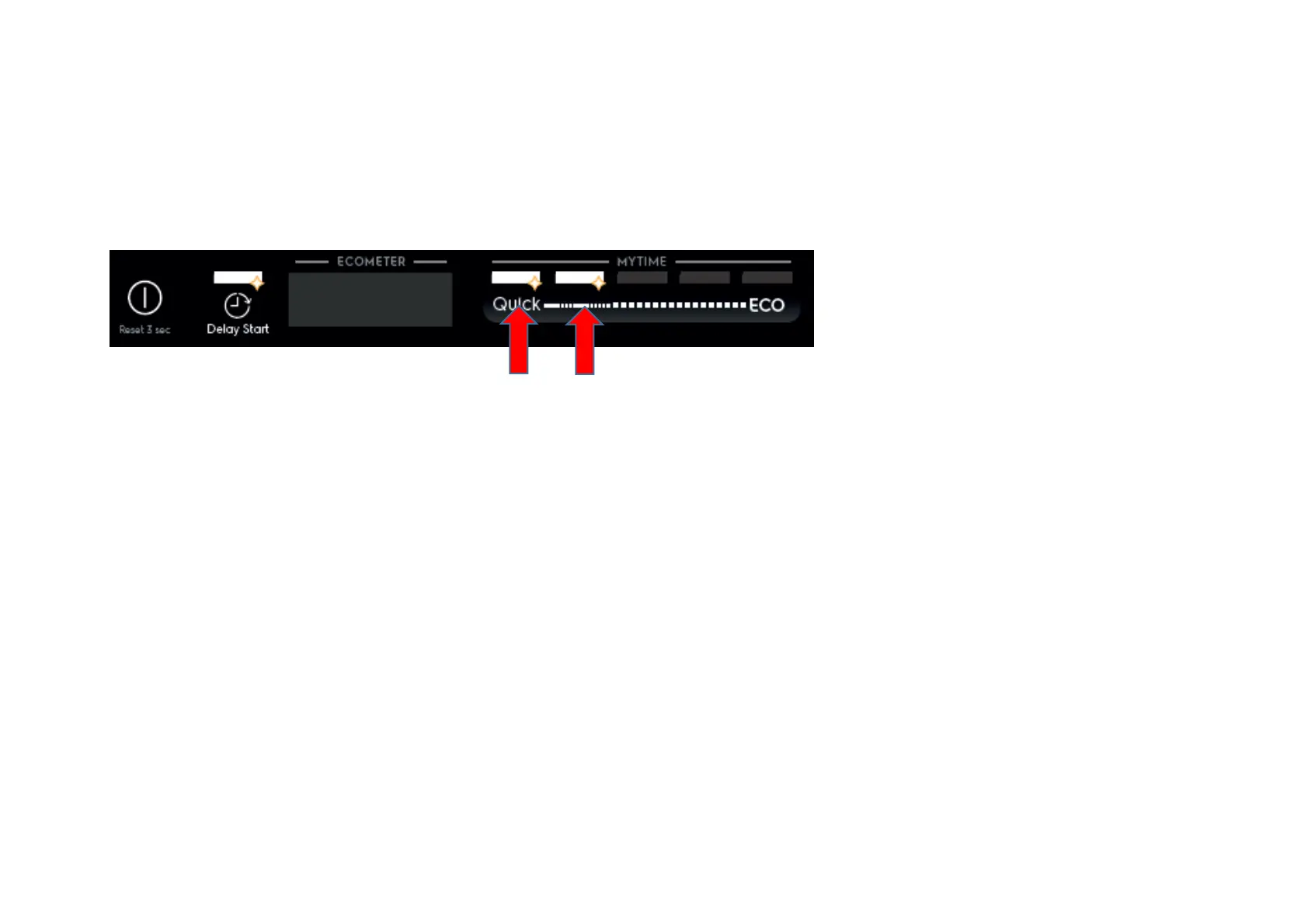
Display shows the current setting of Extra Rinse. “On” for enabled, “Off” for disabled
2. Press button S1 to change the setting
3. Switching off the appliance by pressing On/Off button (S0) will exit Service mode.
Enable/disable Pulse Wash
After accessed Service mode (L1, L2 and L3 blinking):
1
. Press button S2+S3 to enter this function.
L2 blinks indicating it is in Pulse Wash setting mode.
Display shows the current setting of Pulse Wash. “On” for enabled, “Off” for disabled
2. Press button S2 to change the setting
3. Switching off the appliance by pressing On/Off button (S0) will exit Service mode.
PNC on Display
Last item in the user settings.
Demo mode
A
ctivate demo mode:
press and hold ECO+Auto for 5s. Display shows “Demo mode” for 3s.



 To Next Page