12
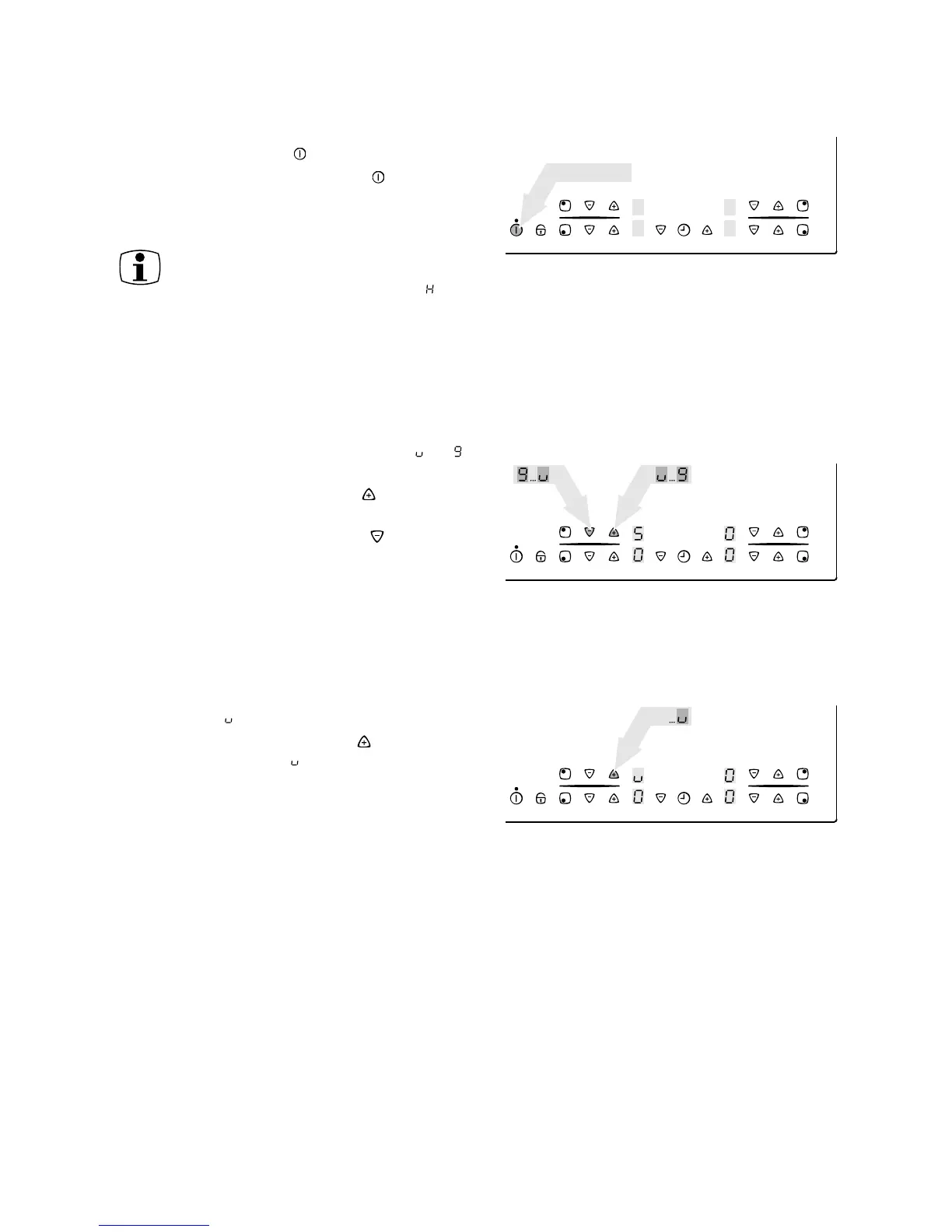
Switching off the appliance
To switch off the appliance completely, touch the
„ON/OFF“ sensor field .
Touch the „ON/OFF“ sensor field for approx.
one second.
The digital displays extinguish.
Heat setting
For setting and adjusting the heat setting ( to )
for the selected cooking zone.
With the heat setting sensor field increase the
setting.
With the heat setting sensor field reduce the
setting.
Setting the keep warm function
All 4 cooking zones are equipped with the keep
warm function .
With the heat setting sensor field select setting
the keep warm function
After switching off an individual cooking
zone or the entire hob, the existing
residual heat is displayed with (as
„hot“) in the digital displays of the
corresponding cooking zones.
~ 1 sec.



 To Next Page