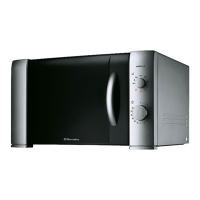
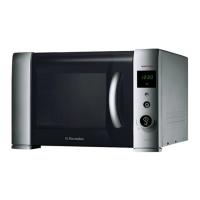
Control panel
1 Display window - showing time of day,
operating mode and cooking time
2 Crunch Dish, programmes and status neon
indicator display for:
Frozen Pizza
Fresh Pizza
Frozen Oven Chips/Frozen (oven cooked)
potato products
Reheating pastry (Pies, Quiche, etc.)
3 Grill
4 Auto Defrost - by weight
5 Power - for desired microwave power level
6 Setting Control Knob - to enter time and
weight or quantity
7 Start - to start a desired programme or to
enter a Start + 1 Minute programme
8 Clear/Stop - for interrupting or cancelling
a programme and for setting the child lock
Display window
A Flashing indicator that prompts you to enter
the time of day
B Flashing indicators for Crunch Dish
programmes, Grill, Microwave and Auto Defrost
which prompt you to enter the food quantity,
weight (Kg) or cooking time
C Blue indicators for Auto Defrost and Bread
Programmes. Red indicators for the grill
programmes
D Power level indicator - Hi W/900, 750, 650,
400, 150 (defrost) and 100W respectively.
E Plus and minus arrows to enable more or less
time to be set for the Crunch Dish programmes
and Defrost programmes
F Flashing grill, microwave and auto defrost
symbols to indicate the operational mode
10
EMS 2390 English
1
3
7
2
4 5
6
8
B
D
B,C,F
AE C
B,F


 To Next Page
 Loading...