14
Run a Washing Cycle
Brief Instructions
A washing cycle is run in the following steps:
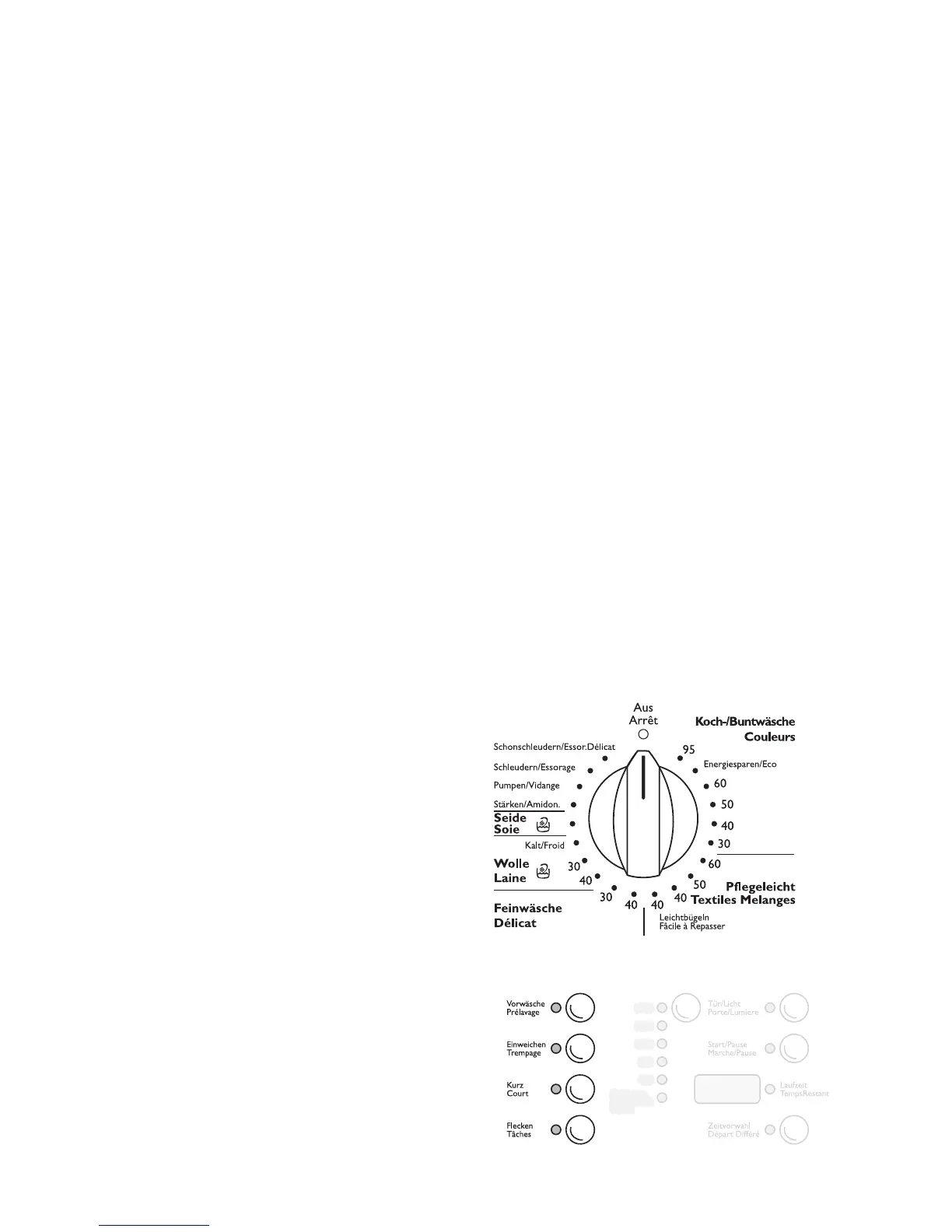
1. Set the correct washing program:
– Set the program and temperature with the pro-
gram selector
– Set any additional program(s) if required
2. Change the spin speed if necessary / select
RINSE HOLD (Spülstopp, Arrêt Cuvé Pleine).
3. Set DELAY TIMER (Zeitvorwahl, Départ Différé) if
necessary.
4. Open the filling door and fill with washing.
5. Close the filling door.
6. Add washing detergent/care agent.
7. Start the washing program.
After the Washing Program Ends:
Attention! If the washing cycle ended with RINSE
HOLD (Spülstopp, Arrêt Cuvé Pleine), before open-
ing the filling door carry out PUMP OUT (Pumpen,
Vidange), SPIN (Schleudern, Essorage) or SHORT
SPIN (Schonschleudern, Essorage Délicat).
8. Open the filling door and remove the washing.
9. Switch off the washing machine: Set the program
selector to OFF (Aus, Arrêt).
Set the Washing Program
3
For a suitable program, the right tempera-
ture and possible additional programs for
the relevant washing type, refer to the ”Pro-
gram Tables”.
1. Set the program selector to the required washing
program with the required temperature.
The probable duration of the set program in min-
utes is shown in the multi-display.
2. Select any additional program(s) if required:
The indicator for the selected additional program
lights up.
– Press another button to make different selec-
tion.
– Press the button again to deselect.



 To Next Page