16
Opening and Closing the Filling Door
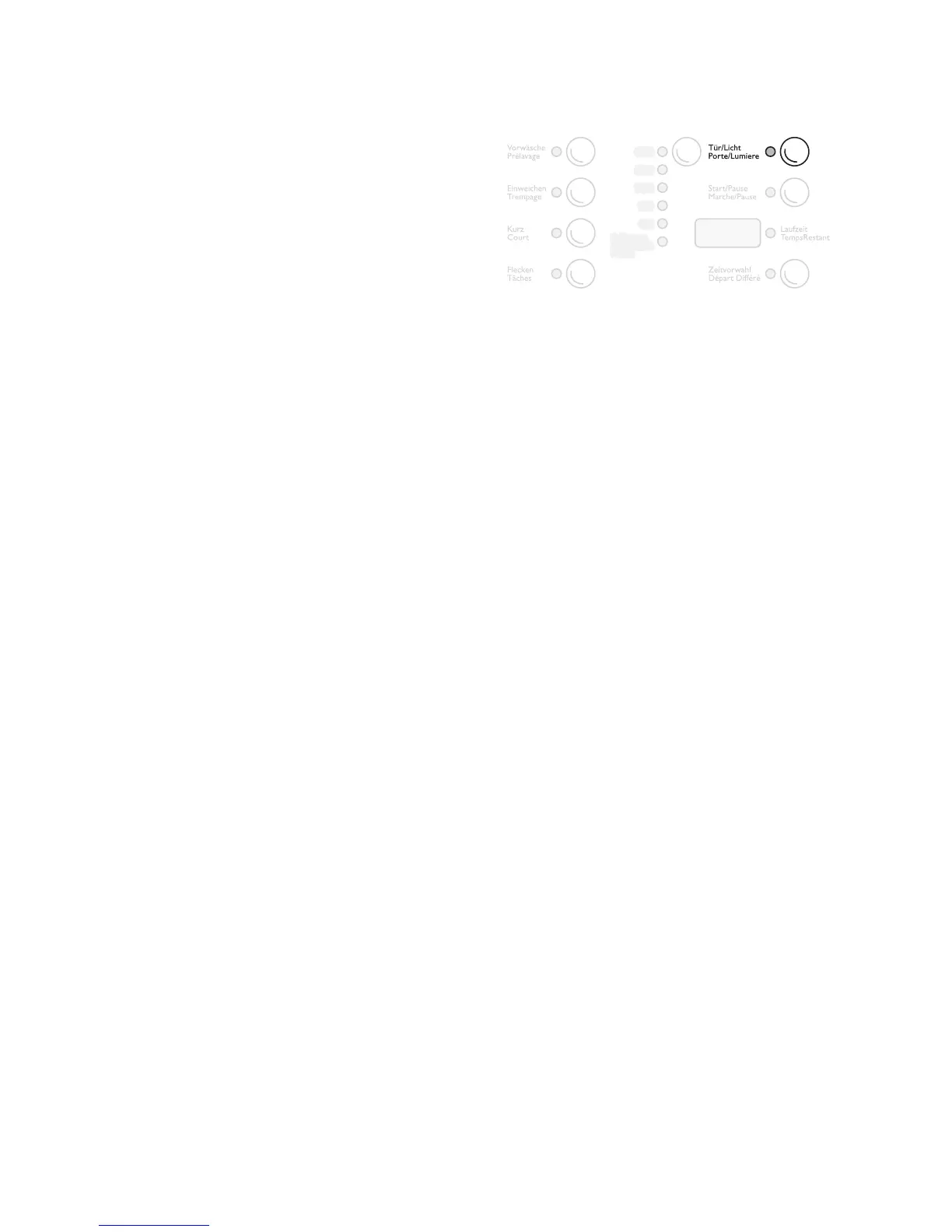
• Open: Press the button DOOR/LIGHT (Tür/Licht,
Porte/Lumiere). The filling door springs open.
• Close: Press the filling door firmly closed.
When the unit is switched on, the display DOOR/
LIGHT (Tür/Licht, Porte/Lumiere) shows whether the
filling door can be opened:
3
The washing drum is illuminated when the
filling door is open. The light goes out auto-
matically after approx. 3 minutes.
Add the Washing
3
For the maximum filling quantities, refer to
the ”Program Tables”.
For information on the correct preparation of the
washing, see ”Sort and Prepare the Washing”.
1. Sort and prepare the washing according to type.
2. Open the filling door: Press the button DOOR/
LIGHT (Tür/Licht, Porte/Lumiere). The door
springs open.
3. Fill with washing.
Attention! When closing the door, make sure no
items of washing get stuck! This could damage tex-
tiles and the unit.
4. Close the filling door securely.
– green: The door can be opened (not when the
program saving function is activated, for
details see the section ”Program Saving”)
– off: The door cannot be opened at present
– red: The door is open



 To Next Page