Finding Information
3
TABLE OF CONTENTS
[] [] [] [] [] [] [] [] [] [] []
Before You Begin ......................................................2
Finding Information ...............................................3
Important Safety Instructions ........... 4
Safety ...........................................................................5
Preparing for Installation ......................................7
Planning the Location ........................... 7
[] [] [] [] [] [] [] [] il [] []
Installation ...............................................................10
Before You Start ..................................10
Tools Needed for Installation ...........11
Plumbing Installation ..........................12
Installing the Cabinet Glides ............14
Installing the Unit in the Cabinet., 16
Coffee Maker Removal ......................16
Connecting the Plumbing .................17
Verifying Operation ............................18
IFYOUR UNIT REQUIRESSERVICE...
[] [] [] [] [] [] [] [] [] [] [] II [] Ill [] []
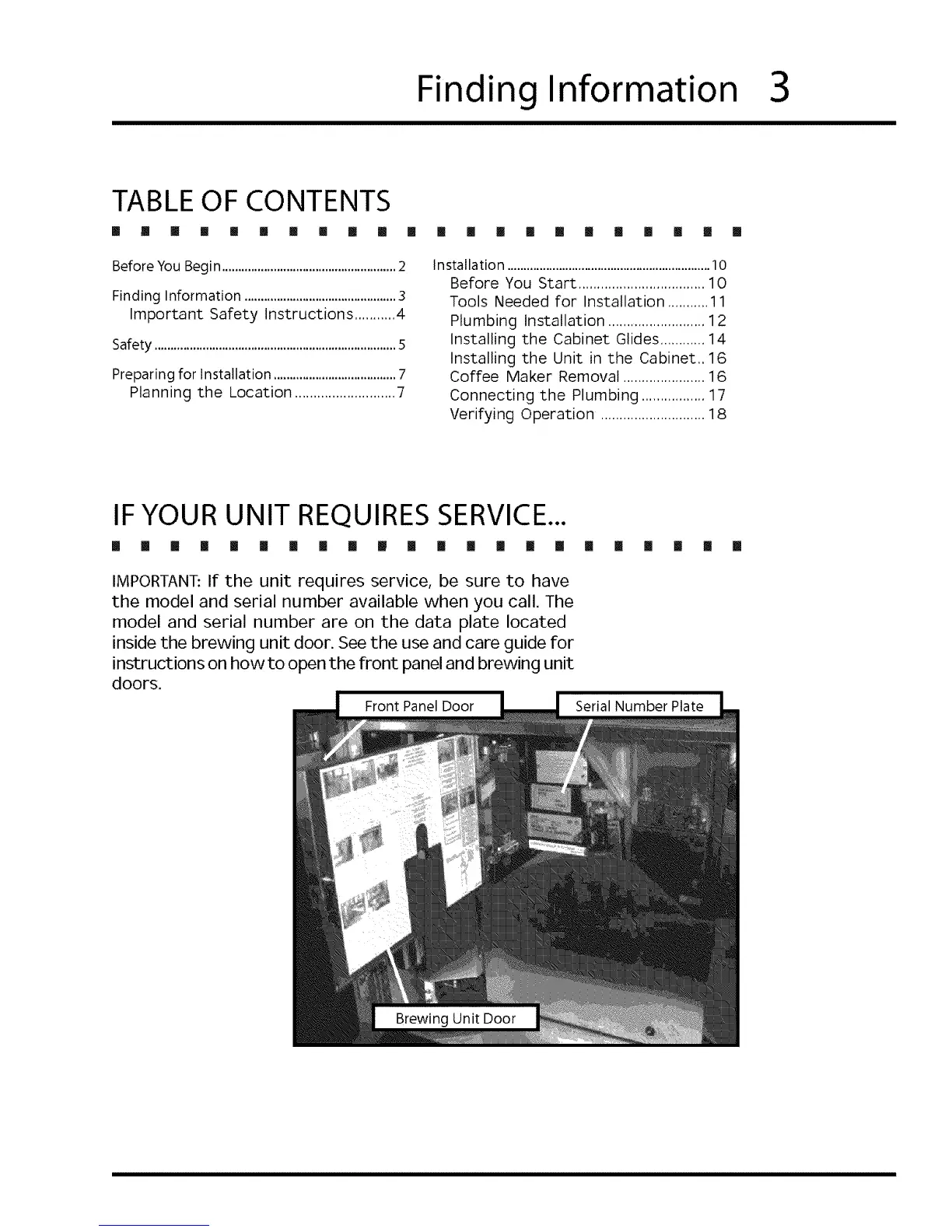
IMPORTANT:If the unit requires service, be sure to have
the model and serial number available when you call. The
model and serial number are on the data plate located
inside the brewing unit door. See the use and care guide for
instructions on how to open the front panel and brewing unit
doors.
[] [] [] [] []
[]











 To Next Page