Q&CI - Technical Support 13 599 844 - 908 Rev. 01
3.7 Touch-keys of the different oven types
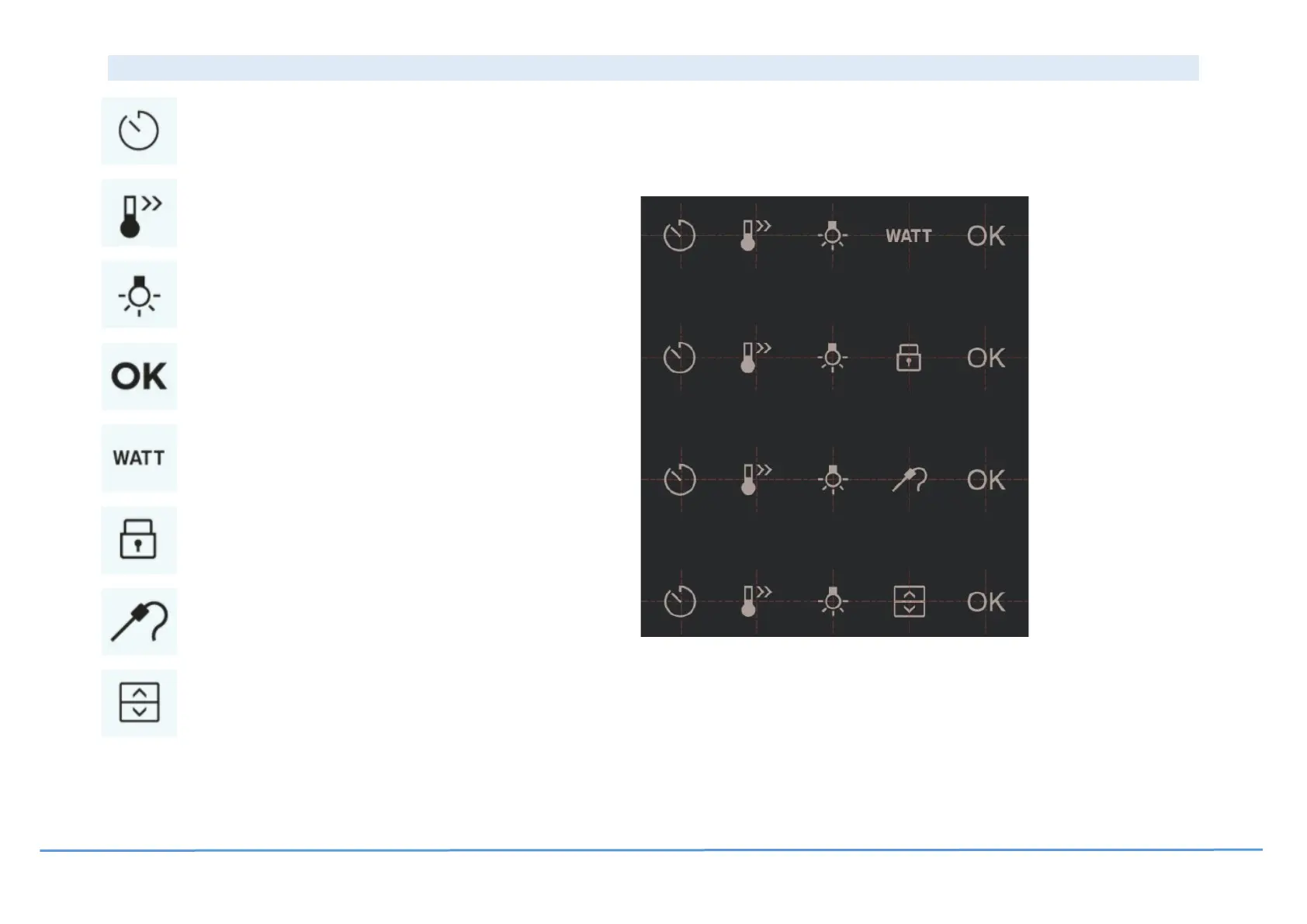
Microwave Key Models
Food Sensor Key Models
Double Oven Key Models
- To confirm settings and actions and to navigate in menu.
- To access the different timers; sound alarm; alarm,
stop and delayed start.
- To speed up the heating up process.
- To shift focus (monitor and control) between
cavities in a double oven.
- To turn the oven cavity light on or off.
- To adjust the microwave power level.
- To set a target temperature for the food sensor.
- To lock and unlock the oven in standby and while running.
Key Models without FS or MW




 To Next Page