Q&CI - Technical Support 21 599 844 - 908 Rev. 01
5 SERVICE MODE LUX (2021)
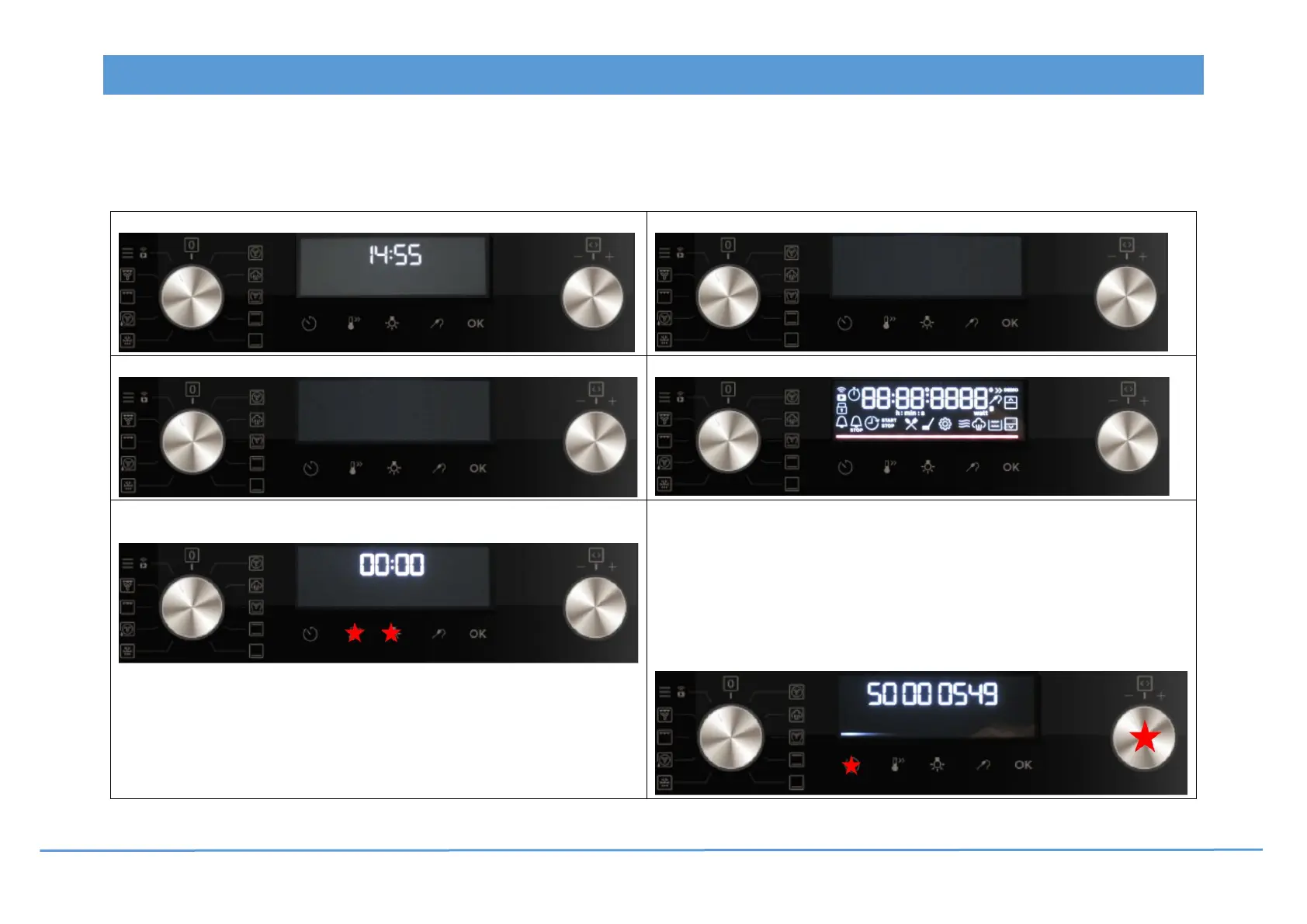
Activate service mode: The appliance is in off-state.
Attention: 1. The water tank must be empty!
2. The Service Mode can be cancelled in any steps (unplug and re-plug the appliance), except after exchanging of the user interface!
1. Unplug and re-plug the appliance from the main power supply.
4. The user interface will reboot.
2. The user interface will reboot.
5. Display and LED bar check.
3. Afterwards, touch the “Fast heat up”-key and the “Light”-key
simultaneously for 5 seconds.
6. Key test + Software Versions
Turn the selector anti-clockwise
to view the codes.
Touch the key to continue !
• Firmware UI LUX S00005494--8…
• Configuration UI LUX S00005487--8…
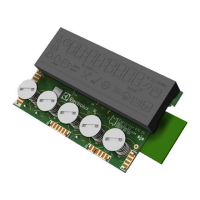
• Power board OVC-R5000 S00005679--A…
• Firmware NIU5 S00006100--A…




 To Next Page