Q&CI - Technical Support 27 599 844 - 908 Rev. 01
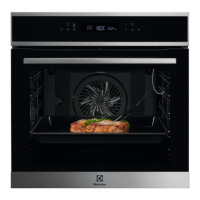
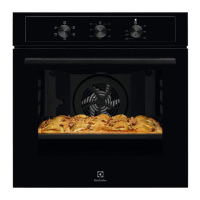
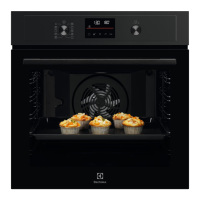
5.1 Service Mode LUX (2021) association and serialization
After user interface exchange, carry out an association and serialization process!
After connecting to the main power supply, the user interface starts with the service mode!
Video will be added Soon!
To
be able to end the
service mode!
Display Brightness
Key Tones
Buzzer
Time of Day
association
and
serialization
App
Appliance
onboarding




 To Next Page