22
7.2 Reading the alarms
The last three alarms stored in the FLASH memory of the PCB can be
displayed:
enter the diagnostic mode.
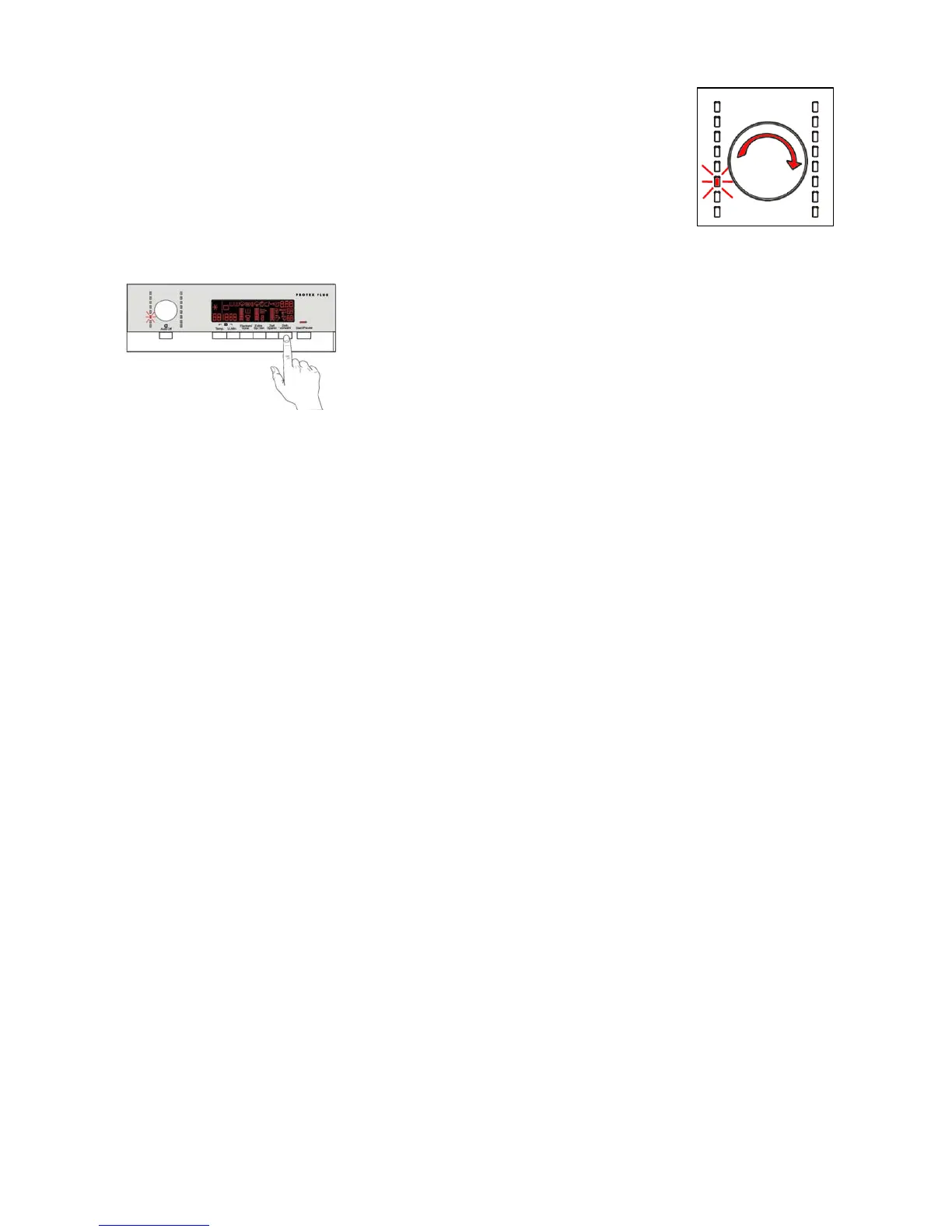
Irrespective of the type of PCB and configuration, turn the programme
selector knob clockwise to the eleventh position - the last alarm is then
displayed.
to display previous alarms, press/touch the button/sensor to the left of the
START/PAUSE button in sequence (as shown in the figure).
To return to the last alarm, press/touch the START/PAUSE button/sensor.



 To Next Page