© 2018 Electromedical Technologies, Inc. Phoenix, AZ USA. Any use of editorial, pictorial or layout composition of this publication without express written consent from Electromedical Technologies,
Inc. is strictly prohibited. This publication was written, illustrated and prepared for print by Electromedical Technologies, Inc
33
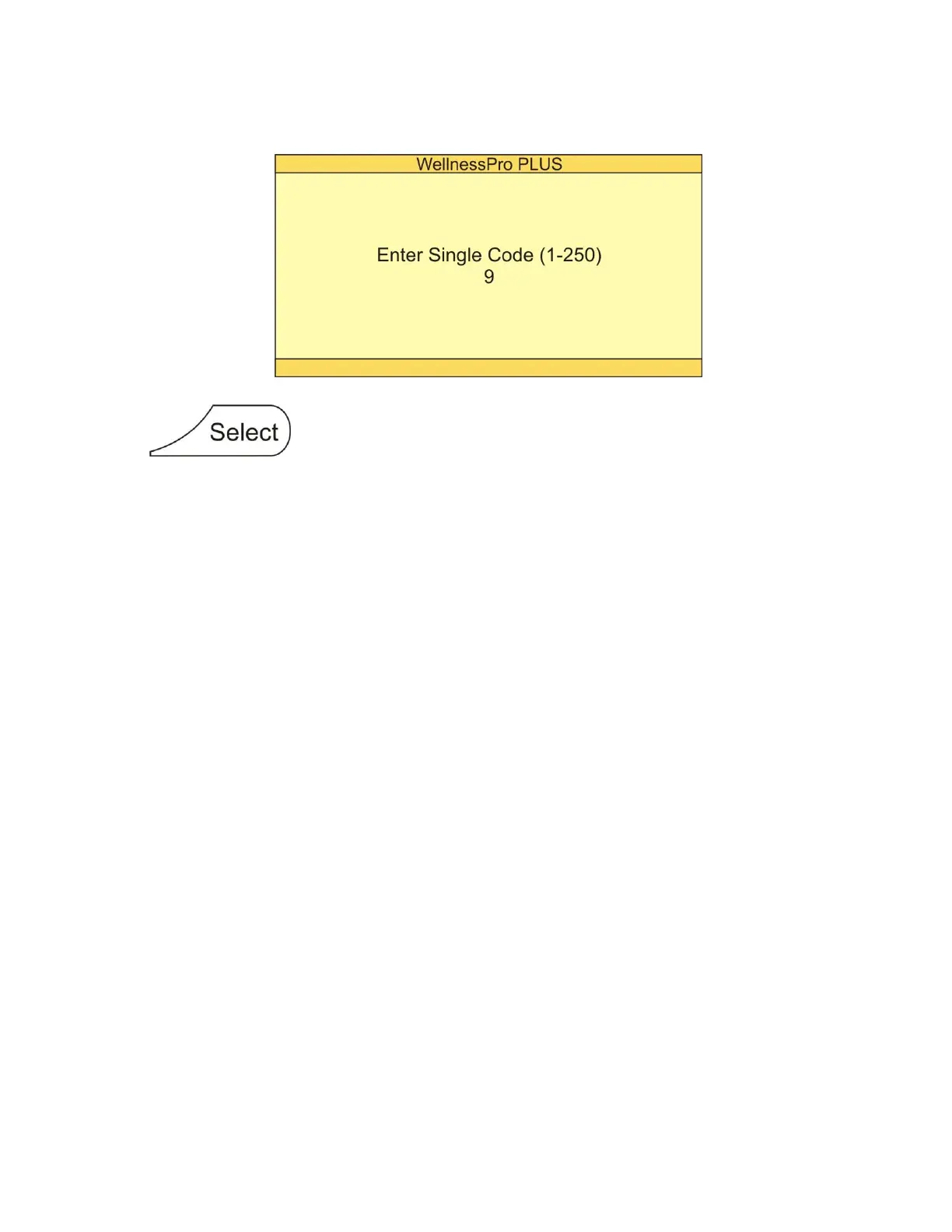
Step 6: Press number 9 (second code from our example)
Screen will appear as follows:
Step 7: Press button
Step 8: Press number 21 (last code from our example)
Step 9: Finish programming
For this step you have 2 options:
Option #1: Pressing CODE will complete your programming procedure. You will see the message “Completed!”
followed by “Ready” message.
Option #2: Pressing START instead of the CODE button will complete your programming procedure and start
your custom code.
To run custom code (from example above):
Step 1: Press Auto button
Step 2: Press number 3
Step 3: Press Start button


 To Next Page