AUTO MOdE
MANU MOdE
OFF MOdE
HOLIdAY
SET TEMP
SET TIME
SET HOUR
PROGRAMMING
CONSTANTS
TEST MOdE
ON OFF
3
OPERATING MODES
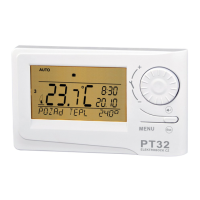
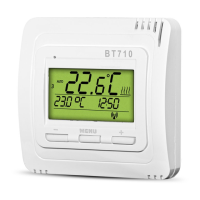
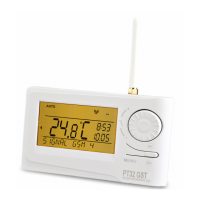
Pressing any button fi rst, you activate the display backlit. By another short press of the “ MENU “ button, you open the main menu in which
you can choose operating modes.
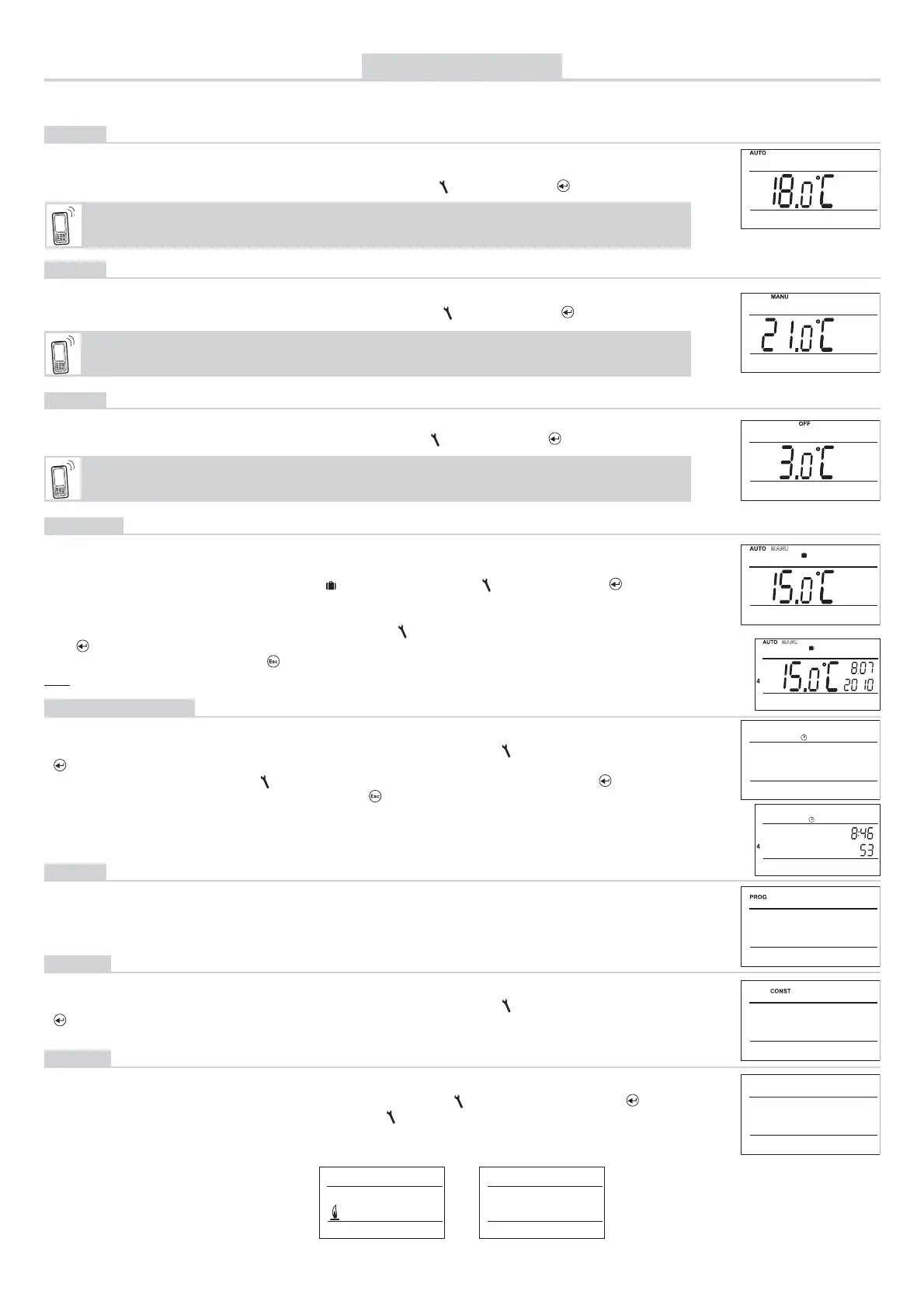
AUTO
The thermostat works according to the weekly program settings (this program can be changed; for detailed
description, see PROG, page 4).
MANU
(default temperature setting of 21°C)
The thermostat works according to the temperature setting until the next manual change.
OFF
The thermostat is permanently switched off until the next manual change of the mode.
HOLIDAY
The thermostat maintains the preset temperature until the preset date and selected time. After expiry of the
preset period, it automatically returns to the AUTO/ MANU mode last selected before the holiday.
Press twice the “ MENU “, choose the AUTO mode by turning the “
“ and press the “ “ button to confi rm.
(the Pr3 weekly program set by default, see page 4)
Press twice the “ MENU “, choose the MANU mode by turning the “
“ and press the “ “ button to confi rm.
“.
(the anti-freeze temperature of 3 °C is kept – cannot be changed)
Press twice the “ MENU “, choose the OFF mode by turning the “
“ and press the “ “ button to confi rm.
Press twice the “ MENU “ button, choose the mode by turning the “ “ and press the “ “ button to
confi rm.
Step by step, set the temperature which the thermostat should keep during the holiday, date and time of your
return from the holiday. Change the values by turning the “ “ button and confi rm each change by pressing
the “ “ button.
After making the settings, press the“ “ button to return to the basic screen.
Note: The holiday mode can be cancelled any time by selecting another AUTO or MANU mode.
CLOCK SETTING
Setting the current time and date.
Press twice the “ MENU “ button, choose the CLOCK mode by turning the “
“ button, and press the
“ “ button to confi rm.
Change the values by turning the “ “ button and confi rm each change by pressing the “ “ button (the
parameter modifi ed is always fl ashing); pressing the “ “ button, you return to the menu).
PROG
You can set 9 weekly programs with 6 temperature changes per day. The Pr1 and Pr2 programs are empty;
Pr3 to Pr7 programs are set by default. The PrU and PrL are also set by default, intended for the EVEN/ODD
week option (for details, see pages 4 and 6).
(PROGRAMMING)
CONST
Setting the control parameters. For a detailed description, see page 5.
Press twice the “ MENU “ button, choose the CONST mode by turning the “
“ button, and press the
“ “ button to confi rm.
(CONSTANTS)
TEST
Testing the correct connection to boiler.
Press twice the “ MENU “, choose the TEST mode by turning the “
“ button, and press the “ “ button
to confi rm (RELAY TEST is showed on LCD). Turn the “
“ button to start testing. The output relay will be
switched on/off several times (the ON/OFF messages appear on the LCD).
SMS form: Auto
Change of the mode to AUTO. Thermostat will be work acc. last setting weekly program.
SMS form: Manu
Change of the mode to MANU. Thermostat will be keep last setting temperature.
SMS form: Off
Change of the mode to OFF. You can cancel the mode by the SMS: Temp xx or Auto or Manu


 To Next Page