input the correct combination, then the handle can be pressed down to
unlock
3.5 The lock will stay unlockeduntil the handle is lifted.
3.7 For all the new lock, the pre-set initial combination is “123678”
3.8 Change the combination(User’s code)-----
If the user want to change the combination.
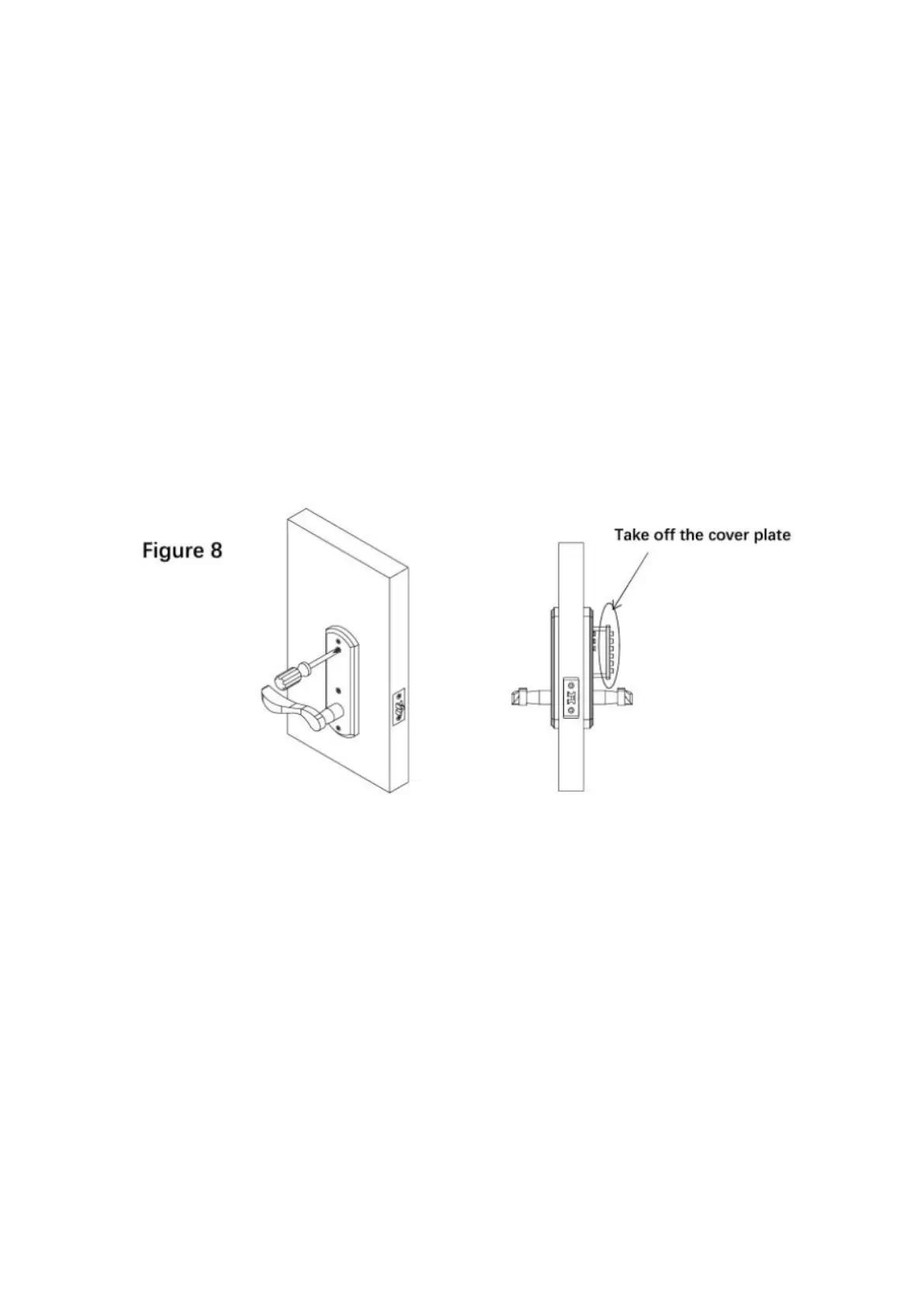
1) Untighten the #2, #3 screws on back cover, take the cover plate off. (See
Figure
2) Pull up the front cover handle to make the tumblers to protrudefrom
front cover.
3) Initial Combination is “123678”
4) To change the combination, please put the code-tumblers (golden
colored)into the expected digit’s cavities, please put the
non-code-tumblers(silver colored)into the leftover cavities.
For example, if you want to set up combination 9763254. Just to put the
code-tumblers(golden colored) into cavities#9, 7, 6, 3, 2, 5, 4, and put the
non-code-tumblers(silver colored) into cavities #1, 8, A, B, 0.(See Figure 9)



 To Next Page