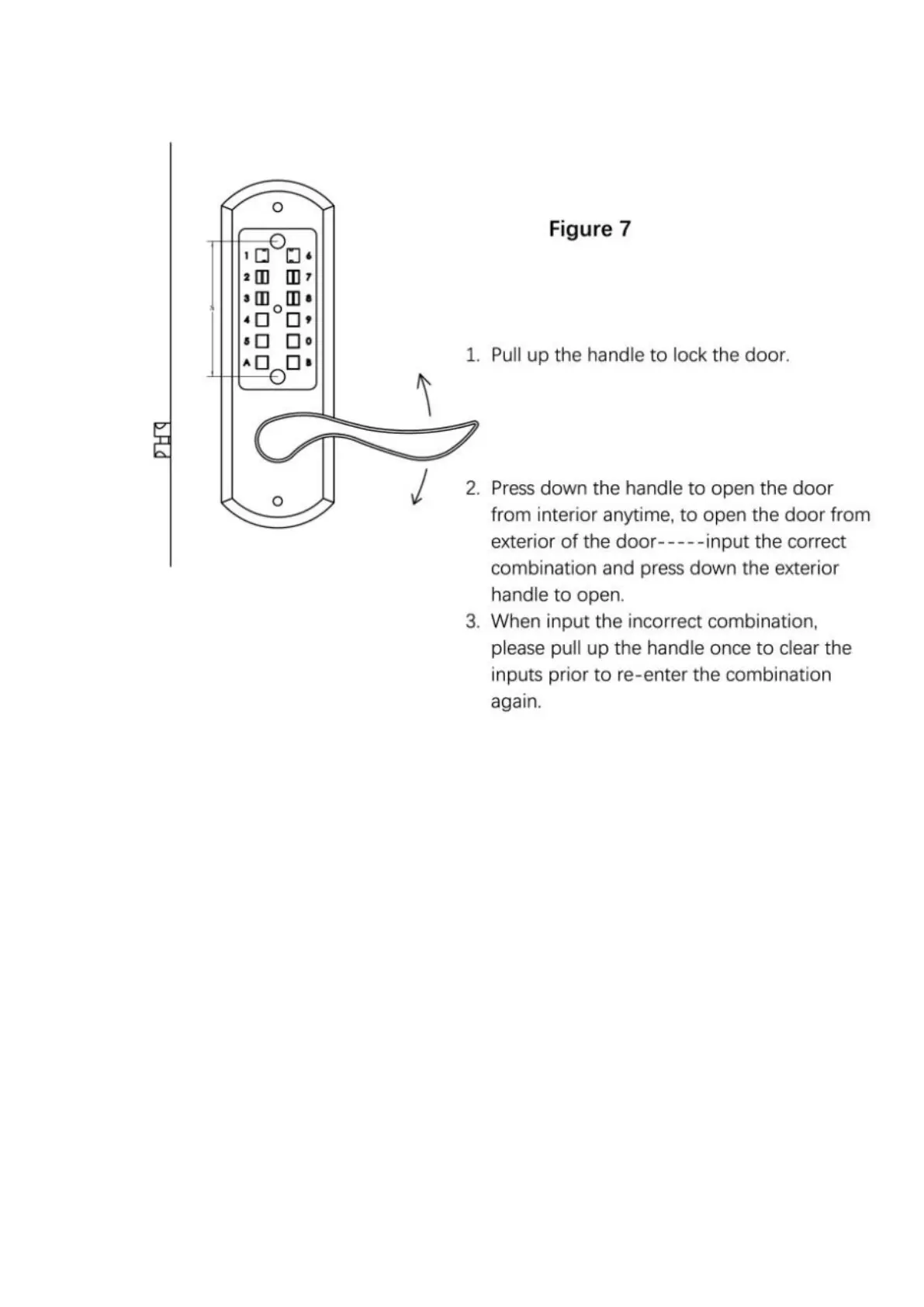
3. How to operate the lock. (Figure 7)
3.1 Open the door from exteriorwhen locked---Input the correct
combination, then user will be able to press down the handle, it will be
unlocked. If input the incorrect combination, the handle will not be able
to be pressed down, it will stay locked. If want to try it again, pull up the
handle once, them input the combination again and press down the
handle.
3.2 Open the door from interior when locked---press down the
handlefrom interior, it will be opened anytime.
3.3 Lock the door---Lift the handle(either from exterior handle or interior
handle), it will be locked, user will not be able to press down the handle,
3.4 When input the incorrect combination---Lift the handle to reset, then



 To Next Page