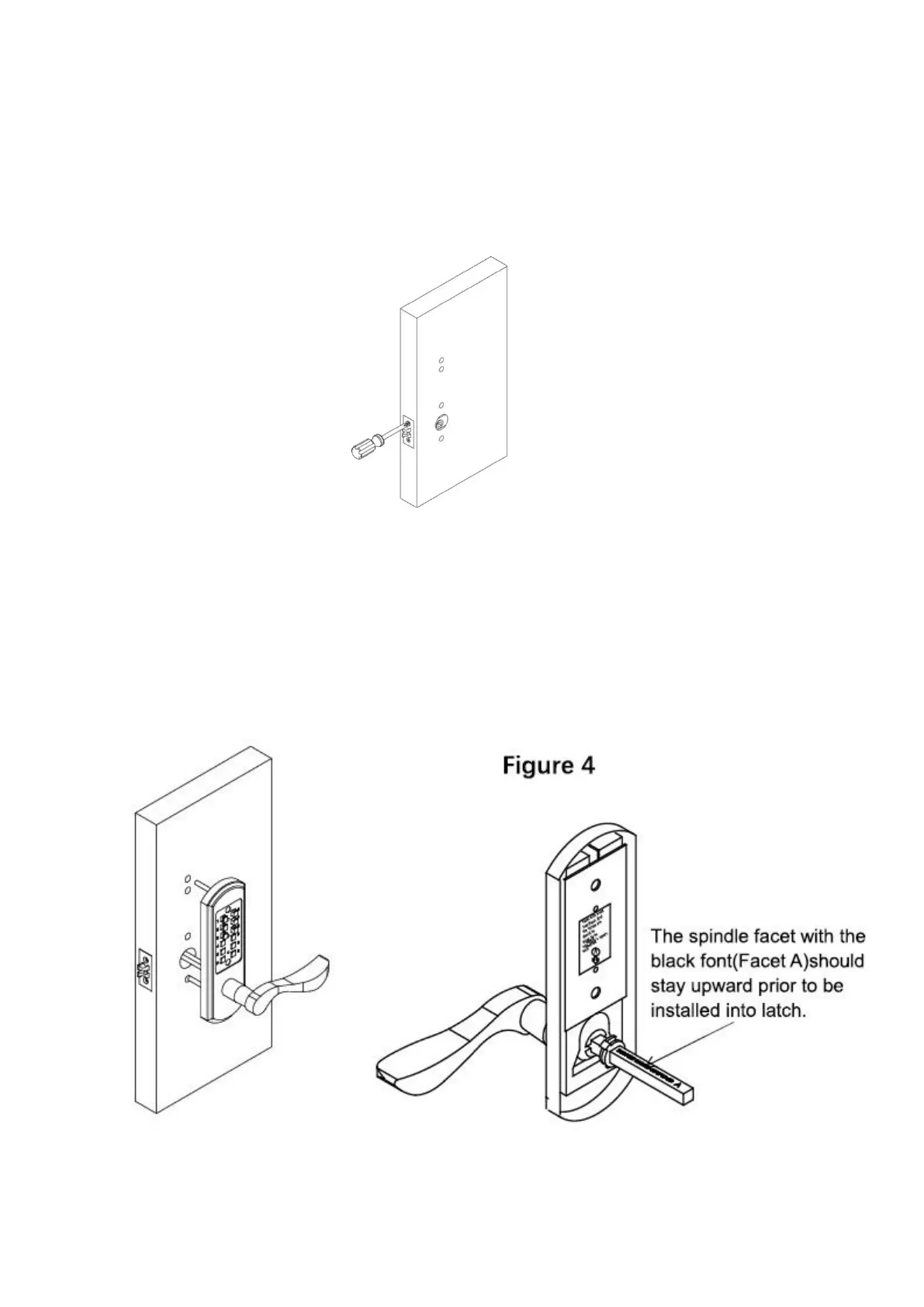
2.3 Step 3: Install the latch/front cover/back cover/cover plate
1) Install the latch onto the door. Using a screwdriver, secure the latch
to the door with the wood screws.(See Figure 3)
2) Align the colored mark on the top of the square hole of latch.
3) Install the front cover, put the spindle through the square hole of the
latch, prior to it, the spindle’s facet A(the facet with the black font)should
stay upward. (See Figure 4)



 To Next Page