QUICK START GUIDE12
CONNECTING
AN ANTENNA
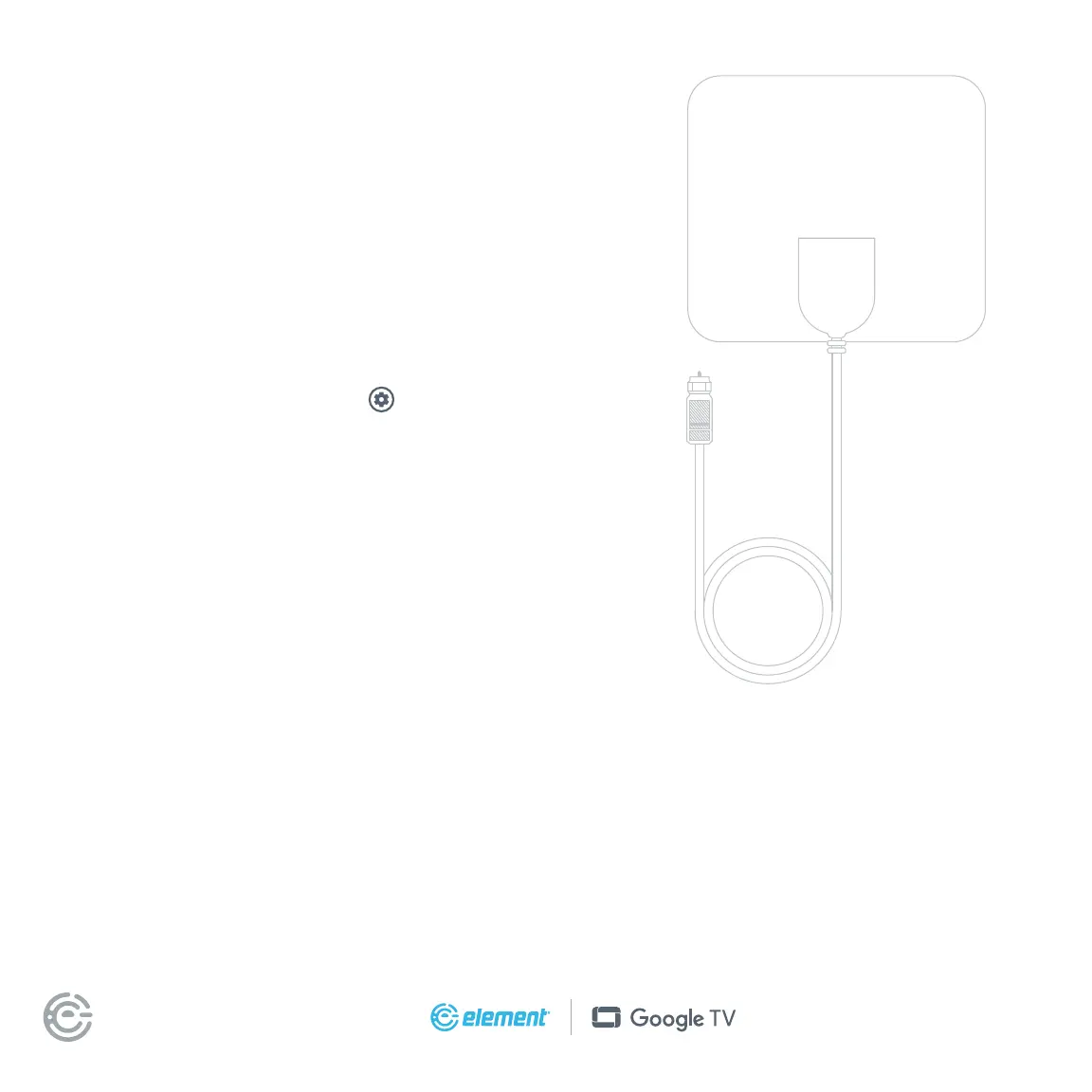
With the built-in tuner you can connect your TV to
an antenna and enjoy over-the-air entertainment.
1. To connect your TV to an antenna, connect a coax
cable (not included) into your TV’s ANT/CABLE port
and the other end into your device.
2. Turn your TV on and press the button
on your remote and then press Select.
3. Navigate channels & inputs > channels > channel scan
4. Follow the on-screen instructions.
UNIVERSAL
REMOTE SETUP
If you prefer to use your cable set-top box or satellite receiver remote as a
universal remote, please refer to the manual your cable or satellite service
provided. It includes instructions on how to program your remote to your TV.


 To Next Page