~09~
FUNCTION BUTTONS
• [
While playing back a DVD disc. Press the [ANGLE] button
repeatedly to select the desired camera angle. A DVD disc
may contain up to 9 selectable camera angles.
•
Press the [SEARCH] button tosearch for a desired Title,
Chapter, Time or Track.
•
•
ANGLE]:
[SEARCH]:
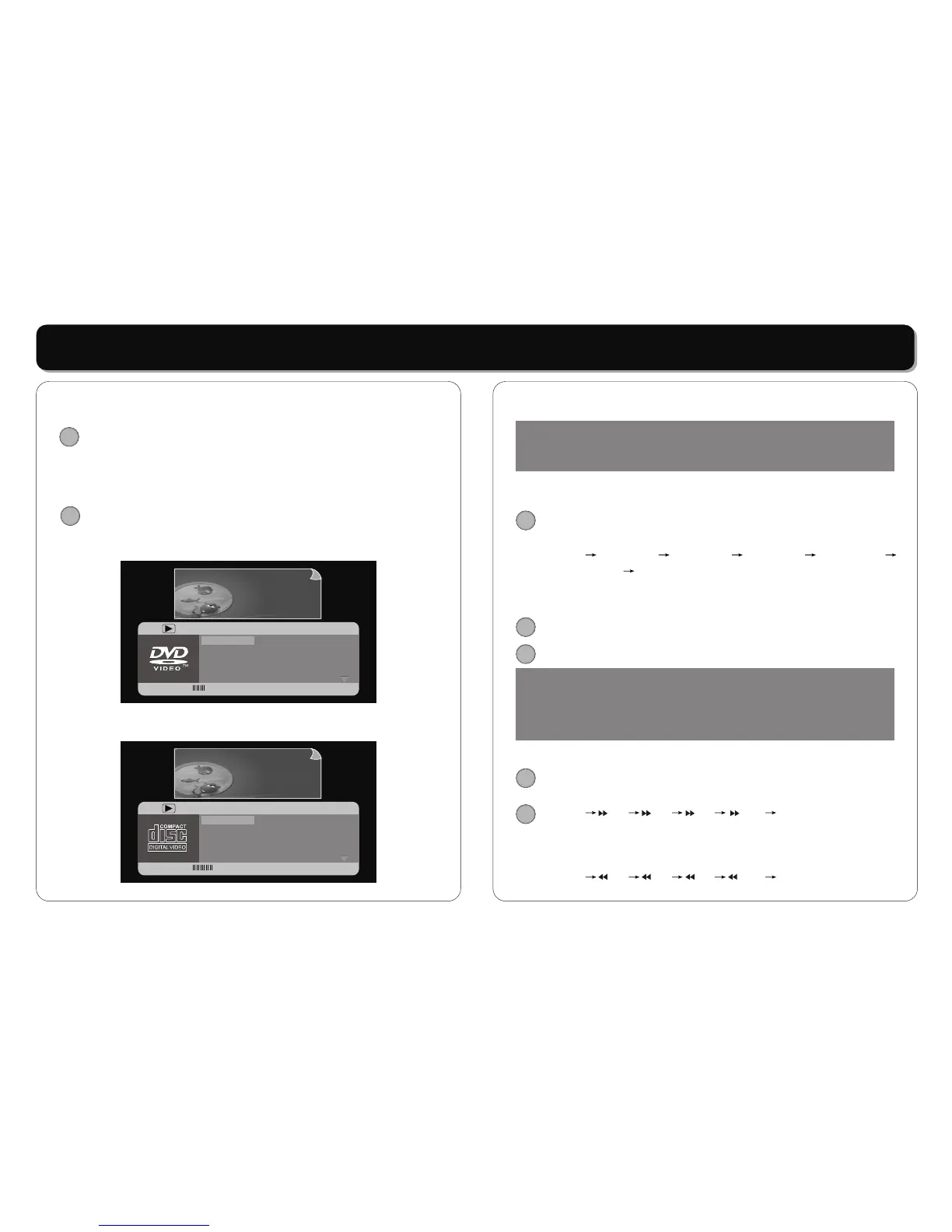
In DVD mode:
Pressing the [SEARCH] button once, the screen display:
In VCD mode:
Pressing the [SEARCH] button, the screen display:
ANGLE
01/36
06/21
5.1CH English
English
01/36
06/21
5.1CH English
English
Menu
Title
Chapter
Audio
Subtitle
Menu
Title
Chapter
Audio
Subtitle
Bitrate 42 Title Elapsed 0:35:45Bitrate 42 Title Elapsed 0:35:45
SEARCH
04/15
1:01:05
0:0:54
Off
04/15
1:01:05
0:0:54
Off
Menu
Track
Disc Time
Track Time
Repeat
Menu
Track
Disc Time
Track Time
Repeat
Bitrate 85 Total Elapsed 0:17:25Bitrate 85 Total Elapsed 0:17:25
• After searching, press [ENTER] button to confirm.
• [
The player sound is muted in Slow mode. Press the [SLOW]
button to play at slow motion, repeatedly pressing the
button will decrease the slow speed as following:
P
• [
Press the [PREV] button to skip back a DVD chapter or
VCD program or CD track. Press [NEXT] button to advance
a DVD chapter or VCD program or CD track.
• [
Press [FF] button fast backward through the disc
Repeatedly pressing the button , the player will fast
forward playing as following rate:
Press [FR] button fast forward through the disc.
Repeatedly pressing the button ,the player will fast
backward playing as following rate:
SLOW]:
lay Slowx1/2 Slowx1/4 Slowx1/8 Slowx1/16
Slowx1/32 Play
PREV] / [NEXT]:
REV] / [FWD]:
Play x2 x4 x8 x20 Play
Play x2 x4 x8 x20 Play
NOTE:
Some DVD discs and MP3 disc do not allow search function,
and search function do not work during program playing.
SLOW
NEXT
PREV
NOTE:
Player will not skip forward or backward during "WARNING"
section of a DVD disc. Single chapter DVD or single track CD
cannot skip.
FF
FR



 To Next Page