~19~
BATTERY ATTACHMENT AND USE
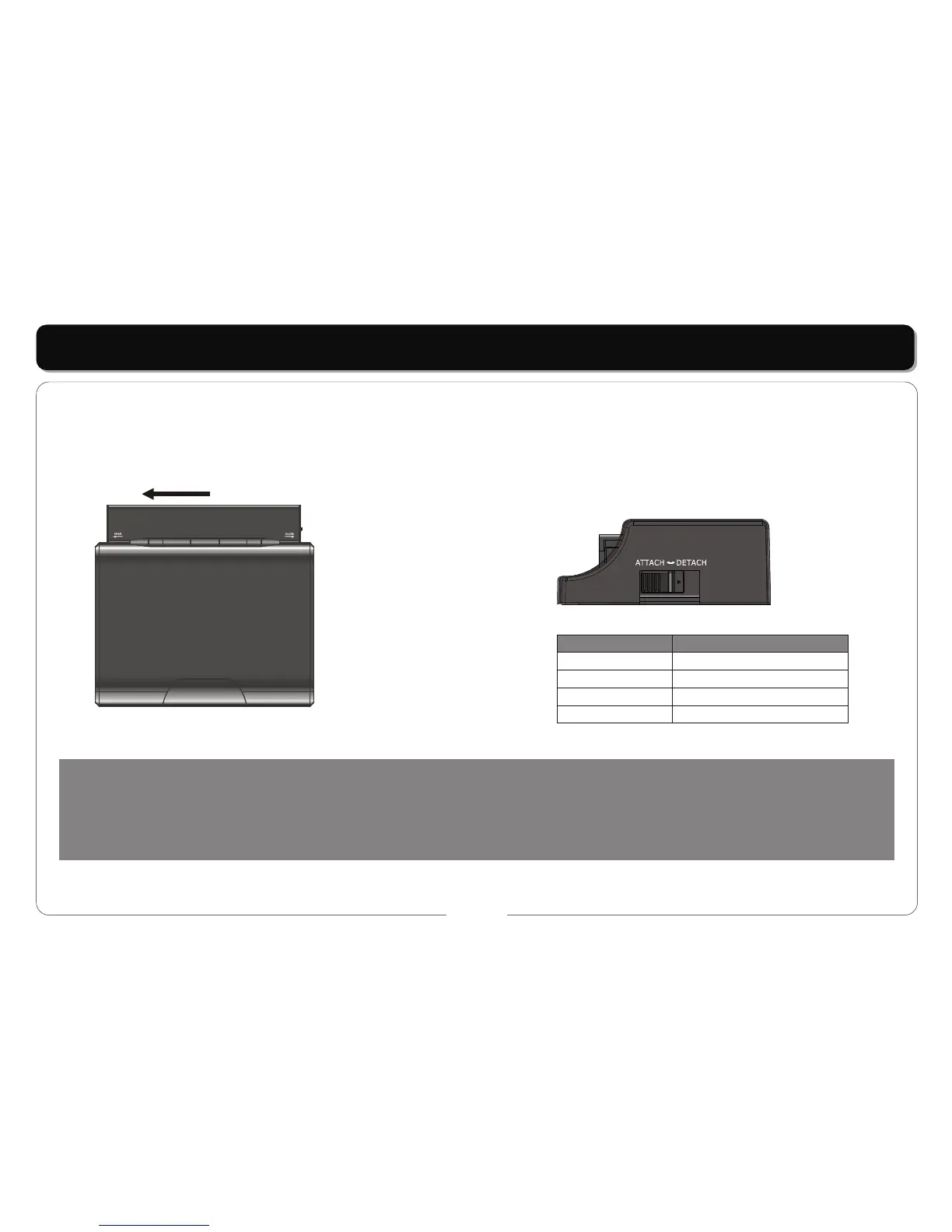
Load the battery:
Connect the battery pack to the two clips and slide it along the side of the player until the battery clicks into place. If you want to remove the
battery pack, push the "DETACH" button on the side of the battery pack, then move the pack to the right to free it from the clips. on the side of
the battery pack, then move the pack to the right to free it from the clips.
NOTES:
• Do not place the screen near a heat source or scratch it with sharp objects.
• The LCD screen is made up of 33 millions color points. If there are a few bright or dark pixels visible under certain viewing conditions this
is a common phenomenon on a matrix display.
This is not a malfunction.
Battery
•
ATTACH: LOCKED DETACH: UNLOCK
LED indicator are shown in the table below:
Event
Battery charging
Fully charged
System working
System standby
Led Indication
Red light in the battery on
Red light in the battery on
Green light in the player on
Red light in the player on



 To Next Page