~11~
SYSTEM SETUP
You can change the default settings of this player to customize its performance to your own preferences.
To Set up your system:
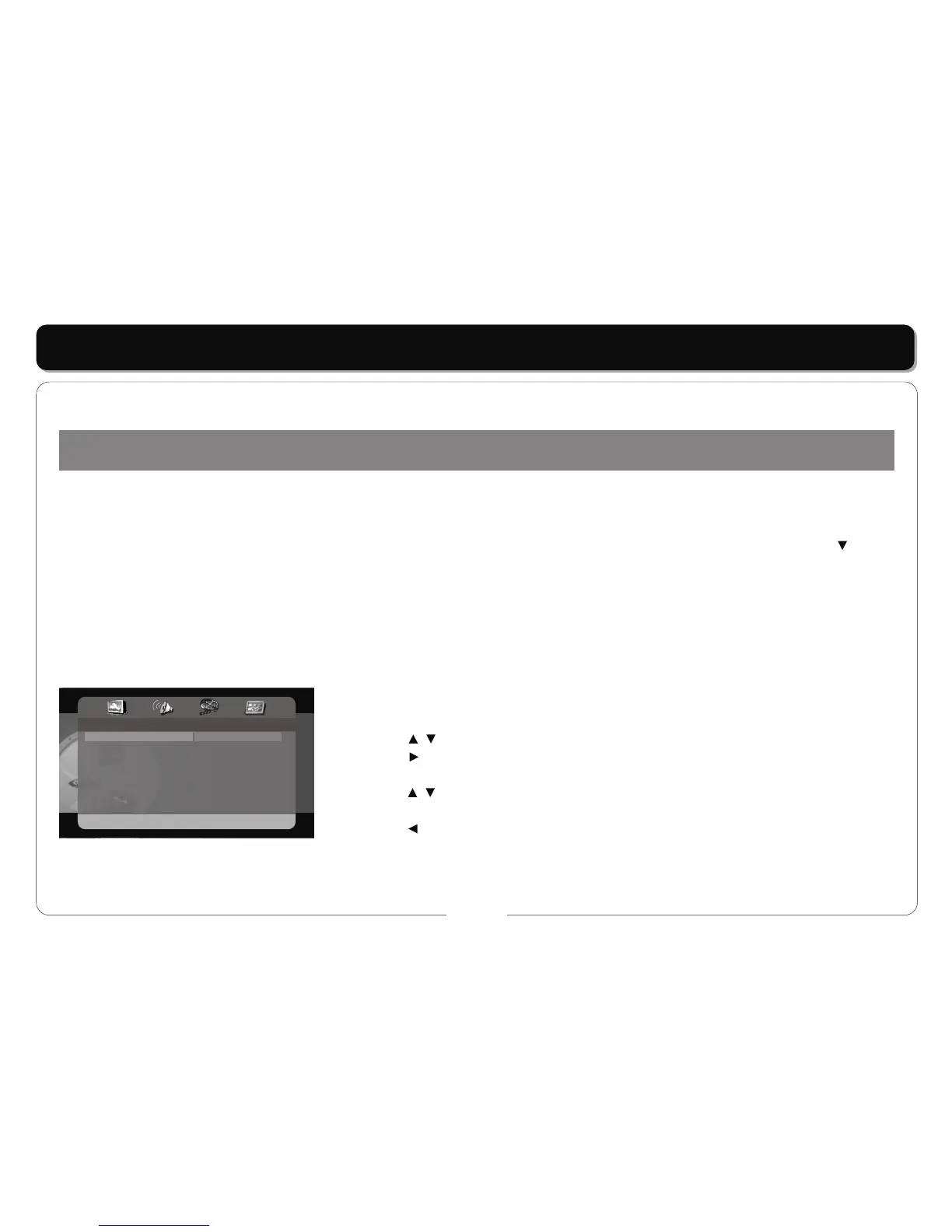
1. Press the SETUP button and the setup menu will appear on the screen. It includes General Setup, Audio Setup, Video Setup, Preferences, and
TV Guardian Setup.
2. Press the direction buttons to select a sub-menu to program and press the ENT / ENTER button to access. In the sub-menu, use the button
to highlight the "MAIN PAGE" and press the ENT / ENTER button to exit.
3. Press the SETUP button again to exit the setup menu at any time during setting.
* Your portable DVD player functions may differ from the player shown.
General Setup
TV DISPLAY
• This item is used to set the TV display mode.
• Press the buttons to highlight this item.
• Press the button to access.
• It includes 4:3 PS, 4:3 LB, and 16:9.
• Press the buttons to choose the desired language.
• Press the ENT/ENTER button to confirm your
•
NOTE:
Program the system while playback is stopped completely or there is no disc in the payer.
selection.
Press the button to exit.
Note: Select 4:3 PS or 4:3 LB when a 4:3 TV is connected. Select 16:9 when a 16:9 wide screen TV is connected.
- - General Setup Page - -
TV Display
Angle Mark
OSD Lang
Screen Saver
Last Memory
DivX VOD
PS
On
ENG
On
Off
Normal/PS
Normal/LB
Wide
Wide Squeeze



 To Next Page