~12~
SYSTEM SETUP
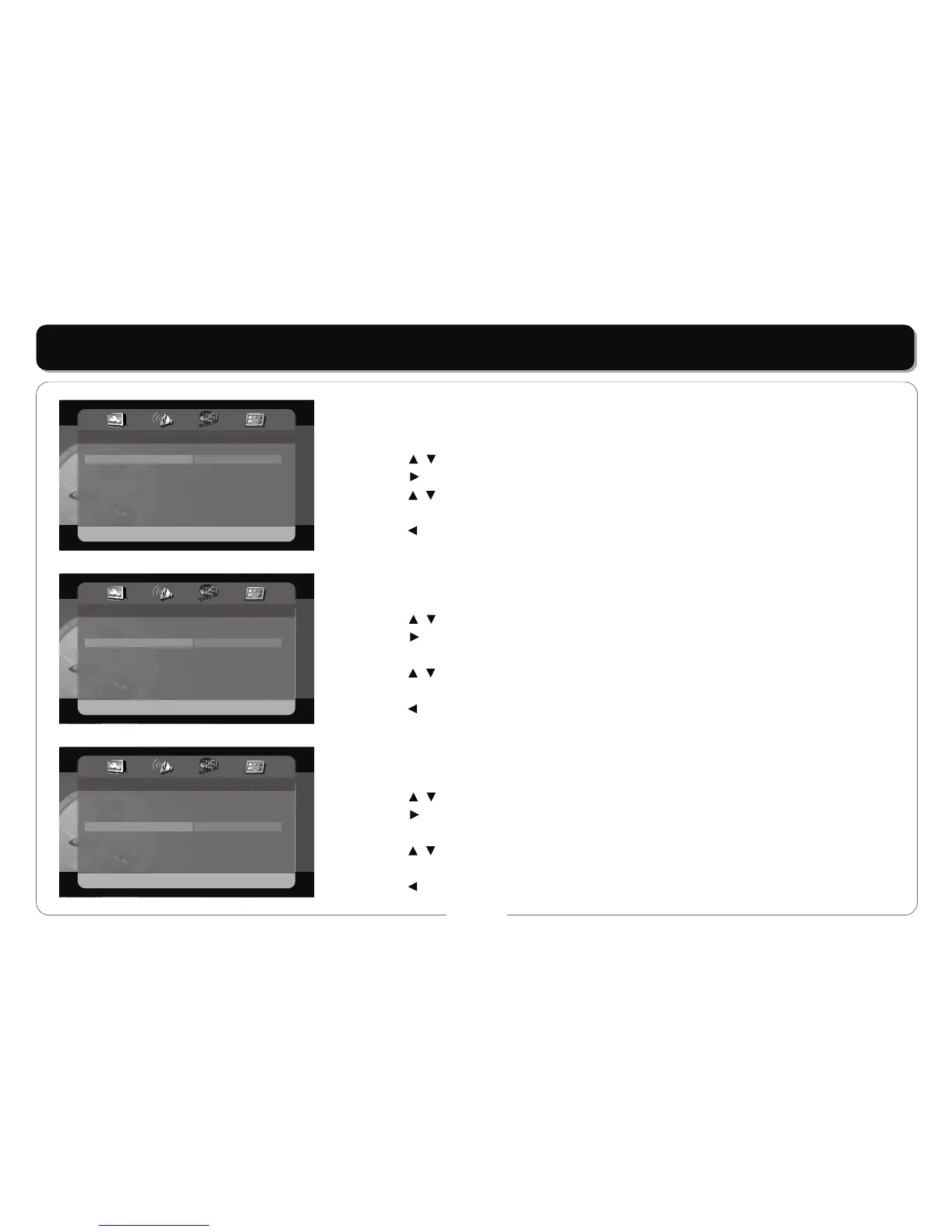
ANGLE MARK
• This item is used to set the angle mark on or off.
• Press the buttons to highlight this item.
• Press the button to access.
• Press the buttons to select ON or OFF.
• Press the ENT/ENTER button to confirm your selection.
• Press the button to exit.
OSD LANGUAGE
• This item is used to set the OSD (on-screen display) language.
• Press the buttons to highlight this item.
• Press the button to access.
• There are several languages for you to choose.
• Press the buttons to choose the desired language.
• Press the ENT/ENTER button to confirm your selection.
• Press the button to exit.
SCREEN SAVER
• This item is used to turn on and off the screen save.
• Press the buttons to highlight this item.
• Press the button to access.
• The default setting of this player is on.
• Press the buttons to choose on or off.
• Press the ENT/ENTER button to confirm your selection.
• Press the button to exit.
- - General Setup Page - -
TV Display
Angle Mark
OSD Lang
Screen Saver
Last Memory
DivX VOD
PS
On
ENG
On
Off
On
Off
- - General Setup Page - -
TV Display
Angle Mark
OSD Lang
Screen Saver
Last Memory
DivX VOD
PS
On
ENG
On
Off
English
French
Spanish
- - General Setup Page - -
TV Display
Angle Mark
OSD Lang
Screen Saver
Last Memory
DivX VOD
PS
On
ENG
On
Off
On
Off



 To Next Page