~13~
SYSTEM SETUP
- - General Setup Page - -
TV Display
Angle Mark
OSD Lang
Screen Saver
Last Memory
DivX VOD
PS
On
ENG
On
Off
On
Off
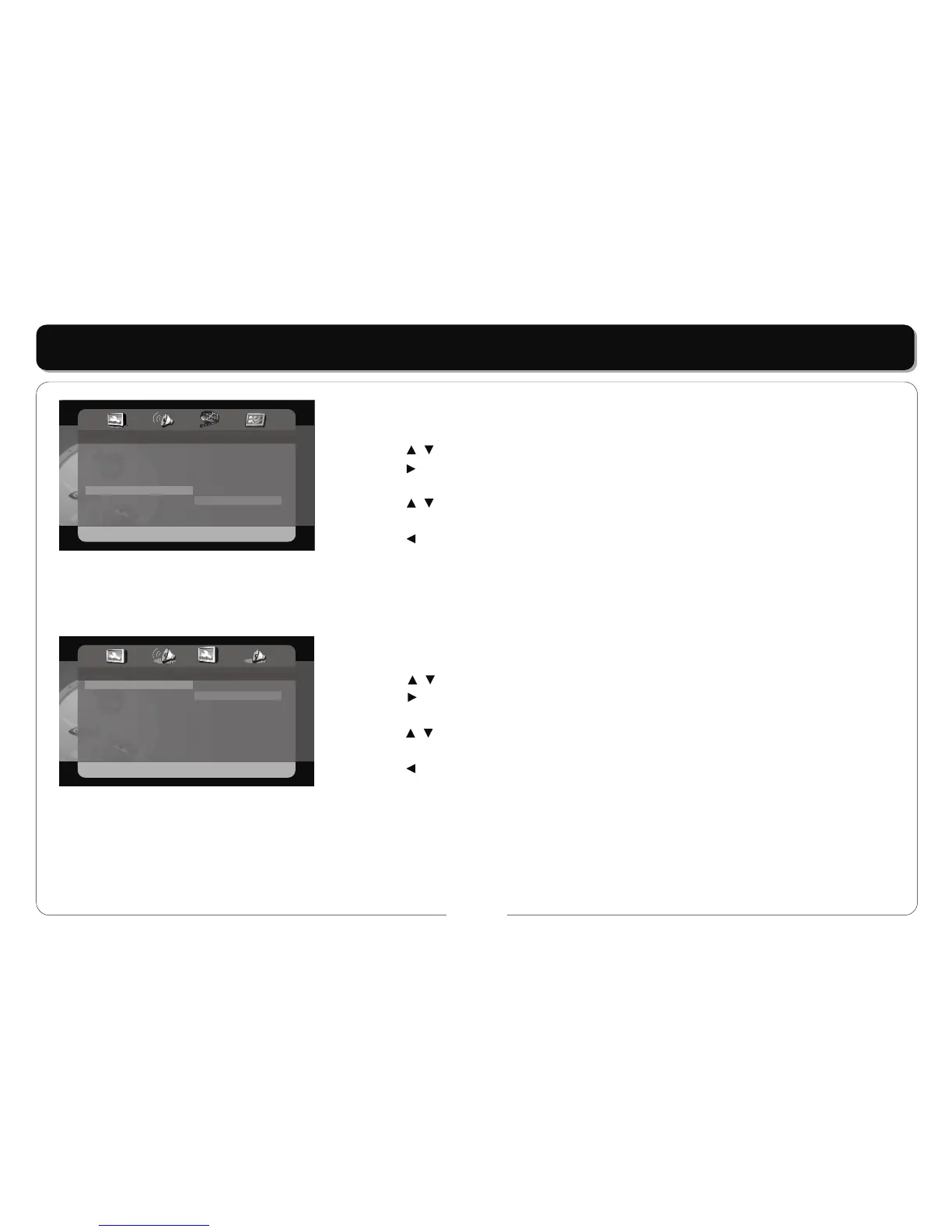
LAST MEMORY
• This item is used to set the last memory state.
• Press the buttons to highlight this item.
• Press the button to access.
• The default setting of this player is on.
• Press the buttons to choose on or off.
• Press the ENT/ENTER button to confirm your selection.
• Press the button to exit.
Note: the last memory refers to resume playback from the point that you last stopped the disc.
Speaker Setup
DOWNMIX
• This item is used to set the downmix mode.
• Press the buttons to highlight this item.
• Press the button to access.
• It includes Lt/Rt and stereo, stereo by default.
• Press the buttons to choose the proper setting.
• Press the ENT/ENTER button to confirm your selection.
• Press the button to exit.
Note: The function of Lt/Rt is to output mixed audio in the format provided by Dolby. The function of stereo is output signal.
- - Speaker Setup Page - -
Downmix
STR LT/RT
Stereo



 To Next Page