~14~
SYSTEM SETUP
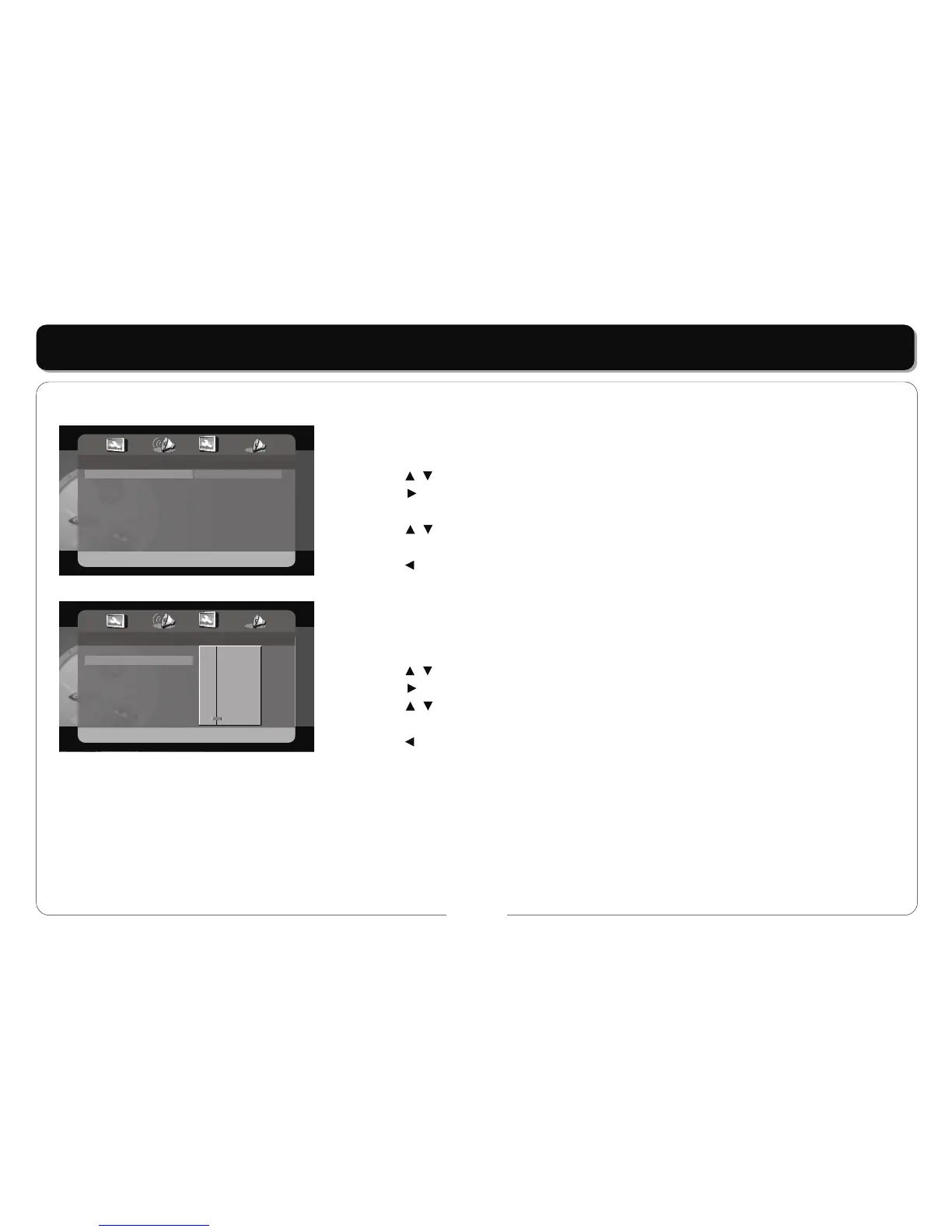
- - Dolby Digital Setup - -
Dual Mono
Dynamic
STR Stereo
L-Mono
R-Mono
Mix-Mono
- - Dolby Digital Setup - -
Dual Mono
Dynamic
STR
- - FULL
- -
- - 3 / 4
- -
- - 1 / 2
- -
- - 1 / 4
- -
- - OFF
Dolby Digital Setup
DUAL MONO
• This item is used to set the channel output mode.
• Press the buttons to highlight this item.
• Press the button to access.
• It includes L-mono, R-mono, and Mix-mono, Stereo by default.
• Press the buttons to choose choose on or off.
• Press the ENT/ENTER button to confirm your selection.
• Press the button to exit.
DYNAMIC
• This item is used to adjust the linear dynamic compression rate to get a different signal
compression effects.
• Press the buttons to highlight this item.
• Press the button to access.
• Press the buttons to choose the proper level.
• Press the ENT/ENTER button to confirm your selection.
• Press the button to exit.



 To Next Page