~15~
SYSTEM SETUP
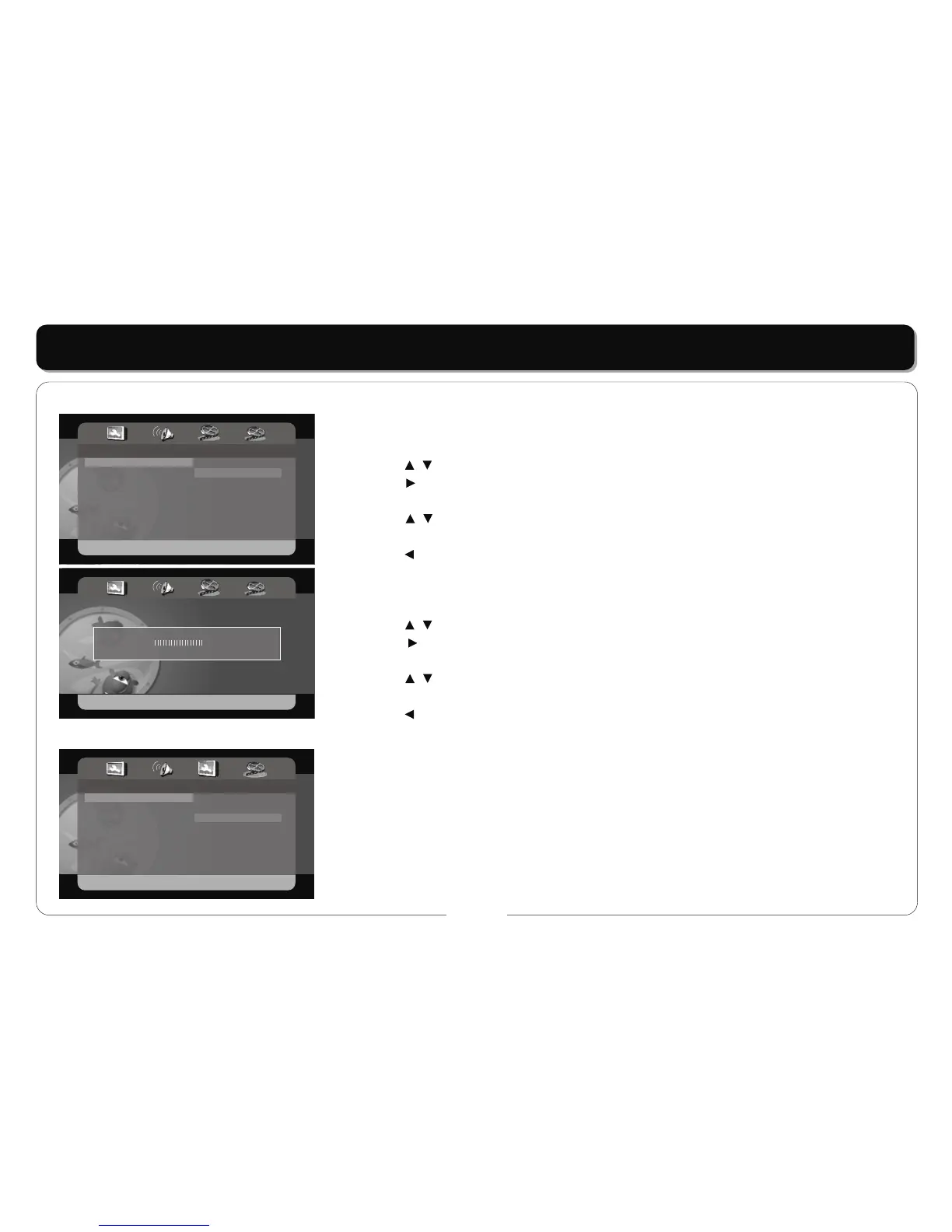
SHARPNESS
• This item is used to set the sharpness of the screen.
• Press the buttons to highlight this item.
• Press the button to access.
• It includes High, Medium, Low , Medium by default.
• Press the buttons to choose the proper setting.
• Press the ENT/ENTER button to confirm your selection.
• Press the button to exit.
BRIGHTNESS
• This item is used to set the brightness of the screen.
• Press the buttons to highlight this item.
• Press the button to access.
• The default is 10.
• Press the buttons to choose the proper setting.
• Press the ENT/ENTER button to confirm your selection.
• Press the button to exit.
TV TYPE
• PAL, Multi, NTSC.
• The output TV system can be set to PAL, Multi, NTSC.
- - Video Setup Page - -
Sharpness
Brightness
Contrast
Hue
Saturation
MID
00
00
00
00
High
Medium
Low
Brightness ............. 0
- - Preference Page - -
TV Type
Audio
Subtitle
Disc Menu
Default
NTSC
ENG
ENG
ENG
PAL
Multi
NTSC
Video Setup
Preferences Setup



 To Next Page