~17~
PLAYING MP3 FILES
1. MP3 is a music compression system with an international standard. A disc containing MP3 files can provide music for over 600 minutes or
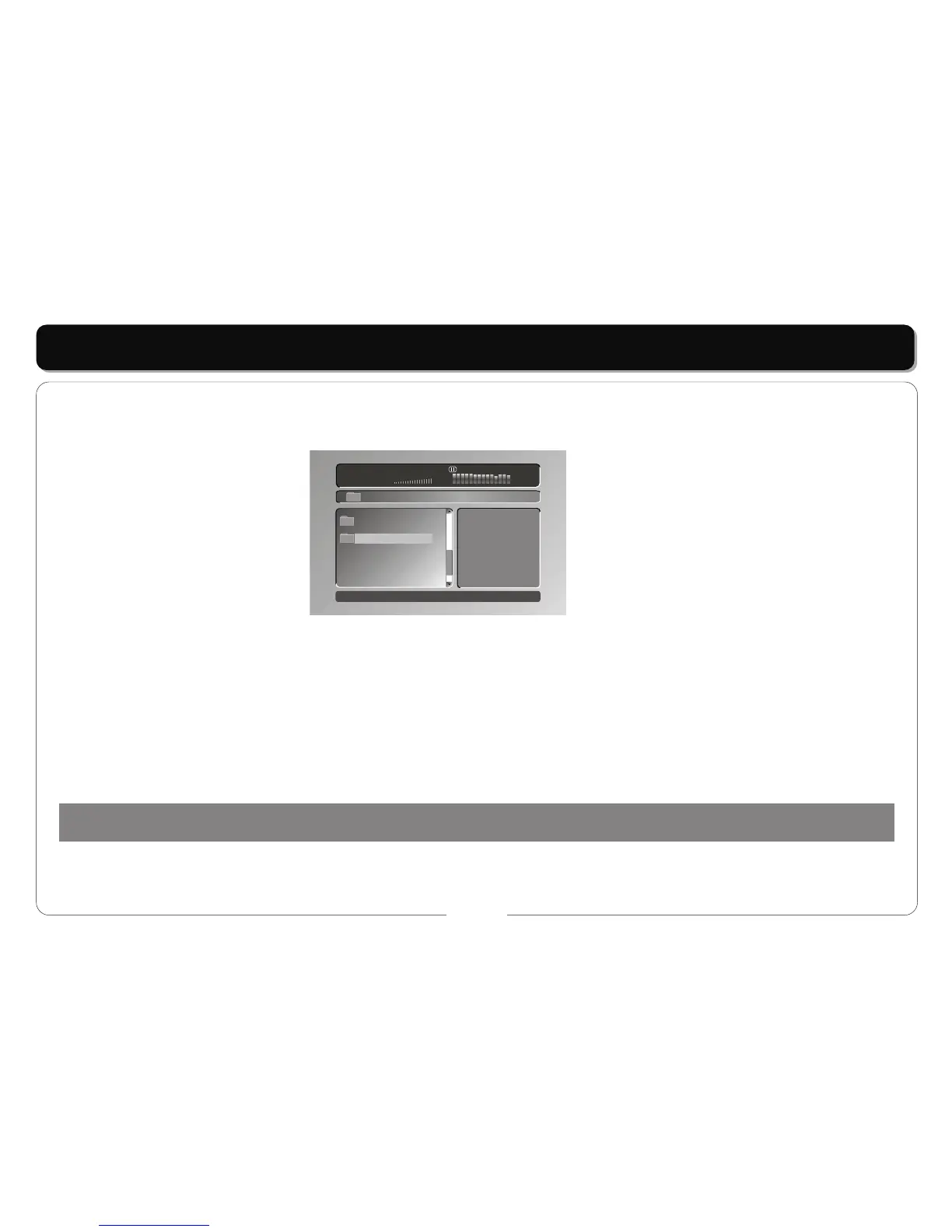
more than 170 songs, with the similar sound quality to a CD. To playback MP3 files on your player follow the instructions below. When you
load a disc the player will search the disc, and show on the screen as:
Play mode:
Single: Plays the song you have selected.
Repeat one: Repeats the song you have selected.
Folder: Plays all the songs in the folder.
Repeat folder: Repeats the songs on the disc.
Other functions:
• Press the [ENTER] or [PLAY] buttons, to play the song.
• Press the [UP] or [DOWN] button to select the song in the folder, select directly by the number buttons and [ENTER] or [PLAY] buttons to
play a disc.
• Press the [NEXT] button to select the next folder.
2. JPEG / Photo Files: The player can display photo images. Load the disc into the player.
Once loaded the display will show folders on the left of the screen and a list of images on the right. Use the direction keys to select a folder.
0 1 : 5 7 0 3 : 4 3 1 9 9 Kbps
0 0 2 / 0 0 2
\Music\
..
MP3
..
D U 1
REMARKS:
You can also connect a set of earphones for personal use. Earphone function (earphone set not included).



 To Next Page