~16~
SYSTEM SETUP
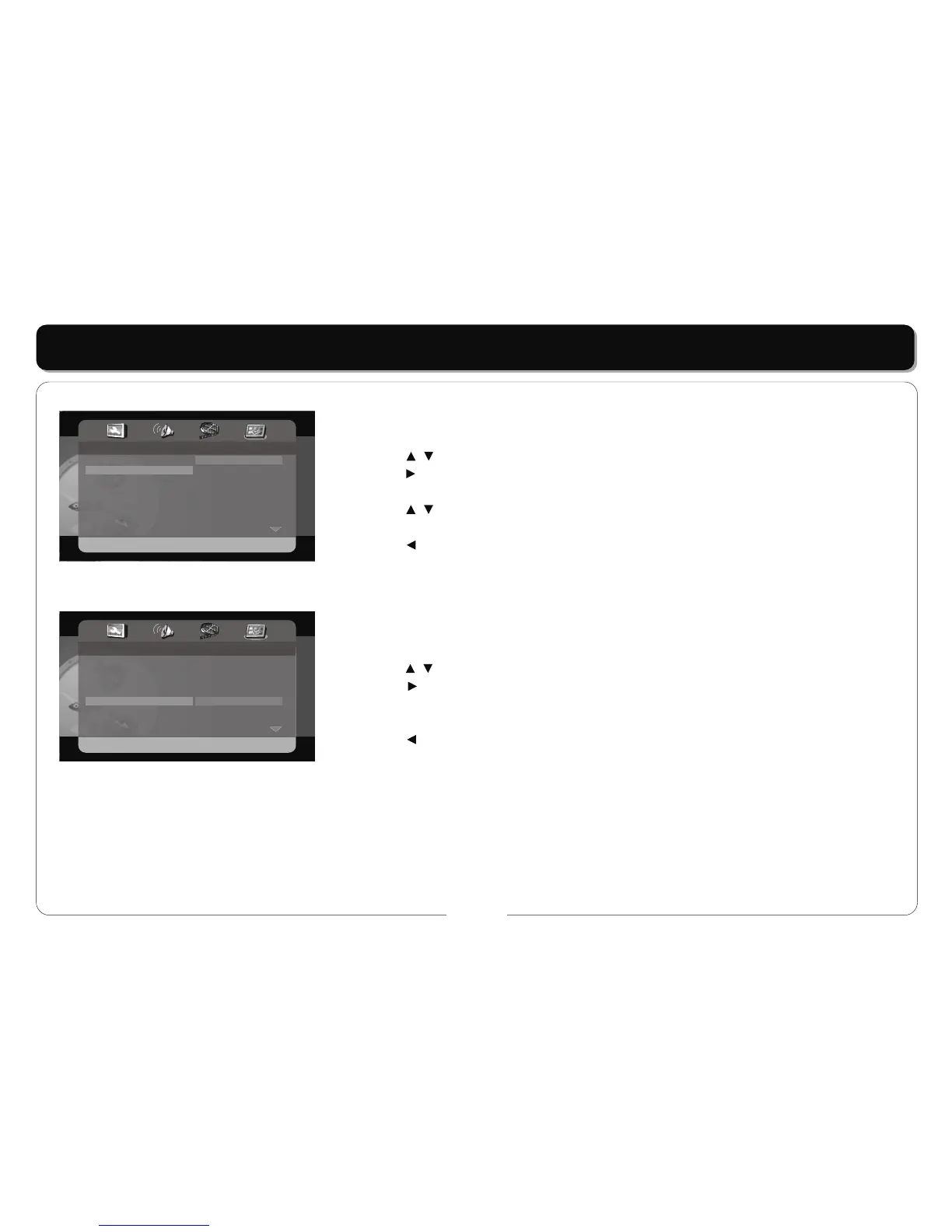
AUDIO / SUBTITLE / DISC MENU
• This item is used to set the menu language.
• Press the buttons to highlight this item.
• Press the button to access.
• There are several languages for you to choose.
• Press the buttons to choose the desired language.
• Press the ENT/ENTER button to confirm your selection.
• Press the button to exit.
Note: Not all DVD offer subtitles in multiple languages.
DEFAULTS
• This item is used to reset the player.
• Press the buttons to highlight this item.
• Press the button to access.
• Press the ENT/ENTER button to reset. All settings to your unit are now set back to its original
state.
• Press the button to exit.
- - Preference Page - -
TV Type
Audio
Subtitle
Disc Menu
Default
NTSC
ENG
ENG
ENG
English
French
Spanish
Chinese
Japanese
Korean
Russian
Thai
- - Preference Page - -
TV Type
Audio
Subtitle
Disc Menu
Default
NTSC
ENG
ENG
ENG
Reset



 To Next Page