EasyManua.ls Logo

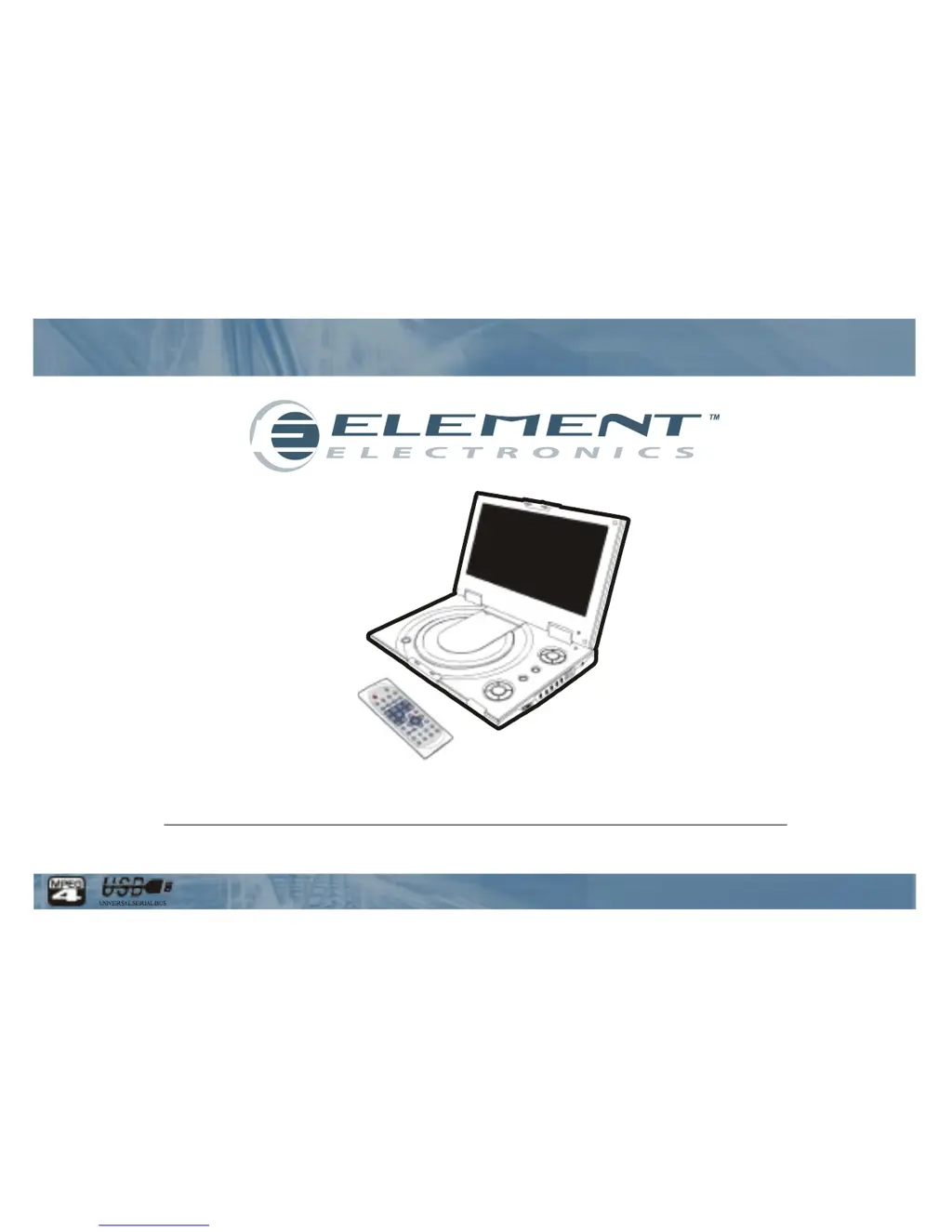
Element E850PD - User Manual

Element E850PD
32 pages
Print Icon
To Next Page IconTo Next Page
Loading...
User Guide
8.5ā€œ Portable DVD Player
ELE E850PD

Questions and Answers

  • J
    Jamie GarrisonAug 13, 2025
    Why is my Element E850PD Portable DVD Player remote control not working?
    • R
      Robin TaylorAug 13, 2025
      The remote control might not be working for a few reasons. First, ensure the battery is inserted correctly, matching the '+' and '-' directions. If the batteries are old, replace them with new ones. Finally, make sure you are pointing the remote directly at the remote control sensor on the DVD player.
  • R
    Ryan RobinsonAug 17, 2025
    How to fix Element E850PD Portable DVD Player that does not turn on?
    • S
      Samuel JohnsonAug 17, 2025
      If your Element Portable DVD Player isn't turning on, ensure the AC power cord is securely plugged into the AC outlet. If it is, try turning the power off and then back on.
  • S
    steven80Aug 20, 2025
    What to do if there is no sound on my Element Portable DVD Player?
    • M
      melissabeltranAug 20, 2025
      If you're not getting any sound from your Element Portable DVD Player, first check the volume setting and increase it if it's set to zero. Also, if you have headphones plugged into the PHONES and Audio jack, the speakers will not work; unplug the headphones to use the speakers.
  • D
    David PerezAug 25, 2025
    Why won't my Element E850PD play the disc?
    • J
      Joshua LongAug 25, 2025
      Your Element Portable DVD Player may not be playing the disc for a few reasons. Make sure the disc is a supported format (DVD, DVD-RW, VIDEO CD, or AUDIO CD). Ensure the disc isn't scratched or dirty. Also, check that the label side of the disc is facing up. If none of these help, the pick-up lens of the DVD player may be dirty.
  • J
    Jennifer GallagherAug 28, 2025
    What to do if Element Portable DVD Player doesn't turn on with battery pack?
    • K
      Keith Davis DDSAug 29, 2025
      If your Element Portable DVD Player isn't turning on even with the battery pack in place, the battery pack may need to be charged. Check the battery level and recharge it if necessary.
  • J
    Jonathan BauerSep 1, 2025
    Why is my Element E850PD Portable DVD Player battery pack not charging?
    • B
      Brenda FranklinSep 1, 2025
      If the battery pack isn't charging, make sure the DVD player is turned on, as it cannot charge when turned off. Also, if the battery pack is hot, it may take longer to charge; allow it to cool down sufficiently.
  • L
    Lisa SalazarSep 5, 2025
    Why doesn't the charging LED indicator light up on my Element Portable DVD Player?
    • D
      Donna BrownSep 5, 2025
      If the charging LED indicator isn't lighting up, try using another fully charged battery pack to see if the LED lights up then. Ensure the AC adapter is securely plugged in. Also, if the DVD player or battery pack is overheated, it may prevent charging.
  • A
    Andrew JimenezSep 9, 2025
    Why do the LED indicators show fully charged on my Element E850PD Portable DVD Player, but the battery isn't?
    • C
      Carrie AndersonSep 9, 2025
      If the red and green LED charging indicators light up quickly, indicating a full charge when the battery is depleted, try disconnecting and reconnecting the AC adapter to ensure a good connection. If the issue persists, test with another battery pack. If the second pack charges normally, the first battery pack may be defective.

Summary

Safety Information

Safety Guidelines and Warnings

Covers general safety, laser warnings, electrical precautions, and battery disposal.

Remote Control Overview

Button Functions and Operation

Details the functions of each button and how to operate the remote control.

Product Description

Component Views

Identifies components on the front, left, right, and bottom views of the DVD player.

Remote Control Usage

Battery Installation and Operation

Step-by-step guide for installing the battery and using the remote control effectively.

Connecting Earphones

Private Listening Setup

Explains how to connect earphones for private listening and volume adjustment.

Connecting External Video Sources

VCR;Camcorder to DVD Player

Illustrates how to connect external video sources like VCRs or camcorders.

Connecting to a TV

TV Connection and Usage Tips

Provides instructions for connecting to a TV and tips for optimal viewing.

Connecting to Stereo Systems

Digital Audio Output (SPDIF) Setup

Explains connecting the digital output to a Dolby Digital/DTS amplifier for surround sound.

Using the USB Port

Connecting, Removing, and Playing USB Devices

Covers plugging in, removing, and playing files from a USB device.

Using the AC Adaptor

Important Usage Guidelines

Key points regarding power cord connection, adaptor usage, and potential heating.

Battery Pack Operations

Installation, Removal, and Charging

Steps for attaching, detaching, and charging the battery pack.

LED Indicator Meanings

Explains the meaning of different LED lights during charging and operation.

Battery Pack Safety Cautions

Critical Dangers and Warnings

Highlights severe risks like fire, explosion, and eye contact with fluid.

Storage and Usage Precautions

Advises on proper storage conditions and temperature limits for battery life.

Disc Playback Basics

Preparation and Playback Initiation

Covers player setup, loading discs, and starting playback.

Playback Control Functions

Details stop, volume, skip, and fast forward/reverse functions.

Advanced Disc Playback Functions

Slow Motion, Repeat, and Bookmarking

Explains slow motion, repeat playback, and setting bookmarks.

Navigation and Zoom Features

Details using GOTO for navigation and ZOOM for image enlargement.

Disc Playback Controls and Settings

Audio, Subtitle, and Language Control

Covers mute, language, and subtitle selection during playback.

Menu, Title, Display, and Video Settings

Explains using Menu/PBC, Title, Display, L/R, P/N, and Angle for playback control.

Playing MP3 and Audio CDs

MP3 CD Compatibility and Playback

Specifies MP3 format requirements and instructions for playing music files.

Playing Picture CDs

Picture CD Compatibility and Image Control

Covers supported picture formats and image rotation, zoom, and navigation.

File Management

Displaying and Sorting Files

Explains filtering file display and organizing files by type, name, or date.

Language Setup

OSD, Menu, Audio, and Subtitle Languages

How to change the language for OSD, menu, audio tracks, and subtitles.

Screen Setup Options

Display Format, Screen Saver, and TV System

Settings for aspect ratio, screen saver, and TV system.

Audio Setup and Output

Digital Out and Downmix Configuration

How to configure digital audio output and downmix settings.

Custom Setup Options

Parental Control, Password, and Default Settings

How to set parental restrictions, change password, and reset to default.

Camera Angle Display

How to enable or disable the display of multi-angle marks.

LCD Screen Adjustments

Brightness, Contrast, Color, Aspect Ratio, and Reversal

Adjustments for brightness, contrast, color, aspect ratio, and screen reversal.

Resetting Screen Settings

How to reset all LCD screen settings to their default values.

Troubleshooting Common Issues

Power, Battery, and Remote Control Problems

Solutions for power, battery, and remote control malfunctions.

Disc, Picture, and Sound Issues

Guidance for resolving problems with disc playback, picture, and sound.

Troubleshooting Advanced Issues

External Component Input and Battery Charging Problems

Solutions for external component input and battery charging issues.

LED Indicator and Battery Status Issues

Troubleshooting incorrect LED indicators and battery status reporting.

Product Specifications

General, Disc, USB, and Output Specifications

Details general, disc, USB, audio/video output specifications.

Battery and Operating Environment Specifications

Covers battery technical data and operating environment conditions.

Limited Warranty Information

Warranty Terms and Service

Outlines the manufacturer's warranty terms, duration, and service requirements.

Element E850PD Specifications

General IconGeneral
Screen Size8.5 inches
Playable FormatsDVD, CD, MP3, JPEG
ConnectivityAV output, Headphone jack
Power SourceAC adapter, rechargeable battery
Region Code1

Related product manuals