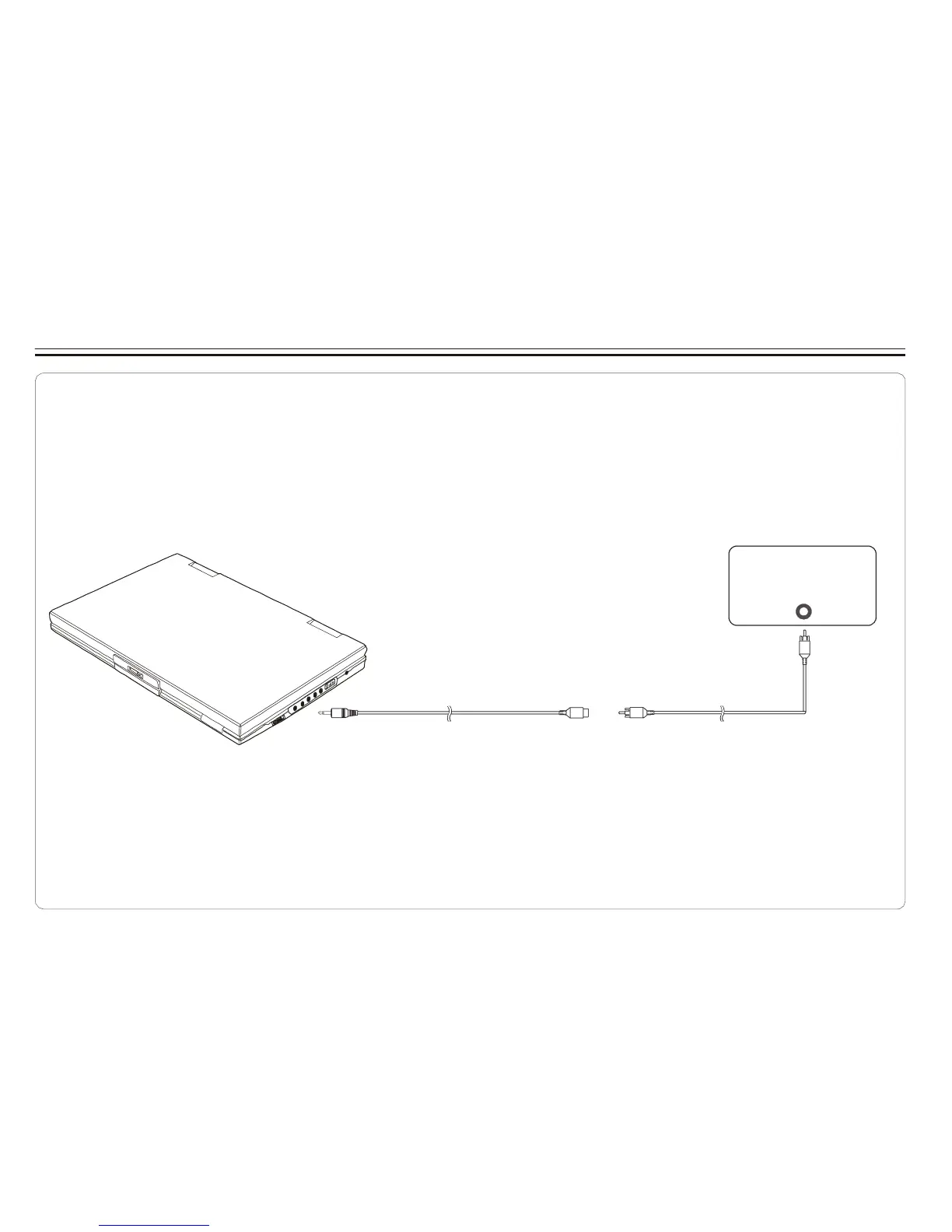
Connecting to a Stereo Component
By connecting the digital output (SPDIF) on the DVD player through a coaxial cable (optional accessory)
to a Dolby Digital/DTS amplifier or processor, you can enjoy full 5.1 channel surround sound. Follow
these steps for making the connection.
1.Turn off both DVD player and your stereo system.
2.Connect the SPDIF to your stereo system as illustrated below.
3.Turn on power of DVD player.
Coaxial terminal connecting stereo system
COAXIA L
Coaxi al cable
Coaxi al cable
SPDIF(black) COAXIA L(black )
Depending on your amplifier system, you need to make the following selection from MENU:
1.Refer to Changing Audio Output on page 22.
2.Select SPDIF/RAW if your amplifier has 5.1-channel decoder.
3.Select SPDIF/PCM if your amplifier has 2 channels.
4.Select OFF, if there is no digital signal output from the DVD player.
~ 9 ~



 To Next Page