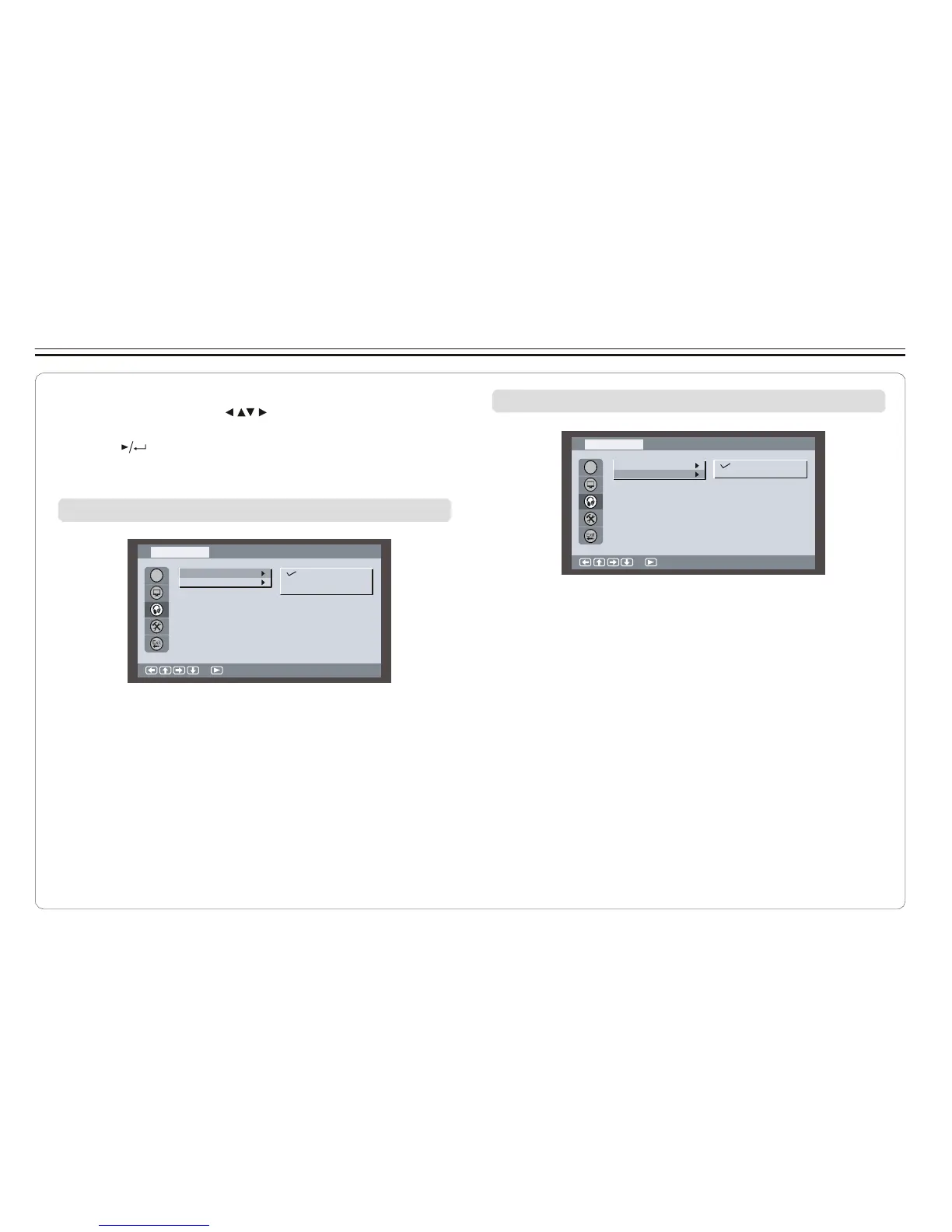
Setting Audio for Downmix
1. Press SETUP on the remote control.
2. Use the direction keys ( ) to select Audio Setup and
its sub-menu.
3. Press to confirm your selection.
Changing Downmix
Au di o S etup
4. Press SETUP to exit.
OSD
Di git al Out
Downmi x
Lo /Ro
Lt/ R t
Changing Digital Out
Au di o S etup
:S el ec t
OSD
Di git al Out
Downmi x
SPDIF / PCM
SPDIF / R AW
Of f
:S el ec t
Note:
SPDIF/OFF:select this when you do not want to have digital
audio signal output.
SPDIF/RAW:select this when the digital audio output is
connected to an external amplifier with Dolby
Digital or DTS decoder which gives 5.1 channel
sound.
SPDIF/PCM:select this when the external amplifier has no
decoder.
~ 22 ~



 To Next Page