Displaying and Sorting Files
Displaying files
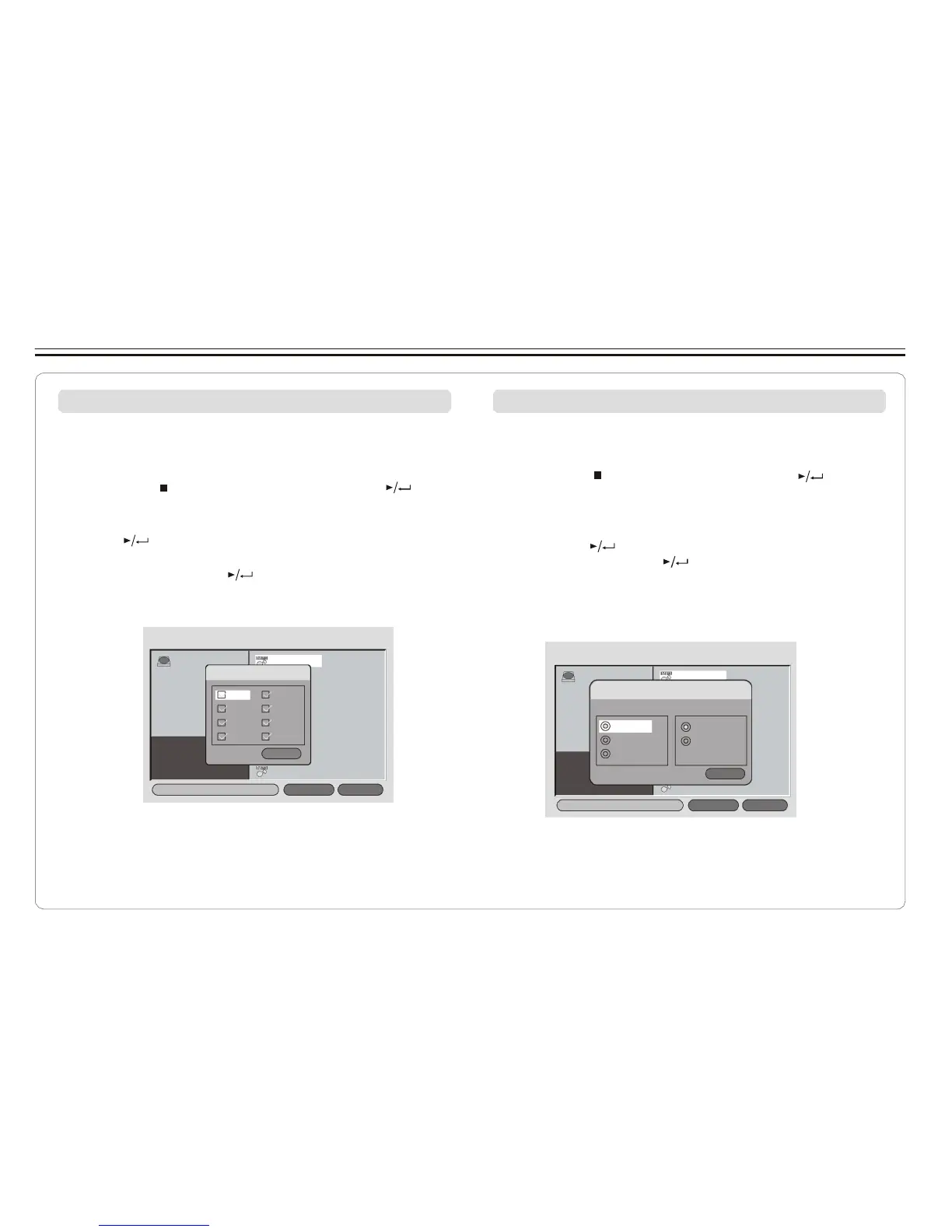
When a disc or USB device contains multiple file types, you
can select and display only certain file types.
1. Press STOP and select FILE TYPE and press " " to
confirm.
2. Select the file type you do not w ant to display and repeatedly
press " " so the check mark disappears.
3. Repeat STEP 2 to hide the other file type.
4. Select EXIT and press " " to get out.
Sorting files
You can list the file in the order according to its type, name or
date.
1. Press STOP and select SORT FILE, press " " to
confirm.
2. Select one of the sorting criteria ( by type, by name
and by date).
3. Select Ascending or Descending order for listing the
files, press " " to confirm.
4. Select EXIT and press " " to get out.
NOTE: If the file is listed by name, It will first list the file
names with capital letter in alphabetical order,
then files with lower case.
ROOT OP-06NW1 1
FILE T YPE:
OP-06NW2 2
ROOT
OP-06NW1 1
MP3
M
O
PG
-06NW3 3
SORT FILE :
OP-06NW2 2
MP2
O
VO
P
B
-06NW4 4
Method: SOePq-u0e6nNcWe:3 3
JPEG
DA T
O
AV
P
I
-06NW5 5
O
W
P
M
-
A
06NW6 6
E
O
x
P
i
-
t
06NW7 7
OP-06NW8 8
By type
By na me
By date
OP-
A
0
s
6
c
N
e
W
nd
4
i ng
4
OP-
D
0
e
6N
sc
W
e
5
ndi ng
5
OP-06NW6 6
OP-06NW
E
7
xi t
7
F i le Ty p e
S o r t File
OP-06NW8 8
F i le T y p e
S o r t File
~ 19 ~



 To Next Page