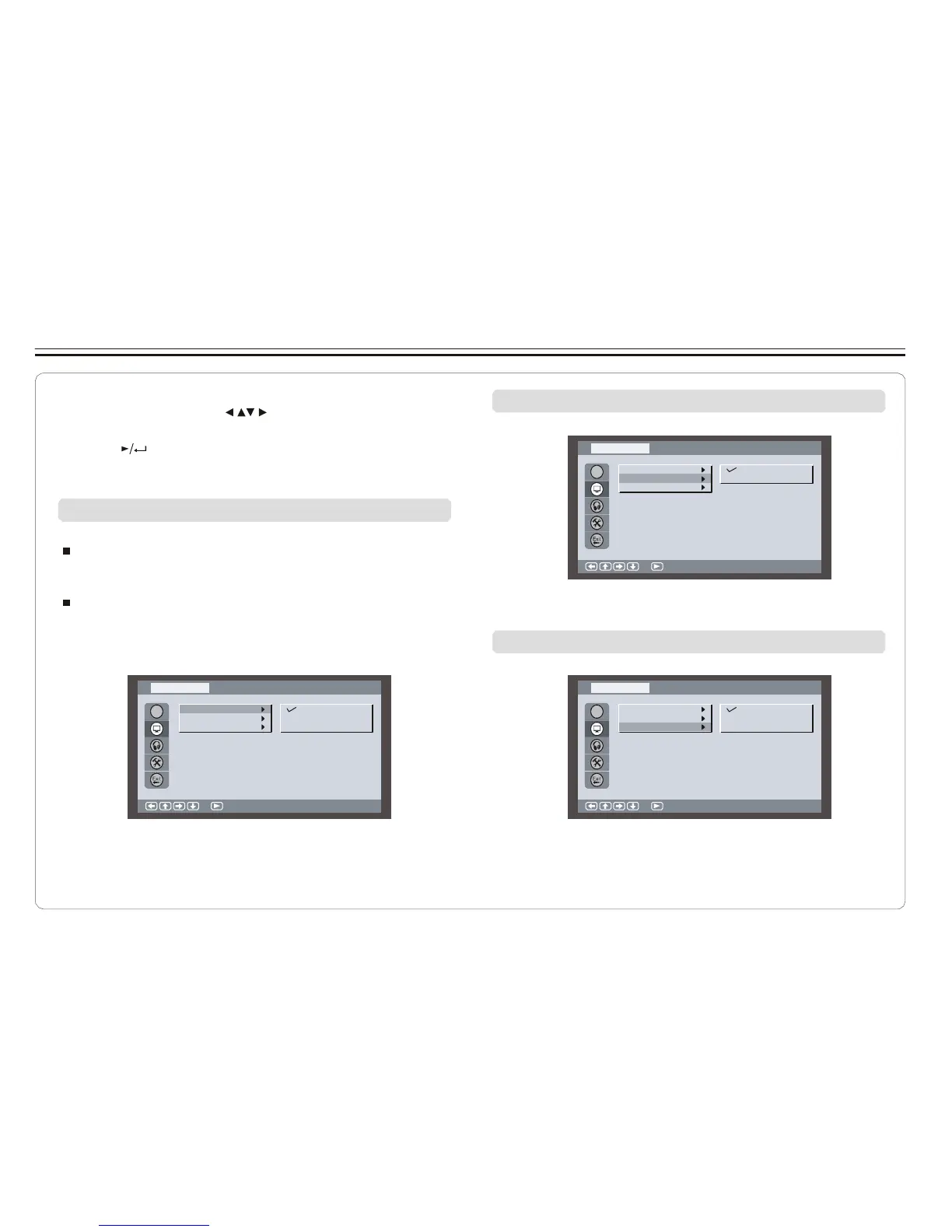
Setting Screen for Display Format, Screen Saver, TV System
1. Press SETUP on the remote control.
2. Use the direction keys ( ) to select Screen Setup and
its sub-menu.
3. Press to confirm your selection.
4. Press SETUP to exit.
Turning on/off screen saver
Sc re en S etup
Adjusting the Aspect Ratio
OSD
Di sp la y F orma t
Sc re en S aver
TV Syst e m
On
Of f
4:3 LB (Letter Box)
Displays the content of the DVD title in 16:9 aspect ratio.
The black bars will appear at the top and bottom of the screen.
4:3 PS( Pan Scan)
The left and right of the screen ar e cut off and displays the
central portion of the 16:9 screen.
:S el ec t
Selecting TV system
Sc re en S etup Sc re en S etup
OSD
Di sp la y F orma t
Sc re en S aver
TV Syst e m
4: 3 P S
4: 3 L B
16 :9
OSD
Di sp la y F orma t
Sc re en S aver
TV Syst e m
NT SC
PAL
Au to
:S el ec t :S el ec t
~ 21 ~



 To Next Page