~07~
FUNCTION BUTTONS
Repeat chapter
Repeat title
Repeat disc
Repeat off
Repeat chapter
Repeat disc
Repeat off
Repeat track
Repeat disc
Repeat off
Repeat track
Repeat folder
Repeat disc
Repeat off
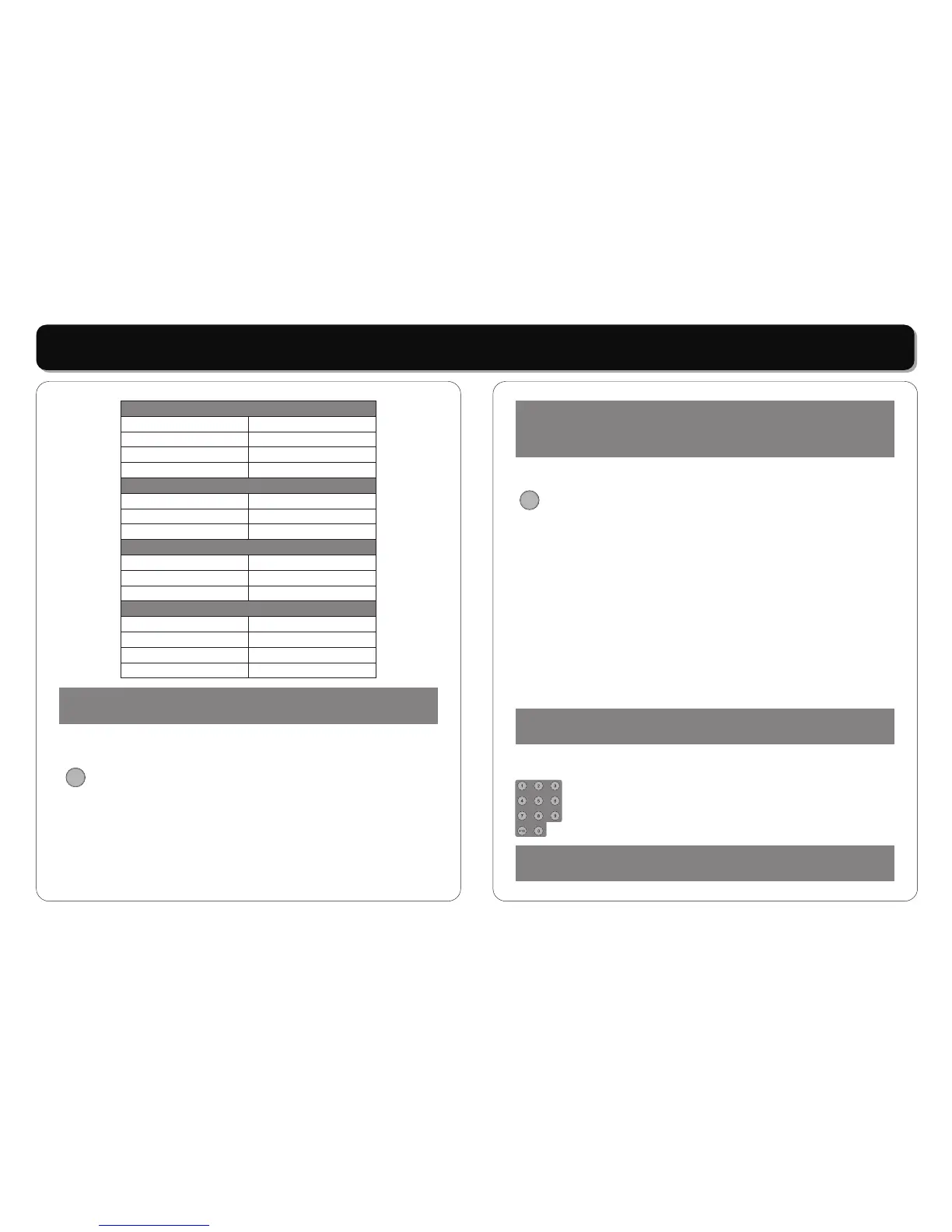
In DVD mode
In VCD mode
In MP3 mode
REP.CHAPTER
REP.TITLE
REP.ALL
REP.OFF
REP.1
REP.ALL
REP.OFF
REP.1
REP.ALL
REP.OFF
REP.1
REP. DIR
REP.ALL
REP.OFF
In CD mode
NOTE:
Some DVD discs do not allow REPEAT.
•
To repeatedly playback a specific section of a disc:
* Press the [REPEAT] button a the desired start point.
REPEAT A appears on the screen.
* Press the button again at the end of the desired section
REPEAT B appears on the screen.
* The selected section will now playback repeatedly until
thews function is cancelled by pressing the [REPEAT]
button for a third time.
[A-B REPEAT]:
A-B REPEAT
NOTE:
Some DVD discs do not allow the A-B REPEAT function. Does
not apply to MP3.
• [
Press the [ZOOM] button on the remote control to enlarge
the picture on the screen.
*
Press the [ZOOM] button repeatedly, the screen picture
will be enlarged as the following scale:
*
Press the [ZOOM] button repeatedly, the screen picture
will be change as above. When zoom is off, press
direction button to rotate the picture.
When zoom is 2,3 or 4 press direction button to move
picture.
•
To directly access a DVD or a CD track, input the desired
DVD chapter or CD track number using the numeric Key
Pad.
ZOOM]:
Play VCD / DVD:
ZOOM x 2, ZOOM
x 3, ZOOM x 4, ZOOM x1/2, ZOOM x 1/3, ZOOM x1/4,
ZOOM OFF.
Play JPEG:
[NUMERIC KEY PAD]:
ZOOM
NOTE:
Zooming degrades picture quality.
NOTE:
Some DVD discs do not allow direct access.



 To Next Page