ENGLISH
31
Chapter 3 Using the LCD TV
Hue Controls the difference between the green and red regions of the picture.
Sharpness Increase this setting to see crisp edges in the picture; decrease it for soft
edges
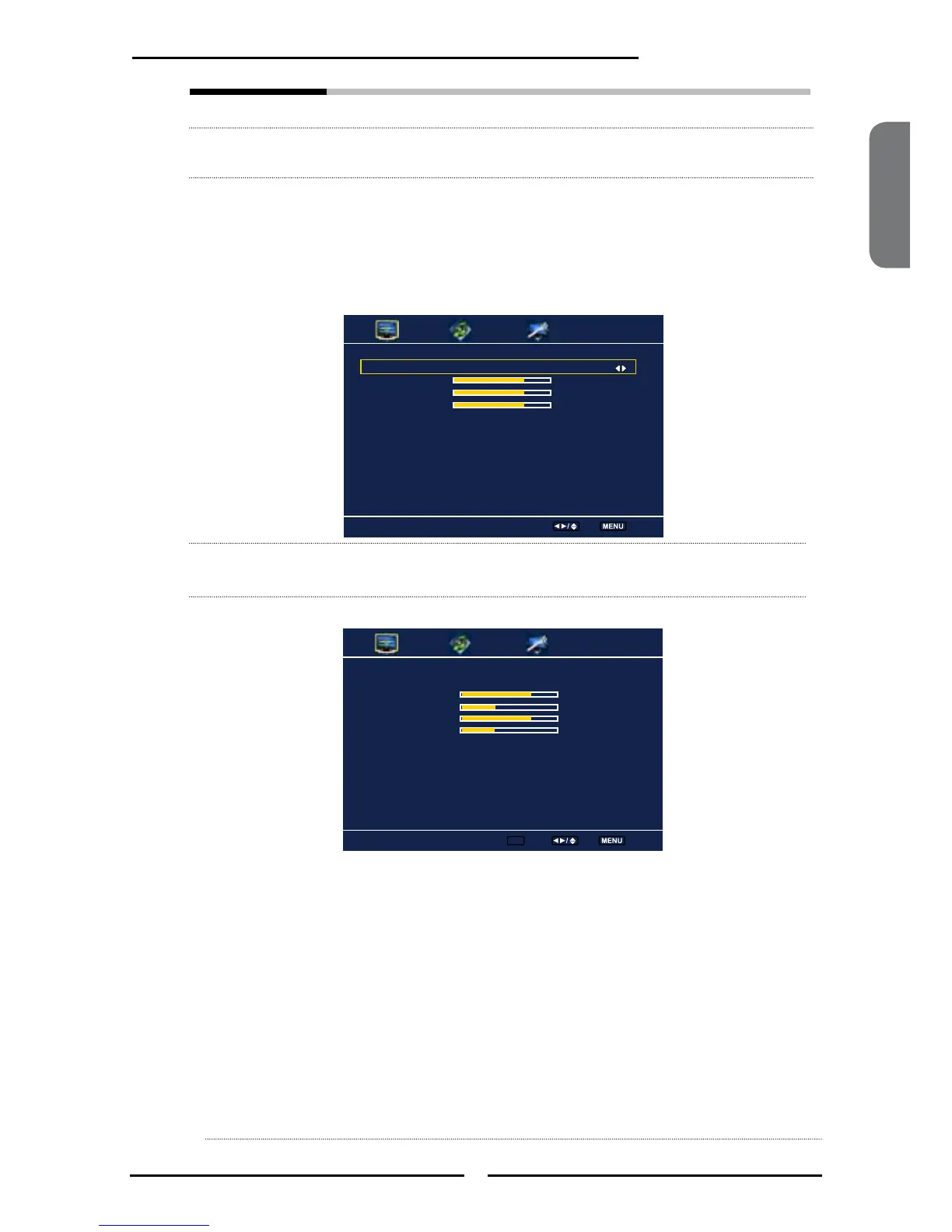
Color temperature Adjusts color components independently to achieve a warm or cool
effect: Cool/Middle/Warm/User
▪ Warm: Increases red tint
▪ Nature : Increases natural tint
▪ Cool : Increases blue tint
▪ User : Allows the user to adjust red, green and blue color
component levels independently.
Noise Reduction
Select to reduce the noise level of connected equipment: Off/Low/
Medium/Strong.
VGA Press the OK button to enter the VGA Setting:
▪
Auto Adjust Press the OK button to automatically adjust the
display settings to optimize performance based on
the VGA mode
▪ H. Position Adjusts the position of the picture left and right in
the window
▪ V. Position Adjusts the position of the picture up and down in
the window
▪ Clock Controls the width of the picture based on the VGA
mode
▪ Phase Controls the signal phase, which can improve focus
clarity and image stability based on the VGA mode
Auto Adjust
H.Position 72
V. Position 31
Clock 127
Phase 31
Color Temperature User
R Gain 120
G Gain 120
B Gain 120
Color Temperature
Select Exit
VGA
Enter ok Select Exit



 To Next Page