40
Chapter 3 Using the LCD TV
Your new TV lets you better manage your home’s TV programming with V-Chip Parental Control
technology.
Use the simple steps below to program your RRT settings:
SETUP YOUR TV
• Connect your TV using the supplied Quick Start Guide.
PERFORM CHANNEL SCAN
• Using your remote control, turn on your TV.
• Press the
MENU button.
• Scroll over to select the TV menu.
• Select tuner mode (AIR or CABLE), depending on your input source.
• Scroll down to select Channel Scan.
• Press
OK.
• Wait for Channel Scan to complete.
• Press
EXIT when screen reads 100%.
ENTER PARENTAL CONTROL RRT SETTING MENU
• Using your remote control, press the MENU button.
• Scroll over to select the SETUP menu.
• Scroll down to select Parental.
• Press
OK.
• Enter the default password: 0000.
• Scroll down to select RRT SETTING option.
• Press
OK to display theRRT SETTING menu.
• When available, the RRT SETTING menu will let you view most up-to-date parental controls
and choose your desired settings.
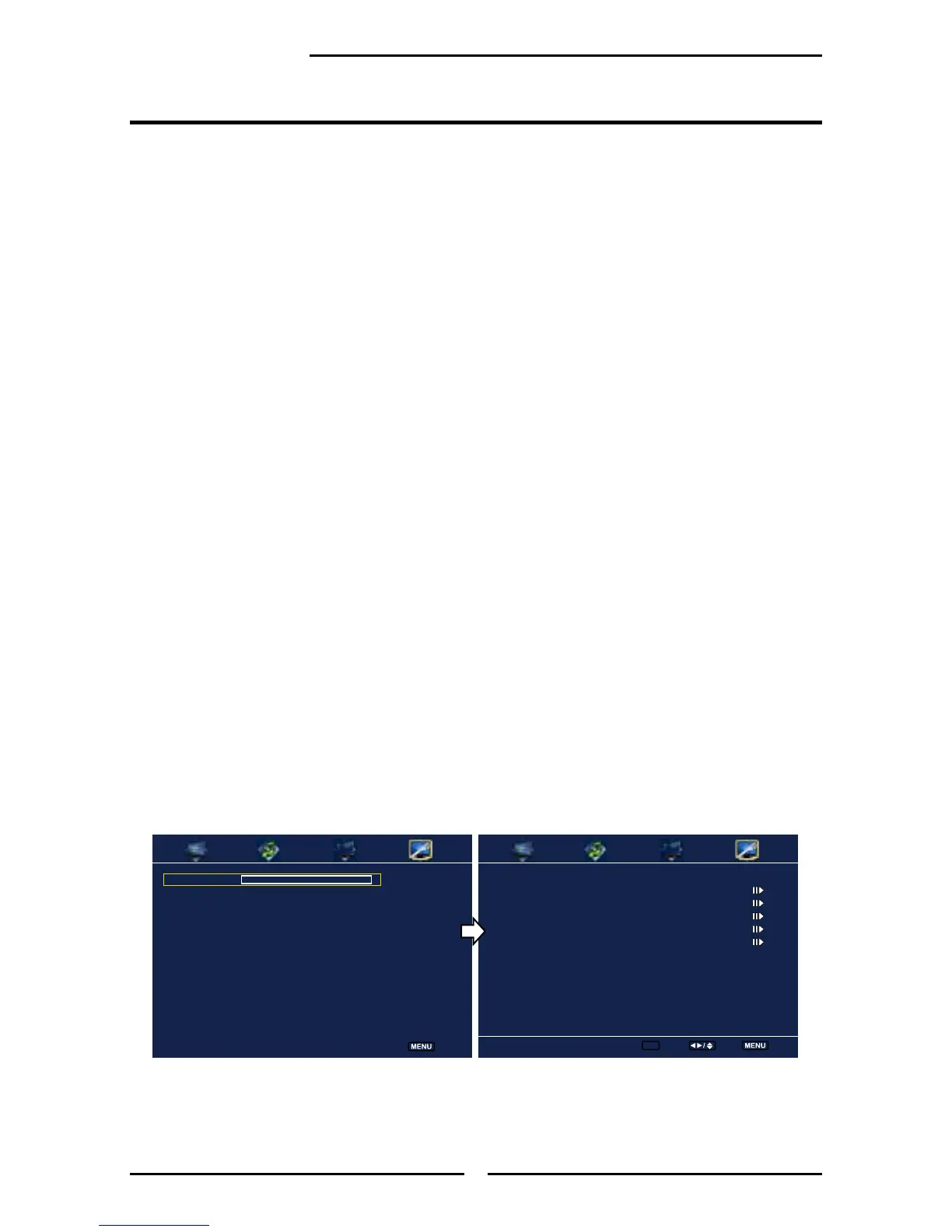
Parental Screen RRT SETTING Screen
Using the Parental Control Settings
Program Block
Channel Block
Input Block
Open V-Chip
Change Password
Parental
Enter ok Select Back
Password ****
Parental
Back



 To Next Page