30
Chapter 3 Using the LCD TV
Press the button to turn the LCD TV on.
Press the MENU button on the remote control to display the Main menu, and use the ◄►
buttons to select the VIDEO.
Use the ▲▼buttons to highlight an individual VIDEO option, use the ◄► buttons to
change the setting, and press the MENU to exit the menu.
Customizing the VIDEO Settings
The VIDEO menu includes the following options:
Picture Mode Cycles among display types: Vivid/Hi-Bright/Cinema/Sport/User
If you select the User mode, you can individually set the items shown
below: Contrast, Brightness, Saturation, Hue, and Sharpness.
Contrast Controls the difference between the brightest and darkest regions of
the picture
Brightness Controls the overall brightness of the picture
Saturation Controls the color intensity
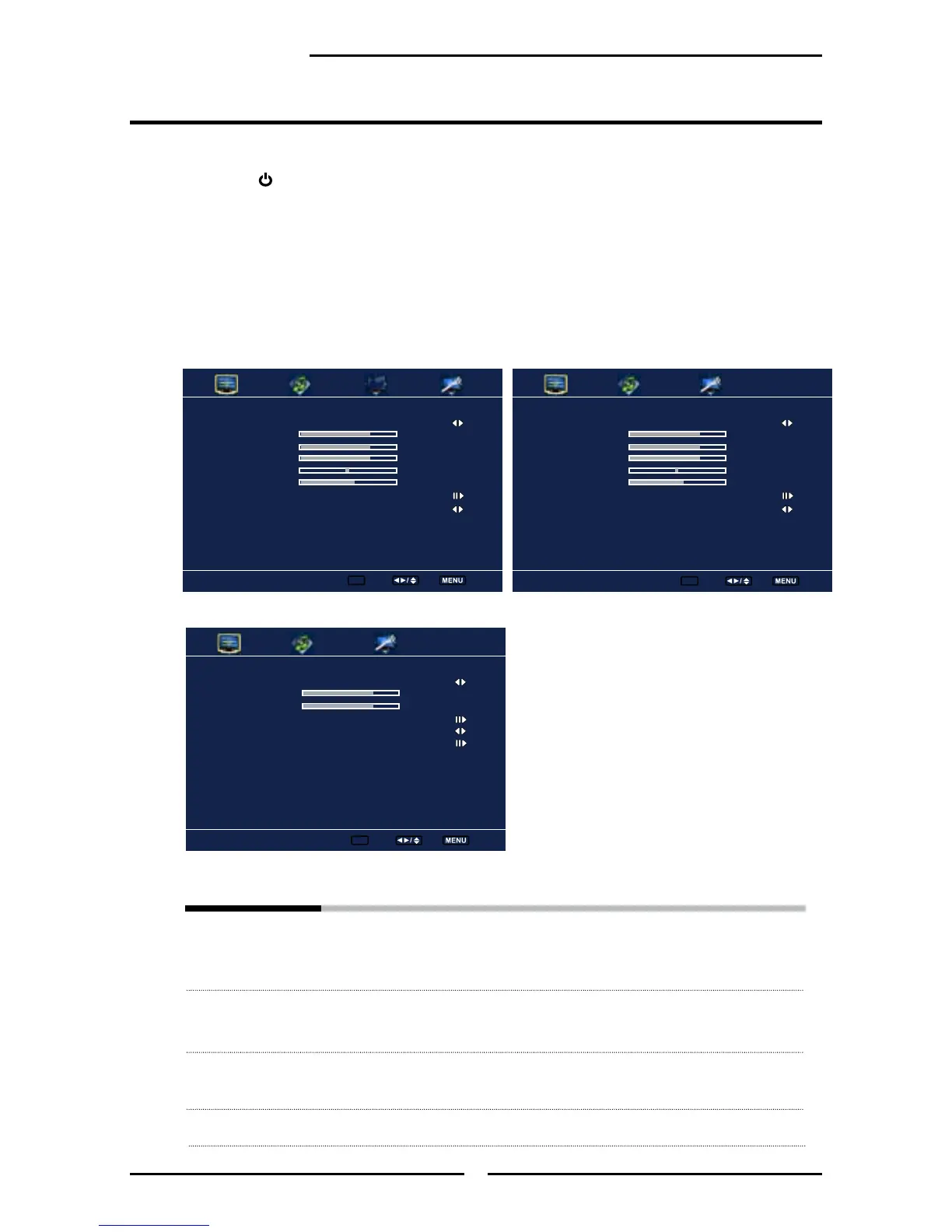
▪ If the signal source is TV, the VIDEO MENU
appears as:
▪ If the signal source is VGA, the VIDEO MENU
appears as:
▪ If the signal source isVIDEO/S-VIDEO/YPbPr/
HDMI, the VIDEO MENU appears as:
Picture Mode User
Contrast 50
Brightness 54
Color Temperature
Noise Reduction Medium
VGA
Video
Enter ok Select Exit
Picture Mode User
Contrast 50
Brightness 54
Saturation 54
Hue 0
Sharpness 5
Color Temperature
Noise Reduction Medium
Video
Enter ok Select Exit
Picture Mode User
Contrast 50
Brightness 54
Saturation 54
Hue 0
Sharpness 5
Color Temperature
Noise Reduction Medium
Video
Enter ok Select Exit



 To Next Page