ENGLISH
35
Chapter 3 Using the LCD TV
Press the ▼ button to select the desired channel, and press the
OK button repeatedly to select show () or hide()
Time Zone Allows selection of regional TV systems of USA: Eastern Time/
Indiana/Central time/Mountain Time/Arizona/Pacic Time/Alaska/
Hawaii
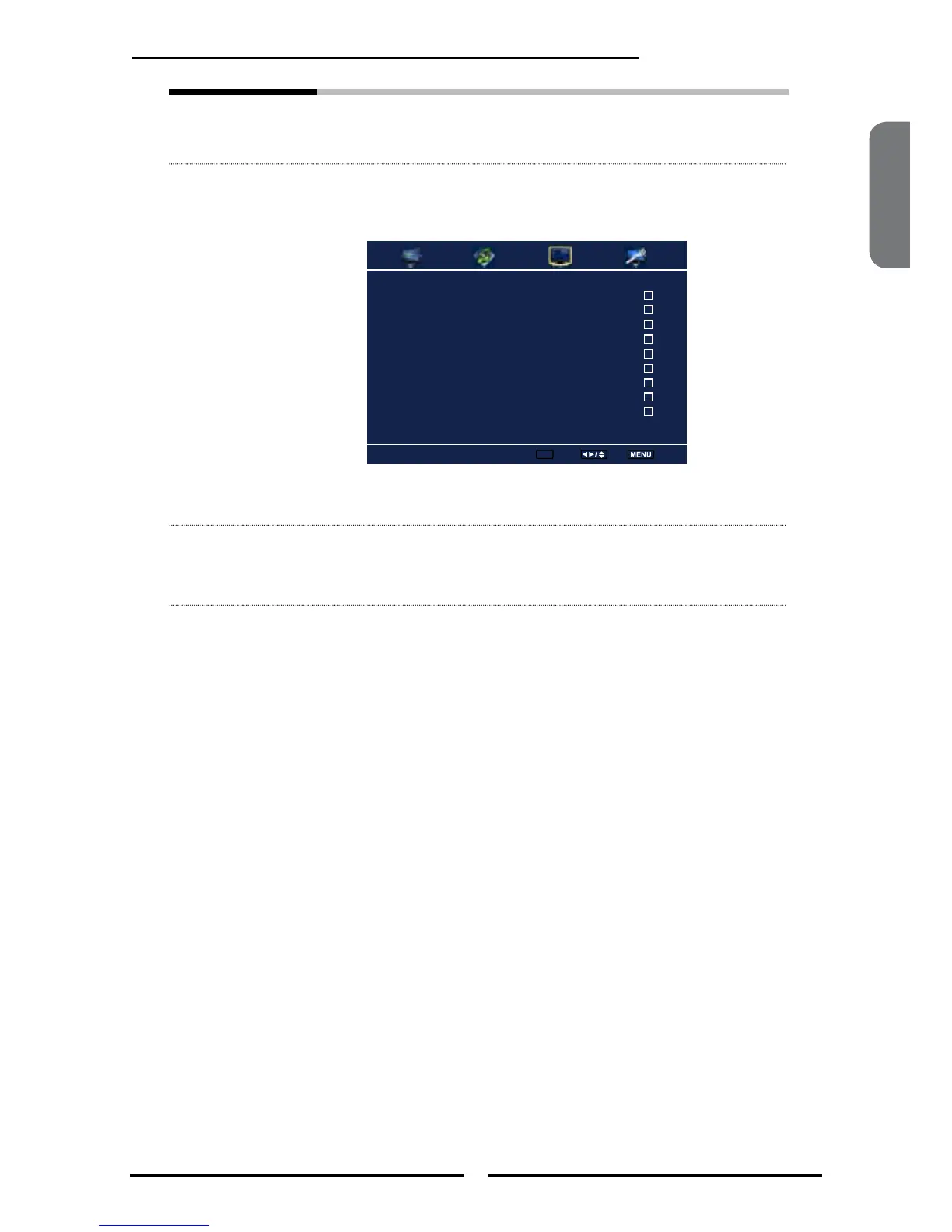
Favorite List Select Favorite List from the TV option and press the OK button.
The Favorite List menu appears:
Press the ▼ button to select the desired channel, and press the
OK button repeatedly to select show () or hide()
2 ABC Analog
3 DISC Analog
4 Analog
5 Analog
6 Analog
7 Analog
8 Analog
9 Analog
10 Analog
Favorite List
Set ok Select Exit



 To Next Page